




 iPhone Screen & Display Issues
Why Is My iPhone Screen Showing Ghost Touch?
If your iPhone is opening apps, tapping buttons, typing characters, scrolling, or moving around the screen without you touching it, you may...
Read More
Helpful repair guides, device care tips and expert advice from the iCareFix team.
iPhone Screen & Display Issues
If your iPhone is opening apps, tapping buttons, typing characters, scrolling, or moving around the screen without you touching it, you may...
Read More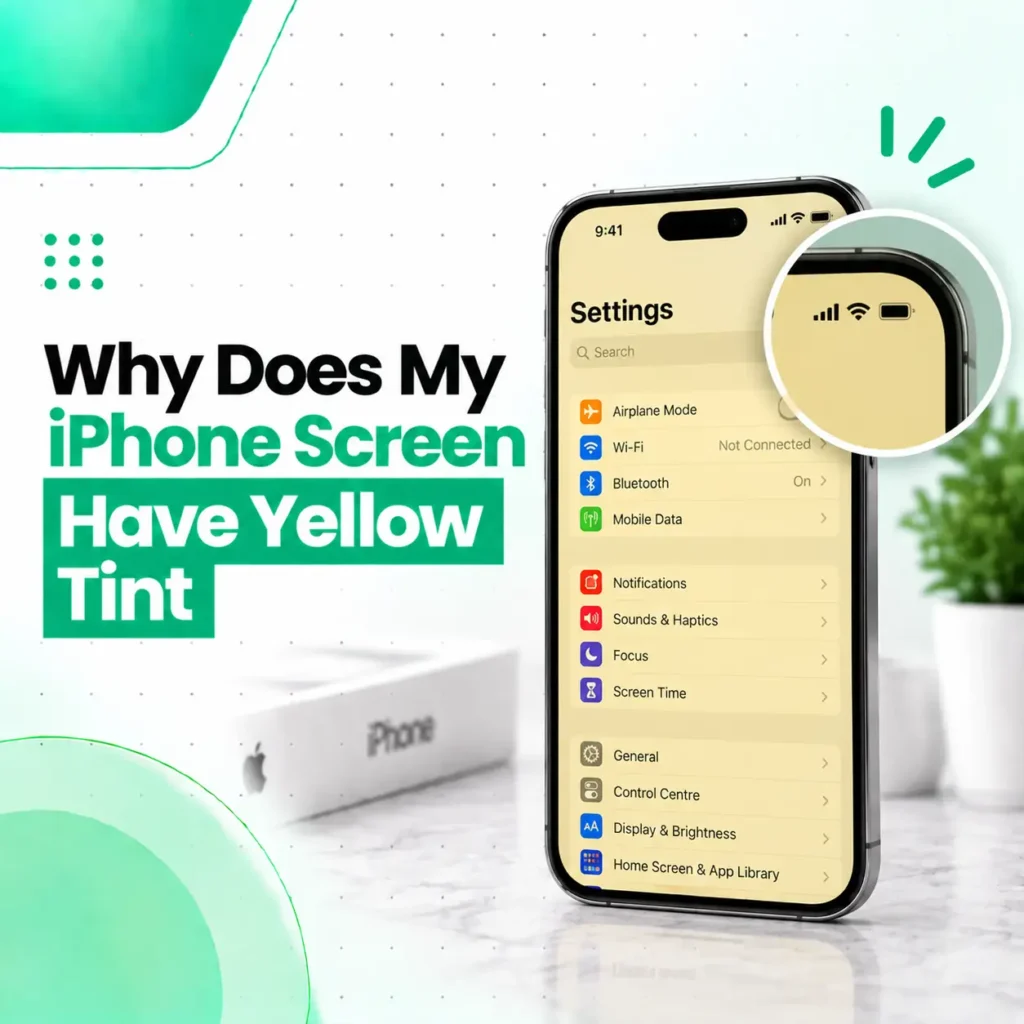 iPhone Screen & Display Issues
If you are wondering why your iPhone screen has a yellow tint, the cause may be a display setting, color filter, software...
Read More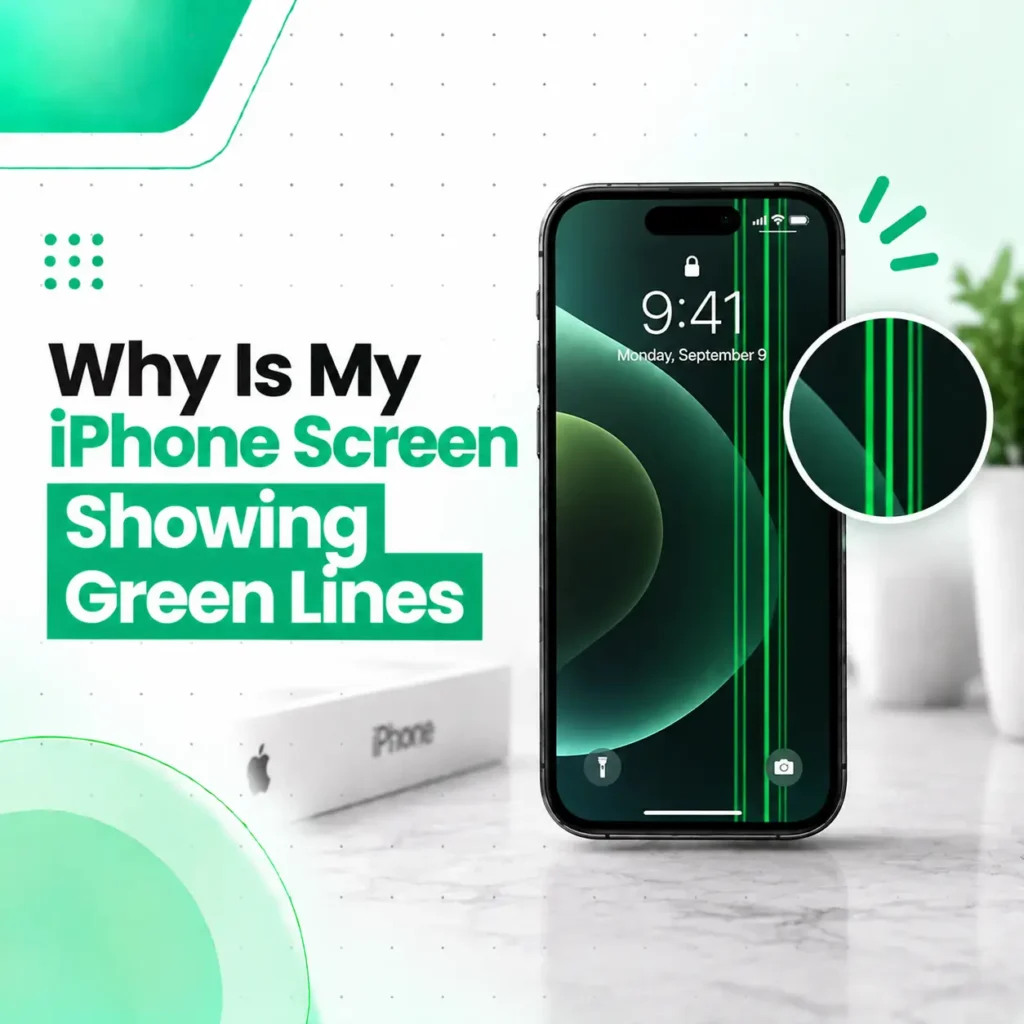 iPhone Screen & Display Issues
If your iPhone screen suddenly has a white line, the problem may be related to the display panel, display connection, physical impact,...
Read More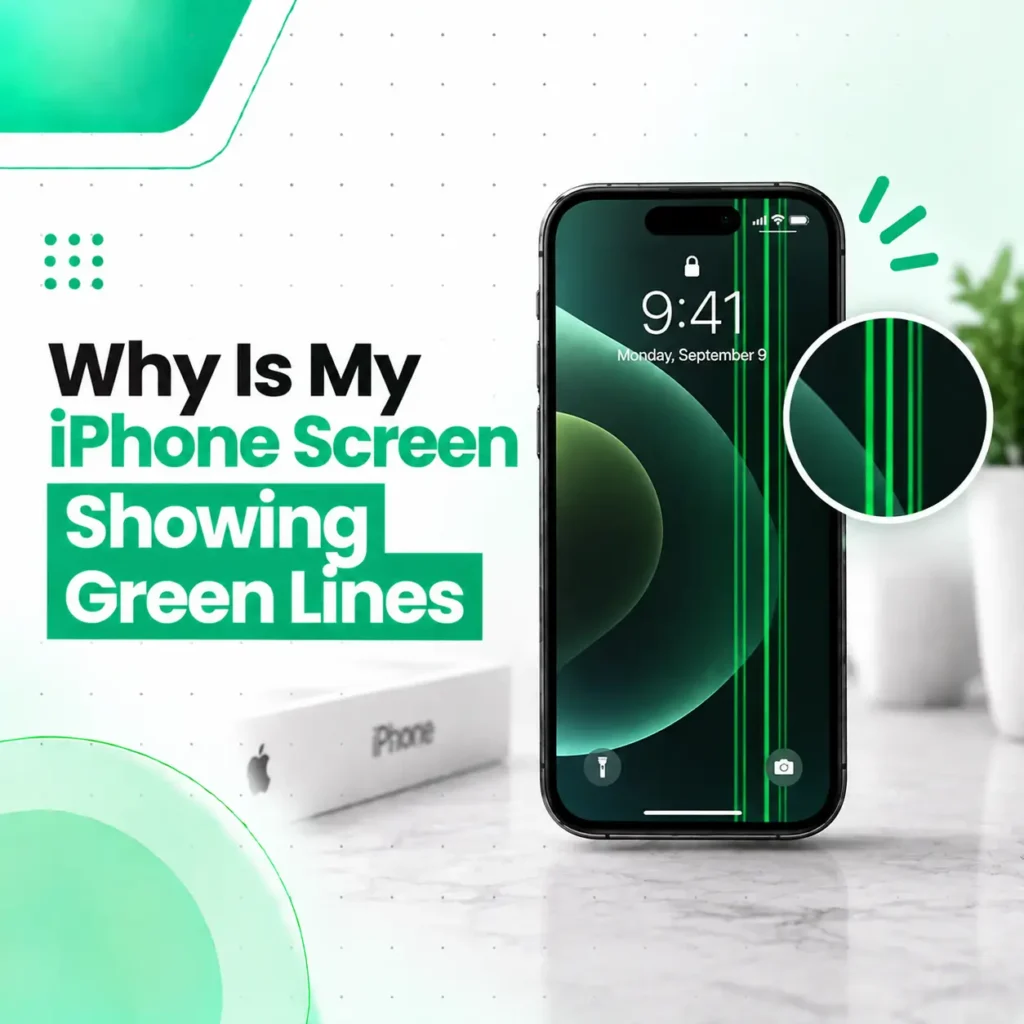 iPhone Screen & Display Issues
If your iPhone screen is suddenly showing a green line, especially a thin vertical or horizontal line, the problem may be related...
Read More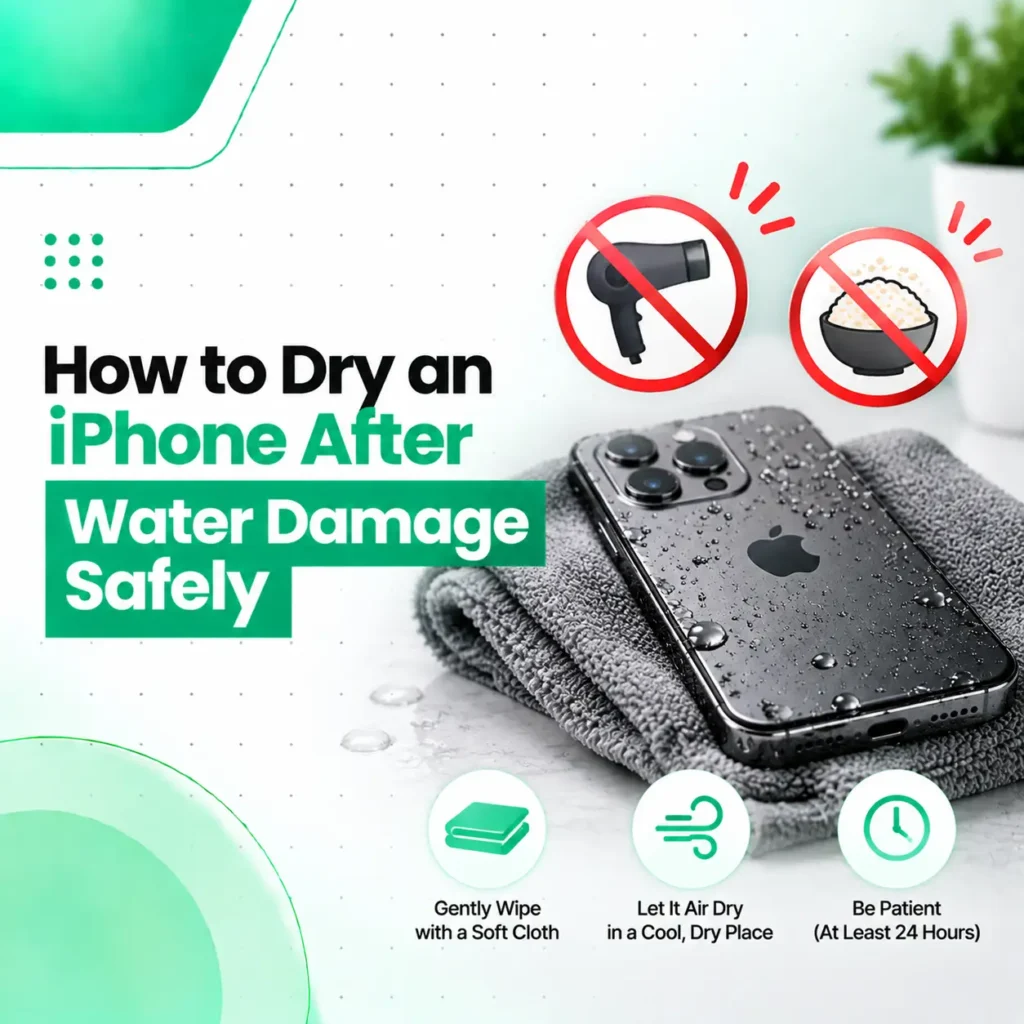 Water Damage Repair
If your iPhone has been exposed to water, the safest approach is to disconnect it from power, remove excess liquid, and let...
Read More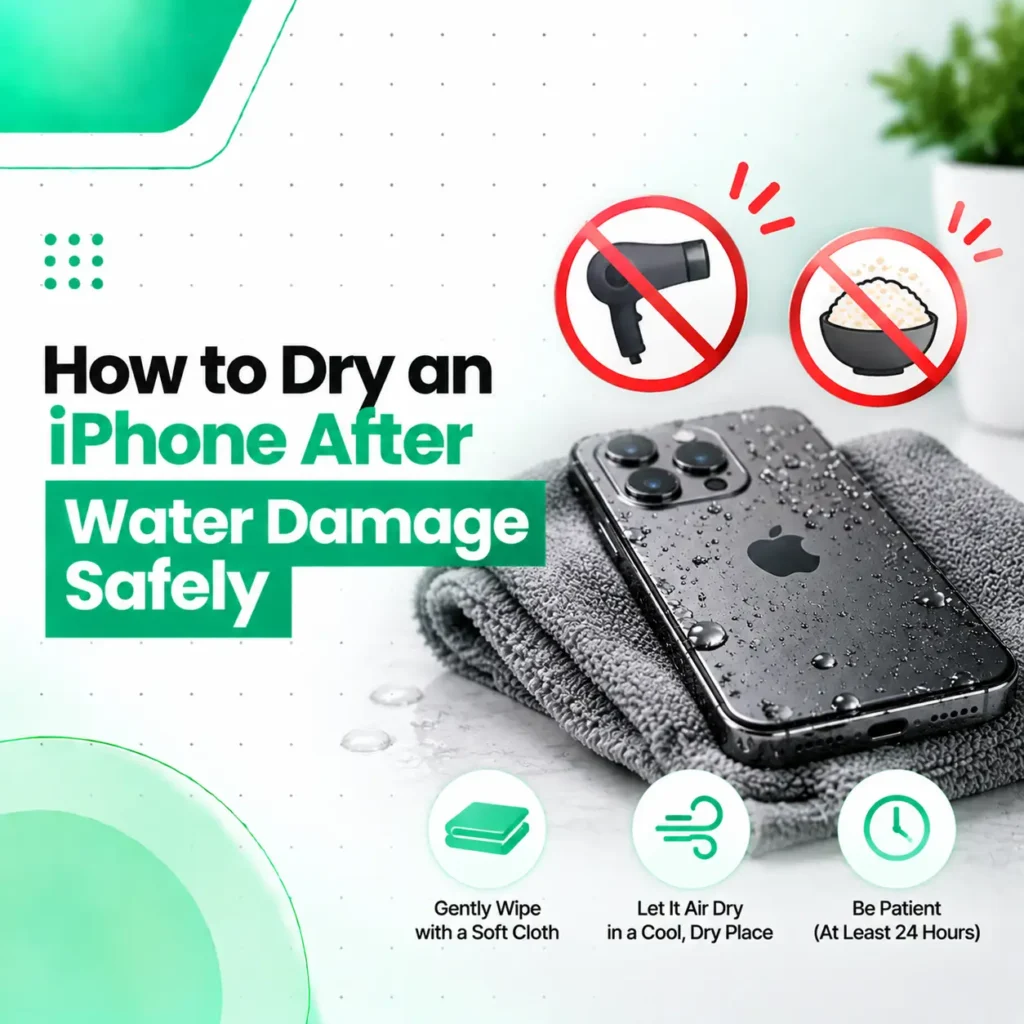 Water Damage Repair
If your iPhone has been exposed to water, do not immediately charge it or use heat to dry it. The safest approach...
Read More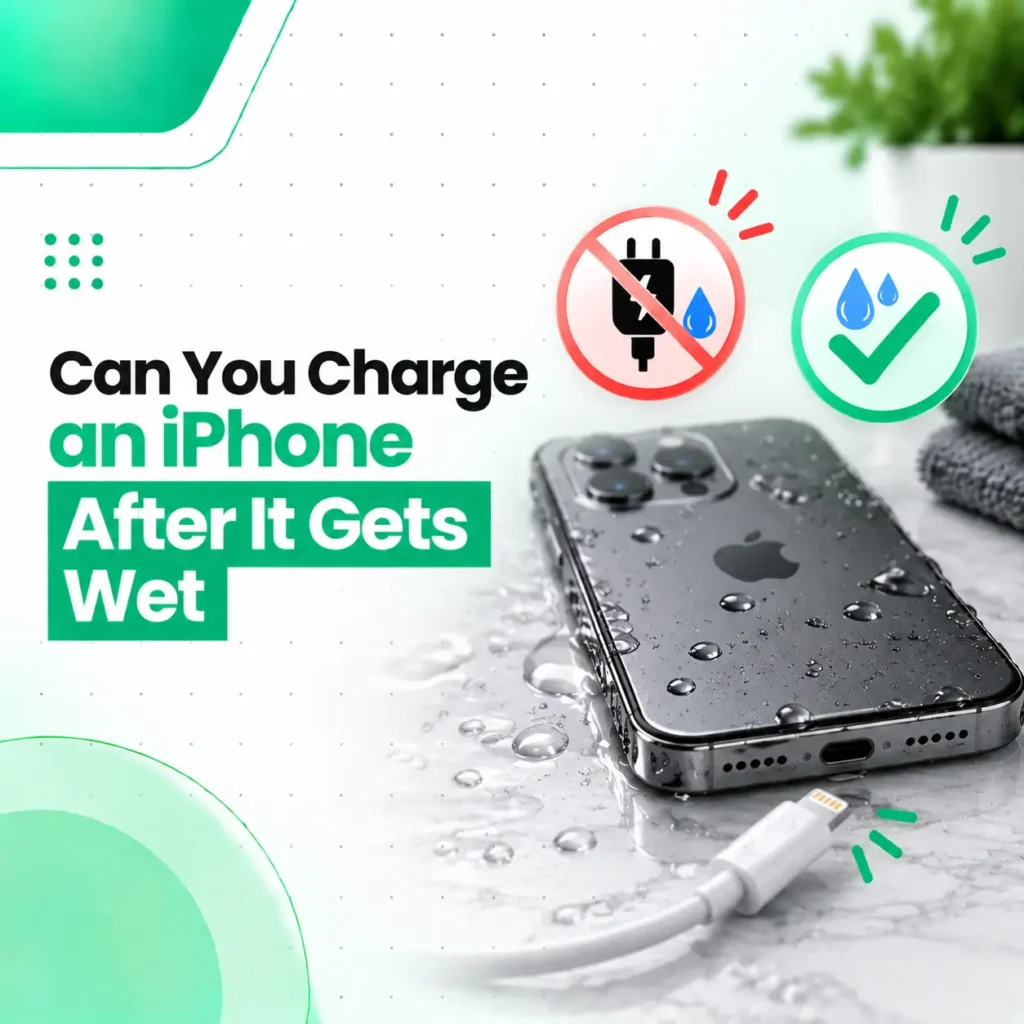 iPhone Battery & Charging Issues
Can you charge an iPhone after it gets wet? Not immediately. If your iPhone or its charging connector has been exposed to...
Read More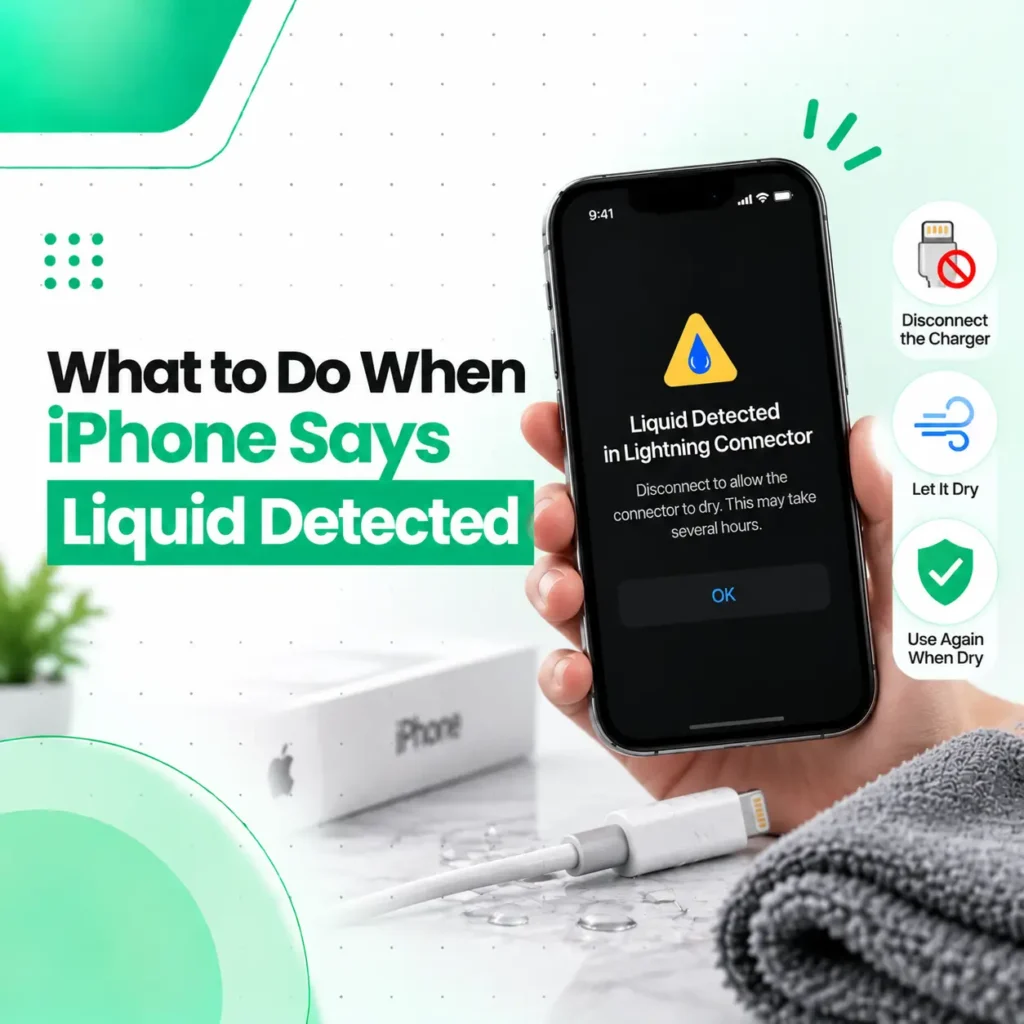 Water Damage Repair
If your iPhone displays a “Liquid Detected” or similar warning when you connect a charging cable or accessory, stop charging through the...
Read More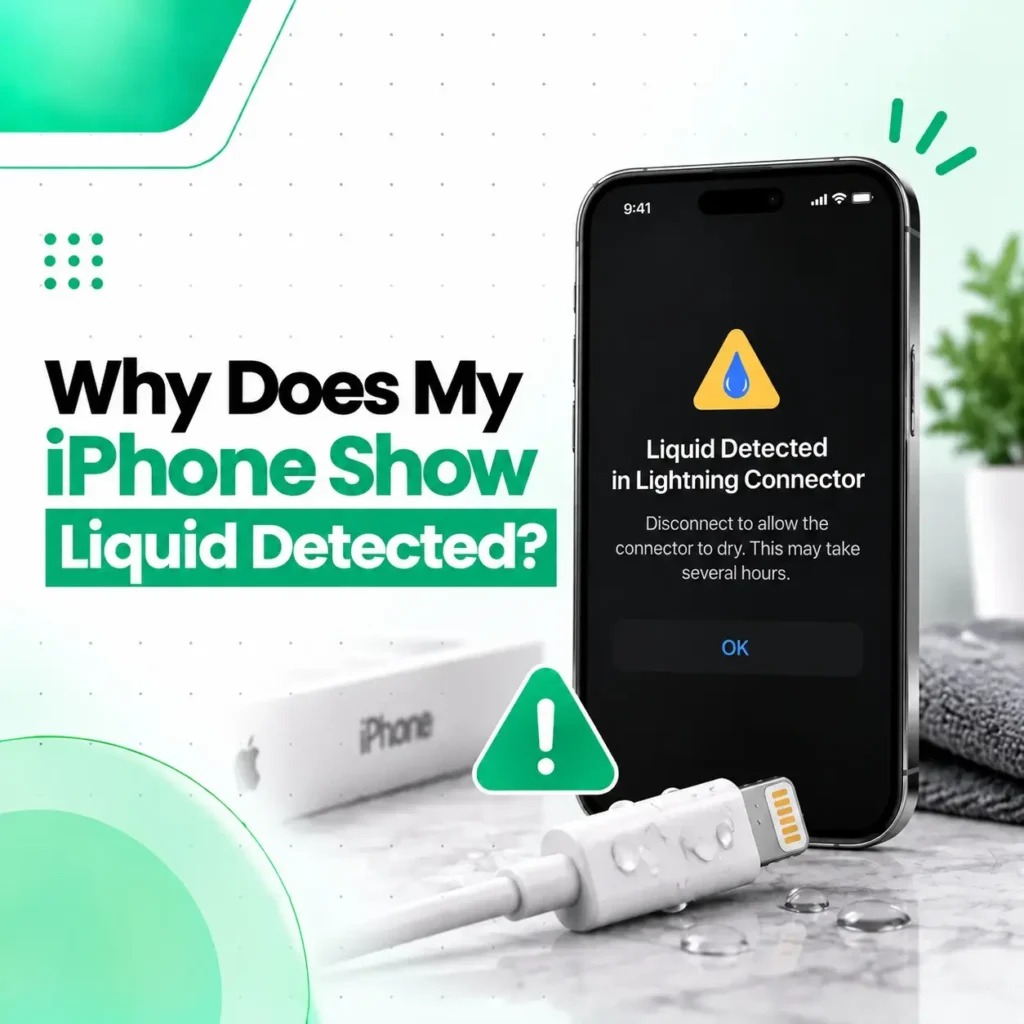 iPhone Screen & Display Issues
If your iPhone says “Liquid Detected in Lightning Connector,” it means the device has detected moisture or liquid in the Lightning connector,...
Read More