




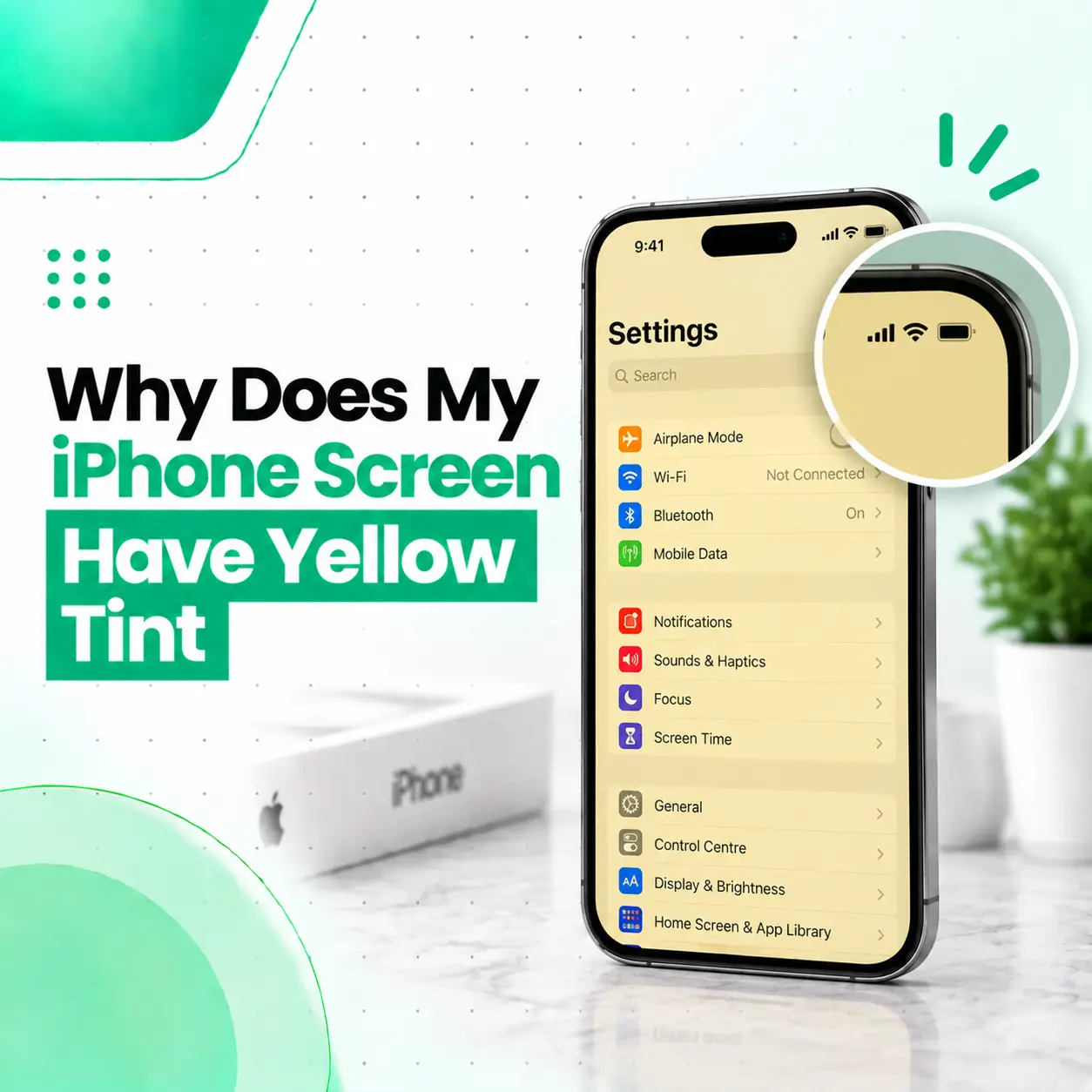
If you are wondering why your iPhone screen has a yellow tint, the cause may be a display setting, color filter, software issue, screen protector, or an actual display hardware problem. Features such as Night Shift and True Tone can intentionally change the appearance of colors, while a persistent yellow cast can sometimes point to a display or component issue.
The first step is to check your display settings before assuming the screen needs replacement. You can also compare the screen across different apps, restart the iPhone, and check whether the tint remains after changing display settings. If the yellow appearance continues, especially after a drop, liquid exposure, or previous screen replacement, professional inspection can help identify whether the problem is software-related or hardware-related.
Why Does My iPhone Screen Have a Yellow Tint?
A yellow tint on an iPhone screen is often caused by Night Shift, True Tone, Color Filters, display calibration differences, or a screen-related hardware issue.
The fastest way to narrow down the cause is to temporarily turn off display features that alter color and check whether the screen returns to a more neutral appearance.
Common causes include:
- Night Shift being enabled
- True Tone changing the display’s color temperature
- Color Filters being enabled
- An iOS or display-related software glitch
- Differences in display calibration
- A screen protector affecting perceived color
- Previous screen replacement
- A non-genuine or lower-quality replacement display
- Display connector or flex-related problems
- Physical or liquid damage affecting the display
Not every yellow-looking screen requires a screen replacement. Diagnosis should come before repair.
What Does a Yellow Tint on an iPhone Screen Look Like?
A yellow-tinted iPhone display may make normally white areas appear warm, cream-colored, or slightly yellow instead of neutral white.
You may notice the difference when viewing:
- White backgrounds in Safari
- Messages
- Settings
- Photos
- Notes
- Websites
- App interfaces
- The iPhone lock screen
The effect can be subtle. Some users may notice it only when comparing two iPhones side by side.
Yellow Tint vs Normal Warm Display
A slightly warmer display does not automatically mean the screen is defective. Different displays can have minor differences in color appearance, and Apple’s display features can intentionally adjust how colors look.
The more important question is whether the yellow appearance is unexpected, persistent, uneven, or accompanied by other display problems.
Can Night Shift Make an iPhone Screen Look Yellow?
Yes. Night Shift can make the iPhone display appear warmer or more yellow because it shifts the screen toward warmer colors.
Night Shift is designed to change the color temperature of the display, particularly during scheduled nighttime hours.
How to Check Night Shift
Go to:
Settings → Display & Brightness → Night Shift
Temporarily turn Night Shift off and check the display again.
If the yellow appearance disappears, the screen may not have a hardware problem at all.
Can True Tone Cause a Yellow Tint?
True Tone can change the appearance of the display by adapting color and intensity to the surrounding lighting conditions.
This can make the screen appear warmer in some environments.
How to Check True Tone
Open:
Settings → Display & Brightness
Look for the True Tone option and temporarily turn it off.
Then compare the display against a neutral white background.
If the appearance changes significantly, the yellow or warm appearance may be related to the display’s adaptive color adjustment rather than physical screen damage.
Can Color Filters Make an iPhone Screen Yellow?
Yes. Accessibility settings can alter the colors displayed on an iPhone.
If Color Filters are enabled, the entire display can look different from its normal appearance.
Check Color Filters
Go to:
Settings → Accessibility → Display & Text Size → Color Filters
If Color Filters are enabled and you did not intentionally configure them, turn them off and check the screen again.
Also check related accessibility settings if the display still looks unusual.
Could an iOS Software Issue Cause a Yellow Screen?
A software or display-rendering issue can sometimes cause unexpected visual behavior.
Before assuming the display hardware is damaged, try basic troubleshooting.
Restart the iPhone
Restart the device and check whether the yellow appearance remains.
If the problem disappears after restarting but returns later, the issue may require further investigation rather than immediate screen replacement.
Check Different Apps
Open several different screens, such as:
- Settings
- Messages
- Safari
- Photos
- Notes
If the tint appears everywhere, it is more likely to be a system-wide display setting or display-related issue.
If it appears only inside one app, the problem may be specific to that app rather than the physical display.
Check for an iOS Update
If an iOS update is available, installing the appropriate update may help resolve software-related display behavior.
However, an update should not be treated as a guaranteed solution for a physical display fault.
Could a Screen Protector Make My iPhone Look Yellow?
A screen protector can change the way the display looks, particularly if it has a tinted coating, anti-glare layer, privacy filter, adhesive issue, or significant discoloration.
A protector is less likely to cause a genuine display-panel color fault, but it can affect perceived brightness and color.
What to Check
If the yellow appearance seems to be on the surface rather than within the display:
- Inspect the screen protector.
- Look for discoloration or adhesive problems.
- Compare the display with and without the protector if practical.
- Check whether the yellow area moves or changes with the protector.
Do not remove a damaged protector aggressively if doing so could damage the screen or leave adhesive residue.
Can a Previous Screen Replacement Cause a Yellow Tint?
Yes, a previous screen replacement can be relevant when investigating an unexpected display color.
Replacement displays can differ in color characteristics, calibration, brightness, touch behavior, and compatibility depending on the part used and how the repair was performed.
Apple notes that genuine iPhone displays are designed and tested for characteristics including color accuracy, white balance, brightness, and Multi-Touch performance. Apple also warns that nongenuine displays can result in compatibility or performance issues.
When Previous Repair Is an Important Clue
Tell the technician if:
- The screen was replaced recently.
- The yellow tint appeared immediately after repair.
- The display looks different from the original screen.
- True Tone or other display behavior changed after replacement.
- The screen has uneven color or brightness.
- Touch problems appeared at the same time.
This information can make diagnosis much more efficient.
Can Physical Damage Cause a Yellow iPhone Screen?
Yes, physical damage can affect display performance even when the outer glass does not have obvious cracks.
A drop, bending, pressure, or impact can potentially affect the display panel, internal connections, or other components.
Signs That Suggest Physical Display Damage
Look for:
- Yellow or discolored areas
- Lines on the display
- Flickering
- Black spots
- Bright or dark patches
- Touch problems
- Uneven brightness
- Display changes after dropping the phone
If the color problem started immediately after an impact, professional inspection is more appropriate than repeatedly changing software settings.
Can Water Damage Cause an iPhone Screen to Look Yellow?
Liquid exposure can cause display or internal component problems, and a color change that appears after water or other liquid exposure should not be ignored.
If the yellow tint appeared after the iPhone became wet, avoid repeatedly charging or testing the device if there are signs of broader liquid damage.
What to Do After Liquid Exposure
- Disconnect the charger.
- Avoid pressing or bending the phone.
- Do not open the device unless you have the appropriate repair expertise.
- Avoid using heat to dry the phone.
- Have the device inspected if display problems persist.
A technician may need to inspect more than the screen itself because liquid-related problems can involve internal connectors or other components.
How Can You Tell If the Yellow Tint Is a Software or Hardware Problem?
The easiest approach is to eliminate simple software and settings-related causes first.
Try This Diagnostic Sequence
- Turn off Night Shift.
- Turn off True Tone temporarily.
- Check Color Filters.
- Restart the iPhone.
- Compare several apps and screens.
- Check whether the issue appears on the lock screen.
- Consider whether a screen protector is affecting the appearance.
- Think about whether the problem started after a drop, liquid exposure, or screen replacement.
- If the tint remains, arrange a professional display inspection.
Use a Screenshot as a Clue
A screenshot can sometimes help distinguish between content rendered by the software and the physical display.
Take a screenshot and view it on another device.
If the screenshot itself shows the same yellow appearance when viewed elsewhere, the problem may involve the rendered image or software.
If the screenshot looks normal on another device but the original iPhone still appears yellow, the physical display becomes more suspicious.
This is only a troubleshooting clue, not a definitive hardware diagnosis.
Can iPhone Diagnostics Help Identify a Display Problem?
On supported iPhone models, Apple’s Diagnostics Mode can be used to test certain device functions, including display-related tests such as Display pixel anomalies and Multi-Touch. Apple states that Diagnostics Mode is available on iPhone 14 and later models, subject to Apple’s supported-device requirements.
If a diagnostic test identifies a display-related problem, professional service may be appropriate.
For persistent screen problems, Apple also recommends basic checks such as restarting the device, ensuring the screen is clean and free of water or debris, disconnecting accessories, and removing cases or screen protectors before seeking service.
How Do You Fix a Yellow Tint on an iPhone Screen?
The correct fix depends on what is causing the yellow appearance.
Fix 1: Turn Off Night Shift
Check Settings → Display & Brightness → Night Shift and disable it temporarily.
Fix 2: Turn Off True Tone
Temporarily disable True Tone and compare the display again.
Fix 3: Check Color Filters
Go to Settings → Accessibility → Display & Text Size → Color Filters and make sure an unwanted filter is not active.
Fix 4: Restart the iPhone
A restart can help rule out temporary software behavior.
Fix 5: Inspect the Screen Protector
If the yellow appearance seems related to the surface of the screen, inspect the protector for discoloration or adhesive problems.
Fix 6: Update iOS When Appropriate
If the issue appears software-related, check whether your iPhone has an available iOS update.
Fix 7: Get the Display Professionally Diagnosed
If the yellow tint remains after basic troubleshooting, the display may require inspection.
A technician can assess whether the issue involves the display panel, connector, previous replacement part, liquid exposure, physical damage, or another component.
Does a Yellow Tint Mean You Need a New iPhone Screen?
No. A yellow tint does not automatically mean the screen must be replaced.
The problem may be caused by a setting or software behavior. However, persistent discoloration after troubleshooting can indicate a display-related hardware issue.
Screen Replacement May Be Considered When:
- The yellow tint remains across the entire system.
- The problem began after physical impact.
- There are additional lines or display artifacts.
- The screen has uneven color or brightness.
- Touch functionality is also affected.
- The display has visible physical or liquid-related damage.
- A diagnostic or professional inspection identifies a display fault.
The repair decision should be based on diagnosis rather than the color symptom alone.
Can a Yellow iPhone Screen Be Repaired Without Replacing the Display?
Sometimes, yes—but it depends entirely on the cause.
If the problem is caused by a setting, software behavior, or screen protector, no display replacement may be necessary.
If the display panel itself is defective or damaged, replacing the display may be the appropriate repair.
Why Diagnosis Matters
A professional repair assessment can help determine whether the problem is:
- Software-related
- Setting-related
- Protector-related
- Display-panel-related
- Connector-related
- Related to a previous repair
- Related to liquid or physical damage
Replacing the screen without identifying the cause can result in unnecessary expense.
How Much Does iPhone Yellow Screen Repair Cost in Bangladesh?
There is no single repair price for an iPhone screen with a yellow tint because the cost depends on the model and the cause of the problem.
Important cost factors include:
- iPhone model
- Display type and technology
- Whether the display can be repaired or needs replacement
- Genuine Apple vs other replacement-part options
- Part availability
- Damage severity
- Labor and diagnostic requirements
- Whether other components are affected
If the issue is caused by a display setting, there may be no hardware repair cost at all. If the display itself needs replacement, the part and model can make a significant difference.
For an accurate repair estimate in Bangladesh, the device should be inspected before a price is confirmed.
How Long Does iPhone Yellow Tint Repair Take?
Repair time depends on the cause.
A settings-related problem may take only a few minutes to identify. A hardware issue may require more detailed inspection and, if replacement is necessary, depends on the appropriate part being available.
For this reason, it is better to confirm the diagnosis and part requirement before assuming a specific repair time.
Is It Safe to Keep Using an iPhone With a Yellow Tint?
If the iPhone is functioning normally and the yellow appearance is caused by a display setting, continued use is generally a different situation from a screen that has suffered physical or liquid damage.
However, if the tint appeared suddenly after a drop, liquid exposure, overheating, or screen replacement—and especially if it is accompanied by flickering, lines, touch problems, unusual brightness, or other abnormalities—professional inspection is advisable.
Avoid pressing, bending, or attempting to open the display yourself.
What Should You Tell an iPhone Repair Technician?
Give the technician as much relevant history as possible.
Tell them:
- When the yellow tint first appeared
- Whether it affects the entire display or only part of it
- Whether Night Shift or True Tone changes it
- Whether you recently updated iOS
- Whether the phone was dropped
- Whether the phone was exposed to liquid
- Whether the screen was previously replaced
- Whether touch or brightness is also affected
- Whether the problem is constant or intermittent
These details can help narrow down the cause before unnecessary parts are replaced.
What Should You Check Before Replacing an iPhone Screen?
Before approving a screen replacement, ask what was found during diagnosis.
A useful repair discussion should clarify:
- What is causing the yellow tint?
- Is the display itself defective?
- Could a setting or software issue explain it?
- Is the connector or flex cable involved?
- Is there evidence of liquid or physical damage?
- Does the phone have a previous screen replacement?
- What type of replacement display is being recommended?
- What is included in the repair and service terms?
Apple recommends professional repair using genuine parts where appropriate, and its documentation notes that nongenuine displays can create compatibility or performance issues.
How Can You Prevent iPhone Display Color Problems?
You cannot prevent every display fault, but you can reduce avoidable risks.
Protect the iPhone From Physical Damage
Use a suitable case and handle the device carefully to reduce the chance of impact-related display damage.
Keep Liquid Away From the Device
Do not intentionally expose the iPhone to water or other liquids.
Avoid Excessive Pressure on the Screen
Do not place heavy objects on the phone or bend the device.
Be Careful With Screen Repairs
If a display needs replacement, use a qualified repair provider and ask about the type and quality of the replacement part.
Keep Track of Previous Repairs
Knowing whether the display has been replaced can be important when diagnosing future color or touch problems.
When Should You Get Professional iPhone Screen Repair?
Professional inspection is recommended when the yellow tint does not disappear after basic display-setting and software checks, or when the problem is accompanied by other symptoms.
Seek an assessment particularly when:
- The tint appeared after a drop.
- The iPhone was exposed to liquid.
- The display has lines or flickering.
- Touch is not working correctly.
- The yellow color affects only part of the screen.
- The display suddenly became discolored.
- The screen was recently replaced.
- The problem continues after restarting and checking display settings.
A technician can determine whether the issue is simple to correct or requires component-level repair or display replacement.
Frequently Asked Questions
1. Why does my iPhone screen have a yellow tint?
An iPhone screen can look yellow because of Night Shift, True Tone, Color Filters, display calibration, a screen protector, software behavior, or a display hardware problem. Start by checking the display settings and comparing the screen across different apps. If the tint remains or appeared after damage or a previous repair, professional inspection can help identify the actual cause.
2. How do I fix a yellow tint on my iPhone screen?
Start by turning off Night Shift and True Tone, checking Color Filters, restarting the iPhone, and inspecting the screen protector. If the yellow appearance continues across the entire system, check for an available iOS update and consider professional diagnosis. A persistent hardware-related color problem may require display repair or replacement, but the screen should be diagnosed before replacing it.
3. Does True Tone make an iPhone screen yellow?
True Tone can make the display appear warmer because it adapts the screen’s color and intensity to surrounding lighting conditions. A warmer appearance does not necessarily indicate a damaged display. Temporarily turning True Tone off can help you determine whether it is contributing to the yellow appearance. If the screen remains strongly yellow afterward, investigate other settings or possible hardware causes.
4. Can a screen protector cause an iPhone screen to look yellow?
A screen protector can affect perceived screen color, particularly if it has a tinted, privacy, anti-glare, or discolored layer. It is less likely to cause an actual display-panel fault. If the yellow appearance seems to be on the surface, inspect the protector and compare the display without it when practical. Do not aggressively remove a protector if it could damage the screen.
5. Does a yellow iPhone screen mean the display needs replacement?
Not necessarily. A yellow screen can result from display settings or software, so replacement should not be the first assumption. If the tint remains after troubleshooting and is accompanied by lines, flickering, touch problems, physical damage, or previous screen-repair history, a display fault becomes more important to investigate. A professional diagnosis should determine whether replacement is actually necessary.
6. How much does it cost to fix a yellow iPhone screen in Bangladesh?
The cost depends on the iPhone model, cause of the discoloration, display type, part availability, damage severity, labor, and whether repair or full display replacement is required. A settings-related problem may not require a hardware repair. Because these factors vary, an accurate Bangladesh repair estimate should be based on inspection rather than a generic price.
7. Can I keep using my iPhone if the screen has a yellow tint?
If the tint is caused by a display setting and the phone works normally, the situation is different from a screen showing signs of physical or liquid damage. If the discoloration appeared after an impact or liquid exposure, or comes with flickering, lines, touch problems, or other unusual behavior, have the device inspected. Avoid pressing, bending, or opening the phone yourself.
Conclusion
A yellow tint on an iPhone screen does not automatically mean the display is damaged. Night Shift, True Tone, Color Filters, screen protectors, software behavior, previous screen replacement, and display hardware problems can all produce different types of color changes.
Start with the simple checks: turn off Night Shift and True Tone, check Color Filters, restart the iPhone, and compare the display across multiple apps. If the yellow appearance remains—or appeared after a drop, liquid exposure, or previous screen repair—professional diagnosis is the safer next step.
If you are still experiencing the problem, iCareFix can assess the device and help determine whether the issue is related to the display, connector, software, previous repair, or another component before recommending an appropriate repair option.