




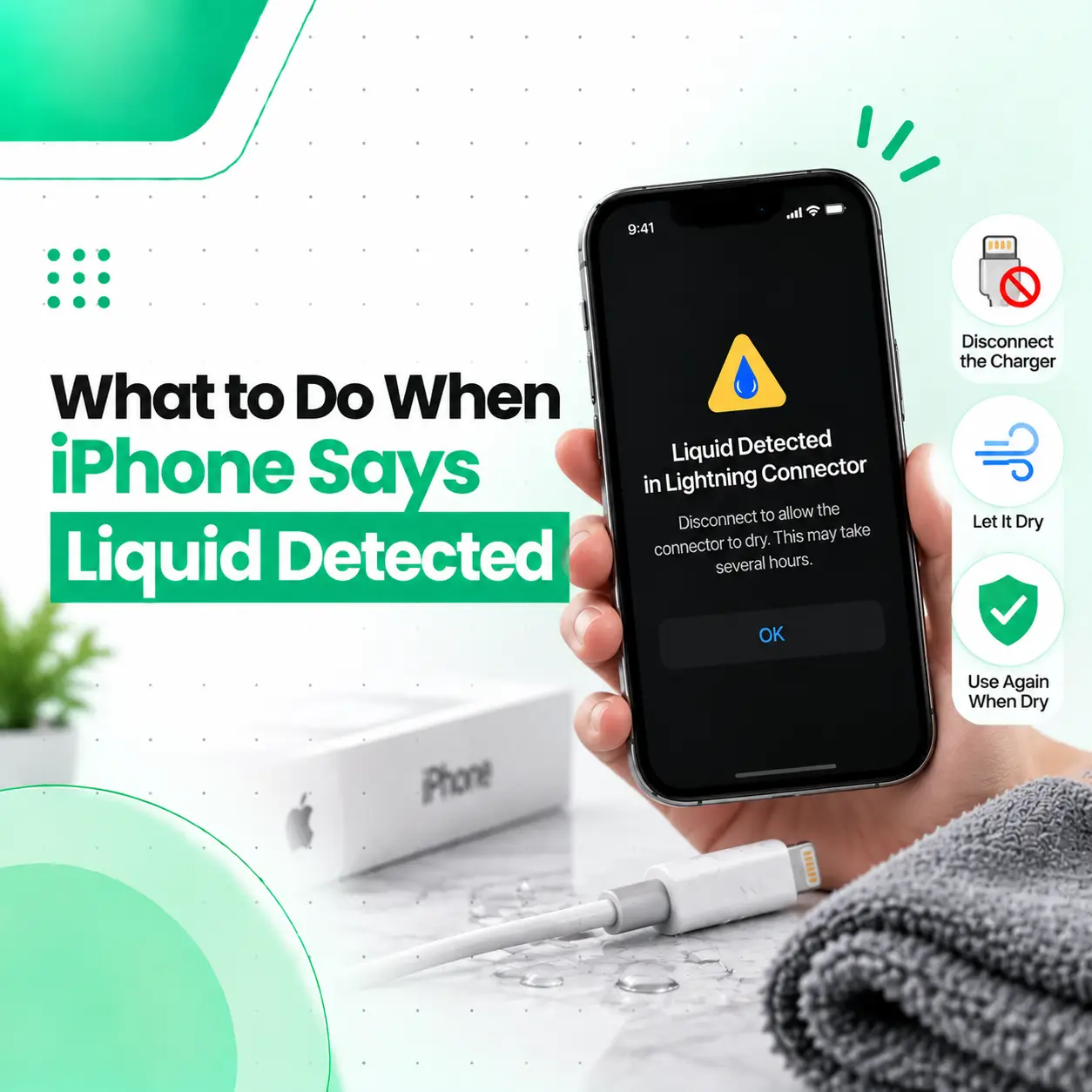
If your iPhone displays a “Liquid Detected” or similar warning when you connect a charging cable or accessory, stop charging through the port for the moment. The alert means the iPhone has detected liquid in its Lightning or USB-C connector, or potentially on the cable or accessory. Apple uses this warning to help prevent damage while the connection is wet.
The safest response is to disconnect the cable, allow the connector to dry naturally with airflow, and avoid inserting anything into the port. In this guide, you’ll learn what the alert means, what to do immediately, what not to do, how long to wait, and when an iPhone may need professional inspection or repair.
What Does “Liquid Detected” Mean on an iPhone?
A Liquid Detected warning means your iPhone has detected moisture in the charging connection. Depending on the model and connection, the warning can refer to the Lightning or USB-C connector, the charging cable, or an attached accessory.
Apple introduced this protection to reduce the risk of charging while moisture is present. Charging through a wet connector can allow electrical contact between wet components and may contribute to corrosion or permanent damage to the connector or cable.
You may see messages such as:
- Liquid Detected
- Liquid Detected in USB-C Connector
- Liquid Detected in Lightning Connector
- Charging Not Available
The exact wording depends on the iPhone model and accessory connection.
What Should You Do When Your iPhone Says Liquid Detected?
When your iPhone says liquid detected, disconnect the charging cable immediately and let the connector dry naturally before trying to charge again. Do not insert objects into the charging port or use external heat to speed up drying.
Follow these steps:
1. Disconnect the Charging Cable
Unplug the cable from your iPhone and disconnect the other end from the charger or accessory.
Avoid repeatedly reconnecting the cable to see whether the warning disappears.
2. Hold the iPhone With the Connector Facing Down
Gently tap the iPhone against your hand with the charging connector facing downward. This can help remove excess liquid from the connector.
Do not shake the phone aggressively.
3. Leave the iPhone in a Dry Area With Airflow
Place the iPhone somewhere dry with reasonable airflow and allow moisture to evaporate naturally.
Apple states that you can try connecting the cable again after at least 30 minutes. If the warning returns, additional drying time may be necessary, and Apple notes that it can take up to 24 hours for the connector to dry fully.
4. Check the Cable and Accessory
The moisture may not necessarily be inside the iPhone.
Check the:
- Charging cable connector
- Power adapter
- Attached accessory
- Cable ends
If the warning appears repeatedly with one particular cable or accessory but not with others, that cable or accessory may be damaged.
5. Try Charging Again After the Connector Is Dry
Once sufficient drying time has passed, reconnect the cable.
If the alert disappears and the iPhone charges normally, the problem may have been temporary moisture in the connector.
If the alert continues despite the phone and cable appearing dry, further inspection may be appropriate.
How Long Should You Wait After an iPhone Detects Liquid?
You should wait at least 30 minutes before trying the cable again, according to Apple’s guidance. If the warning returns, continue allowing the connector to dry in a dry area with airflow. Full drying can take up to 24 hours.
The exact drying time depends on factors such as:
- How much liquid entered the connector
- The type of liquid
- How much moisture remains
- The condition of the charging cable
- Environmental humidity
Do not assume that the outside of the phone being dry means the connector is completely dry.
What Should You NOT Do When Your iPhone Says Liquid Detected?
Some common attempts to dry a wet phone can actually create additional problems.
Don’t Use a Hair Dryer or External Heat
Do not use a hair dryer, heater, or another external heat source to dry the charging port. Apple specifically advises against using external heat.
Excessive heat can potentially affect components, adhesives, or other parts of the device.
Don’t Insert Cotton Buds or Paper Into the Port
Do not insert cotton swabs, paper towels, tissues, pins, or other objects into the charging connector. Apple advises against inserting foreign objects into the connector.
You could push debris or moisture further into the port or damage delicate contacts.
Don’t Use Compressed Air
Avoid compressed air when trying to dry the connector. Apple specifically lists compressed air among the methods not to use.
Don’t Put Your iPhone in Rice
Putting a wet iPhone in a bag of rice is not recommended. Apple warns that small rice particles can potentially damage the device.
Don’t Keep Charging Through a Wet Connector
Avoid normal wired charging while the liquid warning is active. A wet connector can increase the risk of corrosion or other charging-related damage.
Can You Charge an iPhone When It Says Liquid Detected?
Normally, you should wait until the connector and cable are completely dry before using wired charging.
Apple does provide an emergency option that can allow the liquid-detection warning to be overridden, but this should not be treated as the normal solution because charging while the connector is wet can cause damage.
If you have a compatible wireless charger, wireless charging can be an alternative while the charging port is drying. Make sure the back of the iPhone is dry before placing it on a compatible wireless charging pad.
Why Does My iPhone Keep Saying Liquid Detected?
If the warning keeps appearing after the phone has had sufficient time to dry, the issue may not simply be visible water.
Possible reasons include:
Moisture Is Still Inside the Connector
Small amounts of moisture can remain around the charging contacts even when the port looks dry.
The Charging Cable Is Wet or Damaged
The iPhone can detect a problem involving the cable or accessory, not only the phone’s connector.
Dirt or Debris Is Affecting the Connection
A charging port containing accumulated debris may cause connection problems. However, avoid trying to clean deep inside the connector with sharp objects or other foreign materials.
The Connector May Have Been Affected by Liquid Exposure
If the warning persists after proper drying, liquid exposure may have affected the charging connector or another internal component.
In that situation, professional inspection can help determine whether the problem is limited to the port, cable, or a deeper hardware issue.
What If My iPhone Was Exposed to Something Other Than Water?
Not all liquids behave the same way.
An iPhone may come into contact with:
- Rainwater
- Tap water
- Coffee
- Tea
- Soft drinks
- Juice
- Other liquids
Apple notes that liquid exposure can result in damage, and its guidance for liquid exposure should be followed carefully.
If a liquid other than water gets on the exterior of an iPhone, Apple recommends rinsing the affected external area with tap water and wiping it with a soft, lint-free cloth. This does not mean you should deliberately pour water into the charging port.
Does “Liquid Detected” Mean My iPhone Is Permanently Damaged?
No. A liquid-detection warning does not automatically mean the iPhone has permanent damage.
The warning is designed to prevent charging while liquid is detected. If the issue is simply temporary moisture in the connector, the warning may disappear after the device and cable dry completely.
However, if the phone was exposed to significant liquid or the warning continues after proper drying, professional inspection may be necessary to identify possible liquid-related damage.
What If My iPhone Is Dry but Still Shows the Liquid Warning?
If your iPhone and cable are genuinely dry but the warning continues, start by checking whether the issue occurs with a different compatible cable or accessory.
If the alert appears consistently with a known-good cable and the connector has had enough time to dry, the device may need service. Apple recommends seeking service when the liquid warning continues with Apple Lightning or USB-C cables or accessories.
A professional technician can inspect the charging connector and determine whether the issue involves:
- The charging port
- Connector contacts
- Cable or accessory
- Corrosion
- Charging-related components
- Other internal hardware
When Should You Take Your iPhone for Professional Repair?
Consider professional inspection if:
- The liquid warning keeps returning after adequate drying.
- Your iPhone will not charge after the connector is dry.
- Charging repeatedly disconnects.
- The charging port appears physically damaged.
- The phone was exposed to a significant amount of liquid.
- The device has other problems after liquid exposure.
- Multiple known-good cables produce the same warning.
Liquid-related problems can sometimes extend beyond the visible charging port. A technician can inspect the device before recommending a repair.
Does Liquid Exposure Affect iPhone Charging?
Yes, liquid exposure can affect charging if moisture reaches the connector or related components.
The charging connector contains electrical contacts that need to make a reliable connection with the cable. Apple warns that charging while the Lightning or USB-C connector is wet can contribute to corrosion and may cause permanent damage or connectivity problems.
If your iPhone charges normally after drying, continue monitoring it. If charging becomes intermittent or the warning returns, professional diagnosis can help identify the cause.
Can Liquid Damage Be Repaired?
In some cases, liquid-related iPhone problems can be repaired, but the appropriate solution depends on what was affected.
A repair may involve inspection or service related to:
- Charging connector
- Charging-port components
- Corrosion
- Cable or accessory
- Other affected internal components
The repair approach should be based on diagnosis rather than assuming that every liquid warning requires a charging-port replacement.
How Much Does iPhone Liquid Damage Repair Cost in Bangladesh?
There is no single repair price for an iPhone that displays a liquid-detection warning.
The final cost can depend on:
- iPhone model
- Type and extent of liquid exposure
- Charging-port condition
- Required replacement parts
- Part availability
- Repair complexity
- Labor
- Whether cleaning, component-level repair, or replacement is required
For customers looking for phone repair in Bangladesh, a proper inspection is more useful than estimating the repair cost from the warning alone.
How Can You Prevent Liquid-Related Charging Problems?
You can reduce the risk of charging-port moisture problems by:
- Keeping the charging port protected from liquids.
- Avoiding charging immediately after the phone gets wet.
- Keeping charging cables dry.
- Avoiding use of damaged charging cables.
- Keeping the phone away from drinks and other spill-prone areas.
- Allowing the connector to dry naturally after accidental exposure.
- Avoiding foreign objects inside the charging port.
Apple also notes that iPhone models with water resistance should still be kept dry before charging, and liquid resistance is not a reason to charge a wet connector.
Frequently Asked Questions
1. What should I do first when my iPhone says liquid detected?
Disconnect the charging cable immediately and stop wired charging. Hold the iPhone with the connector facing downward and gently tap it against your hand to remove excess liquid. Then leave it in a dry area with airflow. Apple recommends waiting at least 30 minutes before trying the cable again.
2. How long does it take for an iPhone charging port to dry?
It can vary depending on the amount of moisture present. Apple recommends waiting at least 30 minutes before trying again, while a connector that continues showing the warning may need additional drying time, potentially up to 24 hours.
3. Can I use a hair dryer to remove moisture from my iPhone?
No. Apple advises against using external heat or compressed air to dry the charging connector. Instead, disconnect the cable and let the device dry naturally in an area with airflow.
4. Why does my iPhone still say liquid detected after it has dried?
The cable or accessory may be damaged, or moisture may still be present in the connector. If the warning repeatedly appears with a known-good cable after adequate drying, the iPhone may require professional inspection or service.
5. Can I use wireless charging while the liquid warning is showing?
Wireless charging can be used as an alternative while the charging port is drying, provided the back of the iPhone is dry and the phone supports compatible wireless charging. Apple recommends ensuring the back is dry before placing it on a compatible wireless charger.
6. Should I take my iPhone to a repair shop after liquid exposure?
Professional inspection is appropriate if the warning continues after adequate drying, the phone stops charging, charging becomes intermittent, or the device develops other problems after liquid exposure. A technician can determine whether the issue involves the port, cable, corrosion, or another component.
7. Can I put my iPhone in rice after seeing the liquid warning?
No. Apple specifically advises against putting an iPhone in a bag of rice because small particles can potentially damage the device. Let the connector dry naturally with airflow instead.
Conclusion
When your iPhone says liquid detected, the safest first step is to disconnect the cable and give the charging connector time to dry naturally. Avoid hair dryers, compressed air, rice, cotton buds, paper, and other objects that could damage the connector. Apple recommends waiting at least 30 minutes before trying again and notes that complete drying can take up to 24 hours.
If the warning continues after the phone and cable are dry, or your iPhone still cannot charge normally, the problem may require professional diagnosis. iCareFix can inspect the device and help determine whether the issue is related to the charging port, cable, liquid exposure, or another hardware component before recommending an appropriate repair.