




iPhone Repair Repair
46 categories

iPhone Repair
Browse iPhone Repair repair categories and available services.
View Categories
Browse iPhone Repair repair categories and available services.
View Categories
Choose a Mac category or model to browse available repair and support services.
View Categories
Browse iPad Repair repair categories and available services.
View Categories
Browse iMac Repair repair categories and available services.
View Categories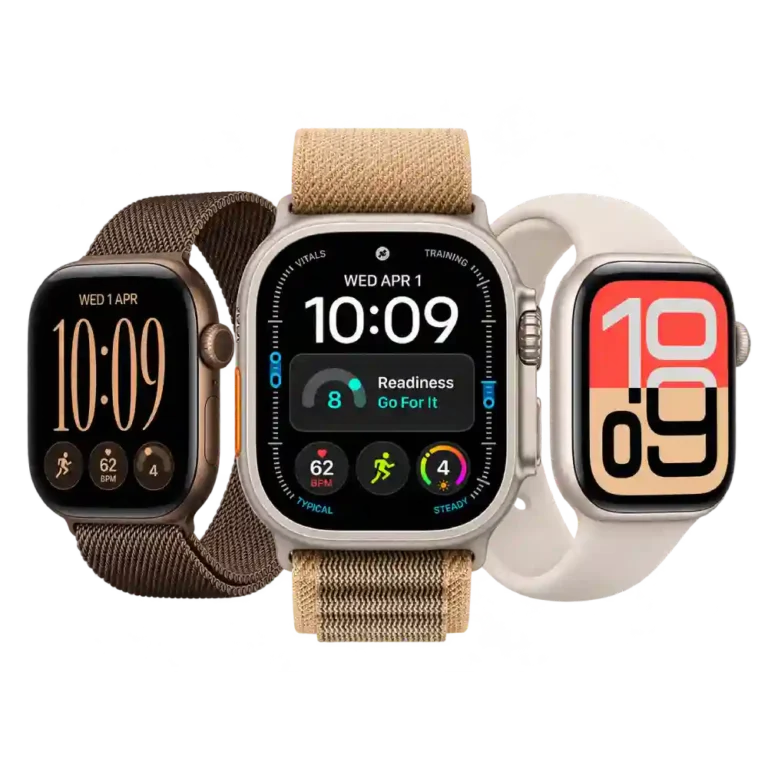
Browse Apple Watch Repair repair categories and available services.
View Categories
Browse AirPods Repair repair categories and available services.
View Categories
Browse Phone Repair repair categories and available services.
View Categories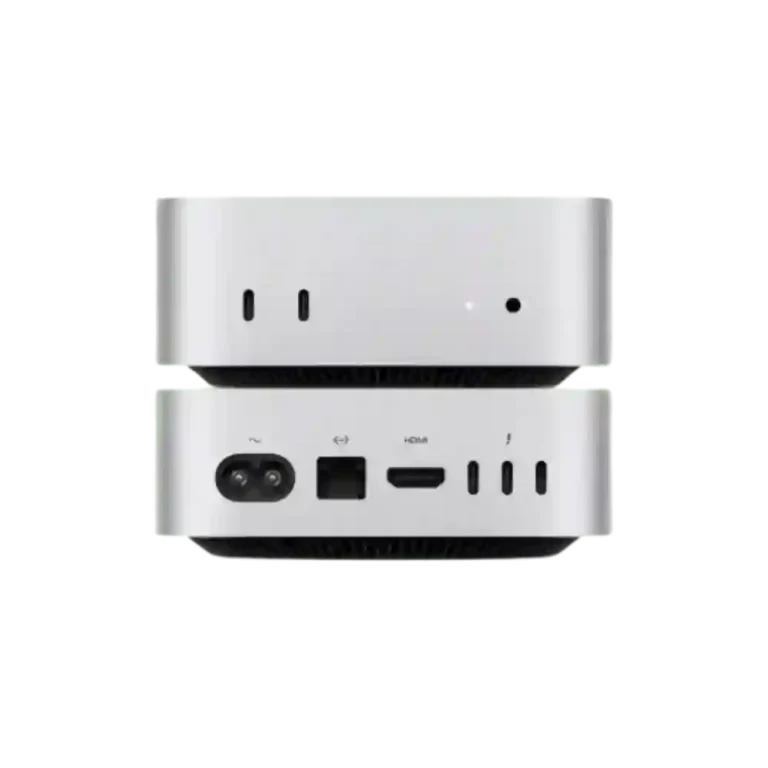
Browse Mac Mini Repair repair categories and available services.
View Categories
Browse Mac Studio Repair repair categories and available services.
View Categories
Browse Samsung Repair repair categories and available services.
View Categories
Browse Apple TV Repair repair categories and available services.
View Categories
Browse Vision Pro Repair repair categories and available services.
View Categories
Browse Flagship Phone Repair repair categories and available services.
View CategoriesAn iPhone can develop different problems over time, from a cracked display or weak battery to charging failures, camera faults, software issues, and motherboard damage. Finding the right repair service starts with identifying what is actually wrong with the device.
iCareFix provides professional iPhone repair in Bangladesh, covering a wide range of hardware and software issues across supported iPhone generations. Available services include display and battery replacement, charging repairs, camera and audio repairs, Face ID troubleshooting, water damage cleaning, and advanced motherboard-related repairs.
Our repair process focuses on inspecting the device, identifying the reported fault, explaining the available repair options, and recommending an appropriate solution. Customers in Chattogram can visit our service centers, while customers elsewhere in Bangladesh can contact our team to discuss repair arrangements.
| Service Information | Details |
| Repair Category | iPhone Repair |
| Supported Models | 30+ iPhone models, subject to service and parts availability |
| Repair Types | Hardware, software, component replacement and advanced repairs |
| Display Options | Original and high-quality replacement options |
| Battery Services | Original and high-quality replacement options |
| Diagnostics | Device inspection and professional fault diagnosis |
| Warranty | Depends on the replacement component and repair type |
| Service Locations | Finlay Square and Finlay South City, Chattogram |
| Repair Provider | iCareFix |
iCareFix's current phone repair platform identifies support for more than 30 iPhone models. The available repair options depend on the exact model and required component.
Different iPhone problems can produce similar symptoms. A black screen, for example, does not always mean the display itself is damaged, and a phone that will not charge may have a battery, port, connector, or internal power-related fault.
iCareFix provides the following repair services for supported iPhone models. Each service addresses a particular type of problem, although the appropriate solution is determined after inspecting the device.
Display problems can affect visibility, touch response, brightness, and everyday usability. The repair requirement depends on whether the damage involves the glass, display panel, connectors, or related circuitry.
Battery and power problems can affect runtime, charging behavior, startup, and overall device reliability. Similar symptoms can sometimes originate from different internal components, so replacement should not be recommended without appropriate inspection.
Charging and connectivity problems can interrupt normal device use. Before replacing a charging component, technicians need to consider accessories, port condition, connectors, software, and internal circuitry.
Camera, microphone, speaker, sensor, and button faults can affect communication, photography, navigation, and everyday interactions.
Not every iPhone problem requires a hardware replacement. Some issues involve iOS behavior, startup processes, storage limitations, or underlying hardware that prevents the operating system from functioning normally.
Physical damage, liquid exposure, and internal component faults can affect multiple areas of an iPhone. These cases may require more extensive inspection before the repair method and expected outcome can be established.
iCareFix supports more than 30 iPhone models, covering a broad range of generations. This allows customers with both older and newer iPhones to explore appropriate repair options without assuming that every device requires the same replacement part or repair method.
The correct repair service depends on the exact model, its internal configuration, the reported problem, and the availability of compatible components.
Before selecting a repair, identify your iPhone model:
You can then select your device through the iCareFix phone repair model selector and explore the services available for it.
Explore supported iPhone models: View iPhone and Phone Repair Options
If you cannot identify your model, contact iCareFix for assistance before choosing a repair service.
An iPhone may show one symptom even when the underlying fault is somewhere else. Understanding the symptoms can help you explain the problem more clearly when requesting a diagnosis.
A damaged screen may show cracks, coloured lines, blank areas, flickering, or touch problems. Impact damage can affect the outer glass, display panel, or internal connections. The appropriate repair depends on the condition of the complete display assembly.
If your iPhone loses charge unusually quickly, shuts down unexpectedly, or struggles to maintain battery life, the battery may need inspection. However, software activity, charging problems, and internal hardware faults can also contribute to abnormal power consumption.
A device that does not charge consistently may have a dirty or damaged charging port, faulty charging accessories, battery problems, or an internal charging-related fault. Testing with a suitable charging cable and adapter can help narrow down the issue before professional inspection.
Camera problems may include blurry images, focusing difficulties, a black camera preview, or an application that cannot access the camera. These symptoms can involve the camera module, connectors, software, or other internal components.
Face ID problems may appear after impact damage, liquid exposure, or a component-related fault. Because the system involves multiple closely integrated components, proper diagnosis is important before deciding whether a repair is possible.
Unstable Wi-Fi, missing cellular service, or modem firmware-related messages can indicate software, connectivity, antenna, or motherboard-related issues. The exact cause cannot be determined from the symptom alone.
An iPhone that repeatedly restarts or remains on the Apple logo may have a software-related startup problem or an underlying hardware fault. Repeatedly attempting resets without understanding the cause may not resolve the issue.
Liquid exposure can affect connectors, internal circuits, batteries, and other components. Even if the iPhone continues working immediately after exposure, corrosion can develop later. Professional inspection is recommended rather than continuing to charge or operate a visibly liquid-damaged device.
A completely unresponsive iPhone may have a battery, charging, power management, or motherboard-related problem. A proper diagnosis helps determine whether the issue involves a replaceable component or requires more advanced repair work.
Choosing a repair provider involves more than comparing the replacement price. The diagnostic process, component options, repair recommendations, and post-repair checks all matter.
iPhone devices contain compact and interconnected components. Repair work requires an appropriate understanding of device construction, component compatibility, and safe handling procedures.
A reported symptom is not always the actual source of a fault. iCareFix focuses on inspecting the device and identifying relevant problems before recommending a repair.
Replacement component quality can influence compatibility, performance, and the available warranty options. Customers can discuss original-sourced and high-quality replacement choices where both are available for their model.
Customers should understand what has been identified during inspection, which repair is recommended, and what the estimated cost involves before approving additional repair work.
Warranty coverage varies according to the replacement component and repair type. The applicable period, coverage conditions, and exclusions should be confirmed before the repair is approved.
Modern iPhones contain delicate display assemblies, connectors, sensors, cameras, and board-level components. Careful handling during inspection and repair helps reduce unnecessary damage.
After the approved work is completed, relevant functions should be checked to confirm that the reported issue has been addressed and that the repaired components operate as expected.
A clear repair process helps customers understand what happens after they contact a service center.
Choose the correct model so the available repair services and compatible components can be identified.
Explore the relevant service based on your reported issue. If you are unsure whether the problem involves the display, battery, charging system, or another component, the support team can guide you.
You can contact the support team or visit an iCareFix service center in Chattogram to discuss the device problem.
The device is inspected to investigate the reported fault and any additional issues that may affect the repair. More than one problem may be present.
The recommended service, available component options, and estimated cost are discussed. Additional paid work should be communicated before proceeding.
Once the repair is approved, the required work is carried out. Relevant device functions are checked after completion.
After the repair and applicable checks are complete, the customer can arrange device collection or discuss available delivery options with the team.
For detailed service conditions, refer to the iCareFix Service Policy.
The right replacement component is important for the long-term performance and functionality of an iPhone. Different models can use different display assemblies, batteries, cameras, charging components, and internal connectors. A part that is suitable for one model should not automatically be considered compatible with another.
iCareFix provides different component options for supported repairs, including original-sourced and high-quality replacement choices where available.
Before approving a repair, consider these points:
A repair quotation should reflect the actual device condition and required work rather than an assumed fault based only on symptoms.
Customers should also back up important photos, documents, and other data before submitting a device for repair, particularly when software, storage, or motherboard-related work may be involved.
An iPhone is made up of interconnected hardware and software systems. A problem that appears to involve one component can sometimes originate elsewhere. Replacing parts without identifying the underlying fault may result in unnecessary expense or leave the original problem unresolved.
Professional inspection helps establish whether a problem involves the display assembly, battery, charging system, camera, sensors, software, or motherboard.
It also helps determine whether component replacement, cleaning, software troubleshooting, or component-level repair is the more appropriate option.
After repair, testing relevant functions provides an additional opportunity to identify unresolved symptoms. For complex issues involving Face ID, liquid damage, power management, or the motherboard, the technical feasibility of repair should be discussed before work begins.
A properly diagnosed repair gives customers a clearer understanding of the problem, the available options, and the expected service requirements.
You can get professional iPhone repair support from iCareFix. Our service centers are located at Finlay Square and Finlay South City in Chattogram. Customers elsewhere in Bangladesh can contact our team to discuss available repair arrangements.
iCareFix supports more than 30 iPhone models, covering different generations. The available services and replacement components depend on the exact model and parts availability. You can check the phone repair model selector or contact the team for confirmation.
Available services include display and battery replacement, touch repair, charging dock replacement, camera and audio repair, Face ID troubleshooting, back glass replacement, software troubleshooting, water damage cleaning, and motherboard repair. Service availability varies by model.
iPhone repair costs depend on the model, damaged component, replacement part quality, and repair complexity. A display replacement, battery replacement, and motherboard repair have different requirements. Contact iCareFix with your model and reported problem to discuss the estimated cost.
Repair time depends on the model, type of fault, diagnostic requirements, and availability of compatible parts. Some component replacements may be completed relatively quickly, while advanced motherboard or liquid-damage-related repairs can require additional inspection and testing.
Yes, warranty support is available for selected replacement parts and repair services. However, coverage periods and exclusions vary by component and service type. Ask the team to confirm the applicable warranty conditions before approving your repair.
You can use the iCareFix online repair booking page, select your device and required service, and submit your contact information. You can also call 01842-524480 or visit an iCareFix branch in Chattogram.
Get your iPhone inspected by the repair team at iCareFix. Explore available services for your model, discuss the repair options, and confirm the estimated cost before proceeding. Contact our team or visit a Chattogram service center to arrange your repair.