




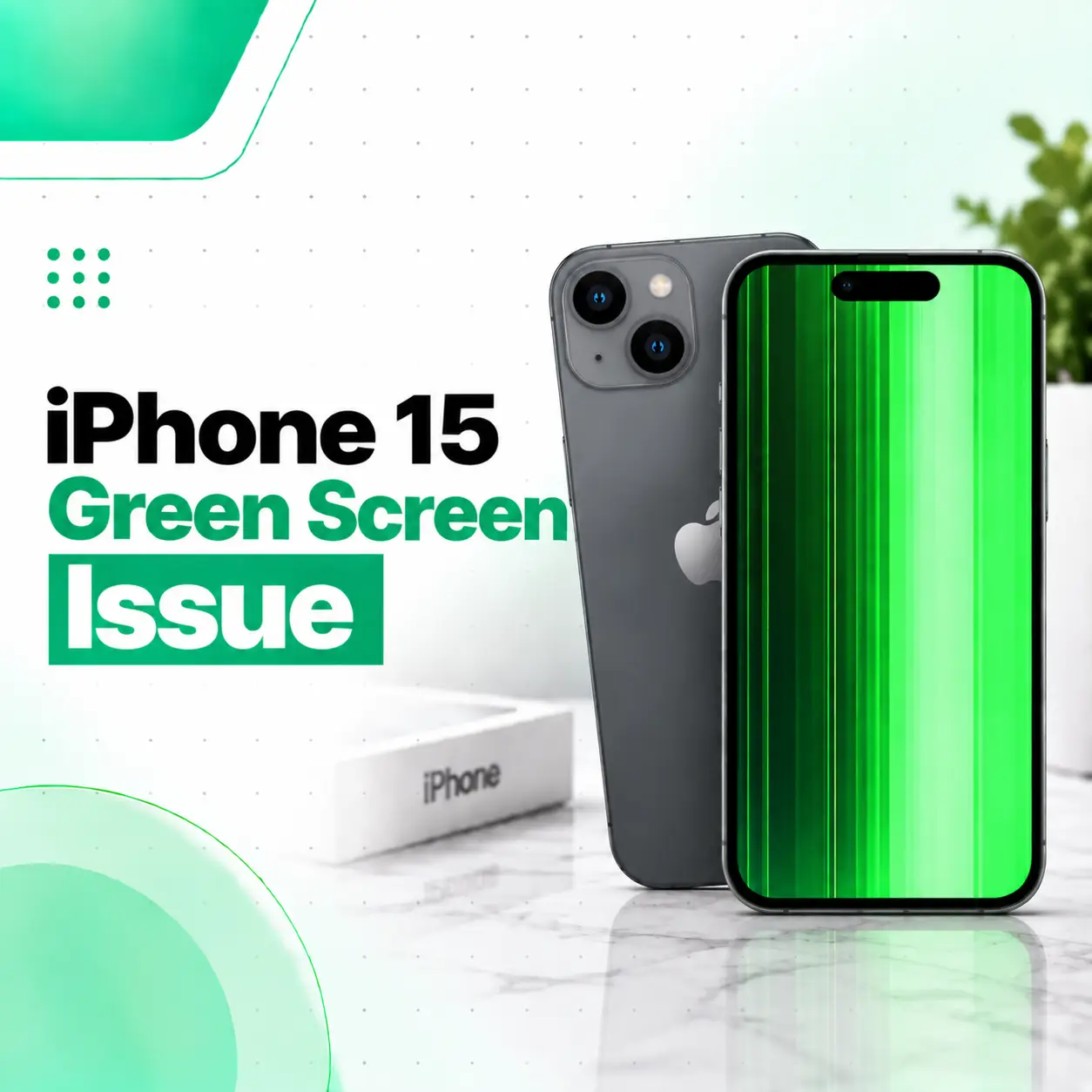
The iPhone 15 green screen issue can appear as a green tint, green lines, abnormal colors, flickering, or an entire display that suddenly looks green. Because the iPhone 15 uses a 6.1-inch OLED Super Retina XDR display, a persistent color abnormality should not automatically be treated as a simple software setting.
Some display changes can come from settings such as Color Filters, Color Tint, True Tone, or Night Shift. Other cases can involve the display assembly, flex cables, connectors, physical damage, liquid exposure, or the logic board.
This guide explains how to distinguish between a display-setting problem and a potential hardware fault, what you can safely try at home, how a technician can diagnose the issue, and what repair options may be available through a professional phone repair service in Bangladesh.
Why Is My iPhone 15 Screen Green?
An iPhone 15 screen may appear green because of a display setting, temporary software behavior, or a hardware problem involving the OLED display or its connections.
Common possibilities include:
- Color Filters or Color Tint being enabled
- Night Shift changing the display’s color temperature
- True Tone adjusting colors according to surrounding light
- A temporary software or display glitch
- OLED display damage
- A damaged display flex cable or connector
- Physical impact or pressure
- Liquid exposure
- A fault affecting the display signal path or logic board
The important distinction is that a green screen is a symptom rather than a specific diagnosis.
Green Tint, Green Lines, or a Completely Green Screen?
The exact appearance can provide useful diagnostic clues.
| Symptom | Possible Area to Investigate |
| Slight green tint | Display settings or display behavior |
| Green tint only at certain brightness levels | Display behavior or hardware issue |
| One persistent green line | Possible OLED/display fault |
| Multiple vertical green lines | Possible display or connection problem |
| Entire screen turns green | Software, display assembly, or internal circuitry |
| Green screen after a drop | Possible physical display or connector damage |
| Green display after liquid exposure | Possible liquid-related damage |
| Problem after screen replacement | Display part, cable, connector, or repair-related issue |
iFixit notes that colored lines can be associated with internal cable damage, a faulty display, or logic-board problems.
What Causes the iPhone 15 Green Screen Issue?
Color Filters or Color Tint
One of the easiest things to check is whether an accessibility display setting has changed the screen’s colors.
Apple’s Color Filters feature can modify the hue and intensity of colors displayed on the iPhone.
Check:
Settings → Accessibility → Display & Text Size → Color Filters
If you do not intentionally use Color Filters, turn the feature off and check the display again.
Night Shift
Night Shift changes the display toward warmer colors.
Apple explains that Night Shift automatically shifts display colors toward the warmer end of the spectrum.
Check:
Settings → Display & Brightness → Night Shift
Turn it off temporarily and compare the screen.
A warmer display caused by Night Shift is different from a persistent green tint or green line caused by a hardware fault.
True Tone
True Tone automatically adjusts display color and intensity according to ambient lighting conditions.
You can temporarily disable it under:
Settings → Display & Brightness → True Tone
If the display still looks distinctly green with True Tone disabled, continue troubleshooting.
OLED Display Damage
The iPhone 15 uses an OLED display.
A damaged OLED panel can produce abnormal colors or lines even when the outer glass does not have an obvious crack.
iFixit’s display troubleshooting guidance identifies faulty displays as one possible cause of persistent colored lines and notes that display failure can sometimes occur without obvious visible damage.
Damaged Display Flex Cable or Connector
The display communicates with the phone through internal cables and connectors.
If a cable is damaged, pinched, torn, or improperly connected, display abnormalities can occur. iFixit specifically recommends inspecting display ribbon cables and their connections when dealing with screen lines.
This possibility becomes more relevant when the problem:
- Started after a drop
- Appeared after the phone was opened
- Began after a screen replacement
- Comes and goes when the phone is moved
Why the Connection Matters
The display connection carries the signals needed for the screen to produce an image.
A problem in this area can cause:
- Colored lines
- Flickering
- Missing portions of the image
- Intermittent display behavior
- Complete loss of display
Internal connectors should generally be inspected by someone with appropriate repair tools and experience.
Physical Impact
A fall can damage an OLED panel or its internal components without producing a large crack on the front glass.
If the green screen appeared immediately after a drop, pressure, or bending event, hardware inspection is appropriate.
Liquid Exposure
The iPhone 15 has an IP68 rating under specified laboratory conditions, but water resistance does not mean the phone is immune to liquid damage. Apple lists the iPhone 15 as IP68-rated under IEC 60529.
If the green screen appeared after liquid exposure, avoid assuming that replacing the display will automatically resolve the problem.
A technician may need to inspect:
- Display connectors
- Flex cables
- Internal components
- Signs of corrosion
- Logic-board areas
How Do You Fix an iPhone 15 Green Screen?
Start with the least invasive troubleshooting steps before considering hardware repair.
1. Turn Off Color Filters
Go to:
Settings → Accessibility → Display & Text Size → Color Filters
If Color Filters is enabled unexpectedly, disable it.
Apple confirms that Color Filters can change the appearance of images and videos as well as the overall screen color.
2. Turn Off Night Shift
Go to:
Settings → Display & Brightness → Night Shift
Turn Night Shift off temporarily.
Night Shift is designed to make the display warmer, so this check helps distinguish an intentional color adjustment from a persistent display abnormality.
3. Check True Tone
Go to:
Settings → Display & Brightness → True Tone
Turn True Tone off temporarily and observe the screen.
True Tone changes the display’s color and intensity according to ambient lighting.
4. Restart the iPhone
Restarting can clear temporary software behavior.
After the restart, check whether:
- The green tint has disappeared
- Green lines remain
- The problem returns at a particular brightness
- The issue appears only in a specific app
- The display becomes normal after unlocking
These observations can help determine whether the problem is software-related or persistent across the system.
5. Check Whether the Problem Appears During Startup
Pay attention to the display before and after iOS fully loads.
If the abnormal green appearance is visible independently of a particular app or continues after basic software troubleshooting, hardware becomes more important to investigate.
Do not interpret this test alone as proof of a hardware failure; it is simply useful diagnostic information.
How Can You Tell If the Green Screen Is a Hardware Problem?
A persistent green display is more concerning when it remains after checking display settings and restarting the phone.
Signs that justify professional inspection include:
- The whole screen remains green.
- Green lines remain permanently visible.
- The display flickers.
- Touch response becomes abnormal.
- The problem appeared after a drop.
- The phone experienced liquid exposure.
- The display was recently replaced.
- The issue occurs across different apps.
- The problem is becoming more frequent.
iFixit broadly categorizes iPhone display problems into software, display assembly, and logic-board possibilities, which is why identifying the actual fault is important before replacing parts.
How Is an iPhone 15 Green Screen Diagnosed?
A professional diagnosis should identify the faulty area before recommending a repair.
Visual Inspection
A technician can look for:
- Cracks or impact damage
- Green lines
- Uneven colors
- Display flickering
- Screen separation
- Signs of liquid exposure
- Previous repair work
Display Testing
The technician may check:
- Image quality
- Touch response
- Brightness
- Color reproduction
- Flickering
- Whether the problem is intermittent
Display Connector Inspection
The display cables and connectors can be inspected for:
- Tears
- Pinching
- Bent contacts
- Contamination
- Improper seating
- Signs of previous repair damage
iFixit’s troubleshooting guidance specifically identifies cable and connection problems as possible causes of screen-line issues.
Software and Settings Check
Before replacing hardware, the technician should also rule out settings and software-related explanations.
Logic-Board Diagnosis
If a known-good display does not resolve the problem, further investigation may be necessary.
Logic-board faults can affect display behavior, and iFixit includes the logic board among the possible sources of persistent iPhone display problems.
What Are the Repair Options for an iPhone 15 Green Screen?
The appropriate repair depends on the diagnosis.
Display Connection Repair
If the problem is caused by a damaged or poorly connected display cable or connector, repair may focus on that connection rather than replacing the complete display.
The exact approach depends on the condition of the components.
iPhone 15 Screen Replacement
If the OLED display assembly itself has failed, screen replacement may be required.
iFixit provides a dedicated iPhone 15 screen-replacement procedure, confirming that the display assembly can be replaced as a repair operation.
However, replacing the screen without confirming the cause can be unnecessary if the actual problem is elsewhere.
Board-Level Repair
If testing indicates that the display itself is not responsible, the technician may need to investigate the logic board or related circuitry.
This type of diagnosis is more specialized and should not be attempted without suitable microsoldering knowledge and equipment.
Can a Screen Replacement Fix the iPhone 15 Green Screen?
It can, if the display assembly is the source of the problem.
If the green appearance is caused by a defective OLED panel, replacing the display may resolve it. But if the problem originates from a connector, cable, logic board, liquid damage, or another component, replacing the display alone may not solve it.
This is why diagnosis should come before parts replacement.
What About True Tone After Screen Replacement?
Display replacement can affect features such as True Tone and automatic brightness depending on the replacement part, iOS version, and repair/calibration process.
Apple explains that genuine iPhone displays are designed to support features including True Tone, Night Shift, Haptic Touch, brightness, and color accuracy. Apple also warns that non-genuine or improperly performed display repairs can affect display functionality.
iFixit’s iPhone 15 repair guide also documents Apple’s parts-pairing behavior and notes that Repair Assistant can be used to calibrate a genuine replacement screen on supported software.
Before approving a screen replacement, ask the repair provider:
- What type of display will be installed?
- Is the replacement genuine, refurbished, or aftermarket?
- Will True Tone function normally?
- Is calibration required?
- What warranty applies to the repair?
- Could another internal fault be contributing to the problem?
How Much Does iPhone 15 Green Screen Repair Cost in Bangladesh?
There is no single price for every iPhone 15 green screen issue because the required repair can vary significantly.
The main cost factors include:
| Cost Factor | Why It Matters |
| Fault type | A setting issue costs differently from a display replacement |
| Display condition | A failed OLED may require a complete display assembly |
| Part quality | Genuine, refurbished, and aftermarket parts differ |
| Damage severity | Additional damage can increase repair complexity |
| Labor | Diagnosis and specialized repair require technician time |
| Part availability | Availability can affect replacement cost |
| Previous repair | Earlier repair work may introduce additional faults |
| Warranty | Repair coverage varies by provider |
For that reason, a professional inspection is more useful than quoting one generic repair price.
How Long Does iPhone 15 Green Screen Repair Take?
Repair time depends on the cause.
A straightforward screen replacement can require a different turnaround time from:
- Connector repair
- Intermittent display diagnosis
- Liquid-damage inspection
- Board-level diagnosis
- Parts that need to be sourced
A repair provider can give a more reliable timeframe after examining the phone.
Should You Replace the iPhone 15 Screen Yourself?
DIY screen replacement is not a good choice for most casual users.
The iPhone 15 screen-replacement procedure involves opening the device and working around delicate internal components. iFixit specifically warns that the battery cannot be disconnected during the repair and recommends particular care around exposed contacts.
DIY repair can also create additional problems if:
- A display flex cable is torn.
- A connector is damaged.
- The replacement display is faulty.
- Internal components are disturbed.
- The original problem was not actually the screen.
If you do not have experience with iPhone hardware repair, professional diagnosis is the safer route.
What Should You Do Before iPhone 15 Screen Repair?
If the phone is still usable, prepare it before handing it to a repair provider.
Back Up Your Data
Back up important:
- Photos
- Videos
- Contacts
- Messages
- Documents
- Other important files
This is particularly important when dealing with an intermittent or worsening hardware problem.
Document the Green Screen
If the problem comes and goes, take a photo or video when it happens.
Also note:
- When it started
- Whether the phone was dropped
- Whether liquid was involved
- Whether the display was recently repaired
- Whether touch still works
- Whether the issue appears at low brightness
This information can make diagnosis more efficient.
Protect Your Privacy
Before giving your iPhone to a repair provider, consider what personal information is stored on the device.
Where possible, maintain a current backup and avoid providing unnecessary account passwords or credentials.
How Can You Prevent iPhone 15 Display Problems?
No prevention method can eliminate every display failure, but sensible handling can reduce avoidable damage.
- Use a suitable protective case.
- Avoid putting heavy pressure on the display.
- Protect the phone from drops.
- Keep unnecessary liquid exposure to a minimum.
- Do not open the phone without appropriate tools and experience.
- Keep important data backed up.
- Have persistent display abnormalities inspected rather than repeatedly ignoring them.
When Should You Visit a Professional Repair Shop?
You should consider professional inspection when basic troubleshooting does not resolve the issue or when there are signs of physical or internal damage.
Seek professional diagnosis if:
- The green screen remains after restarting.
- Color settings do not explain the problem.
- Green lines remain visible.
- Touch is affected.
- The problem started after a drop.
- The phone experienced liquid exposure.
- The screen was recently replaced.
- The display problem is becoming worse.
- The screen intermittently turns green or flickers.
A technician can determine whether the issue is related to the software, OLED display, connector, flex cable, or another internal component.
Frequently Asked Questions
1. Why is my iPhone 15 screen green?
An iPhone 15 can look green because of display settings such as Color Filters or Color Tint, Night Shift, temporary software behavior, or a hardware fault. If the green appearance remains after checking settings and restarting, especially when green lines or flickering are present, the display system should be professionally inspected.
2. How do I fix the green screen on my iPhone 15?
Start by checking Color Filters, Color Tint, Night Shift, and True Tone. Then restart the phone and see whether the problem remains. If the entire display stays green or persistent lines remain, the cause may be hardware-related. A technician can test the display and its connections before recommending replacement.
3. Is the iPhone 15 green screen issue always a hardware problem?
No. Some changes in screen color are caused by software-controlled display settings. Apple provides Color Filters, Color Tint, True Tone, and Night Shift features that can alter how the display looks.However, persistent green lines or severe discoloration can indicate a display or internal hardware fault.
4. Can an iPhone 15 green screen be repaired?
Yes, depending on the cause. If the issue comes from display settings, changing those settings may resolve it. A defective OLED panel may require screen replacement, while a connector, cable, or logic-board problem may require a different repair. Proper diagnosis is important because replacing the screen is not always the correct solution.
5. How much does iPhone 15 green screen repair cost in Bangladesh?
The cost depends on the diagnosed fault. A settings-related problem may not require hardware repair, while a damaged OLED display could require screen replacement. Part quality, availability, labor, previous damage, and repair complexity can all affect the final cost. An inspection is necessary before giving a reliable repair estimate.
6. How long does iPhone 15 green screen repair take?
There is no universal repair time. A straightforward display replacement may take less time than diagnosing liquid damage, an intermittent fault, or a logic-board problem. Parts availability can also affect the turnaround time. A professional repair provider can give a more accurate timeframe after inspecting the device.
7. Should I keep using my iPhone 15 if the screen is green?
If the phone is still functioning, temporary use may be possible, but a persistent green screen should not simply be ignored. Back up your important data first. If the issue appeared after liquid exposure, a drop, or previous repair, arrange professional inspection rather than repeatedly operating the phone without determining the cause.
Conclusion
The iPhone 15 green screen issue can have several possible causes. A display setting such as Color Filters or Night Shift can alter the screen’s appearance, while persistent green lines, severe discoloration, or a screen that stays green may indicate a problem with the OLED display, its connections, or another internal component.
Start with the safe troubleshooting steps: check display settings, disable unexpected color adjustments, restart the phone, and observe whether the problem remains. If the green appearance persists—or started after a drop, liquid exposure, or previous repair—avoid assuming that replacing the screen is automatically the answer.
A professional diagnosis can identify whether the iPhone 15 needs a display replacement, connector-related repair, or further hardware investigation. If your device continues to show abnormal green colors or lines, iCareFix can inspect the phone and recommend an appropriate repair option based on the diagnosed fault.