




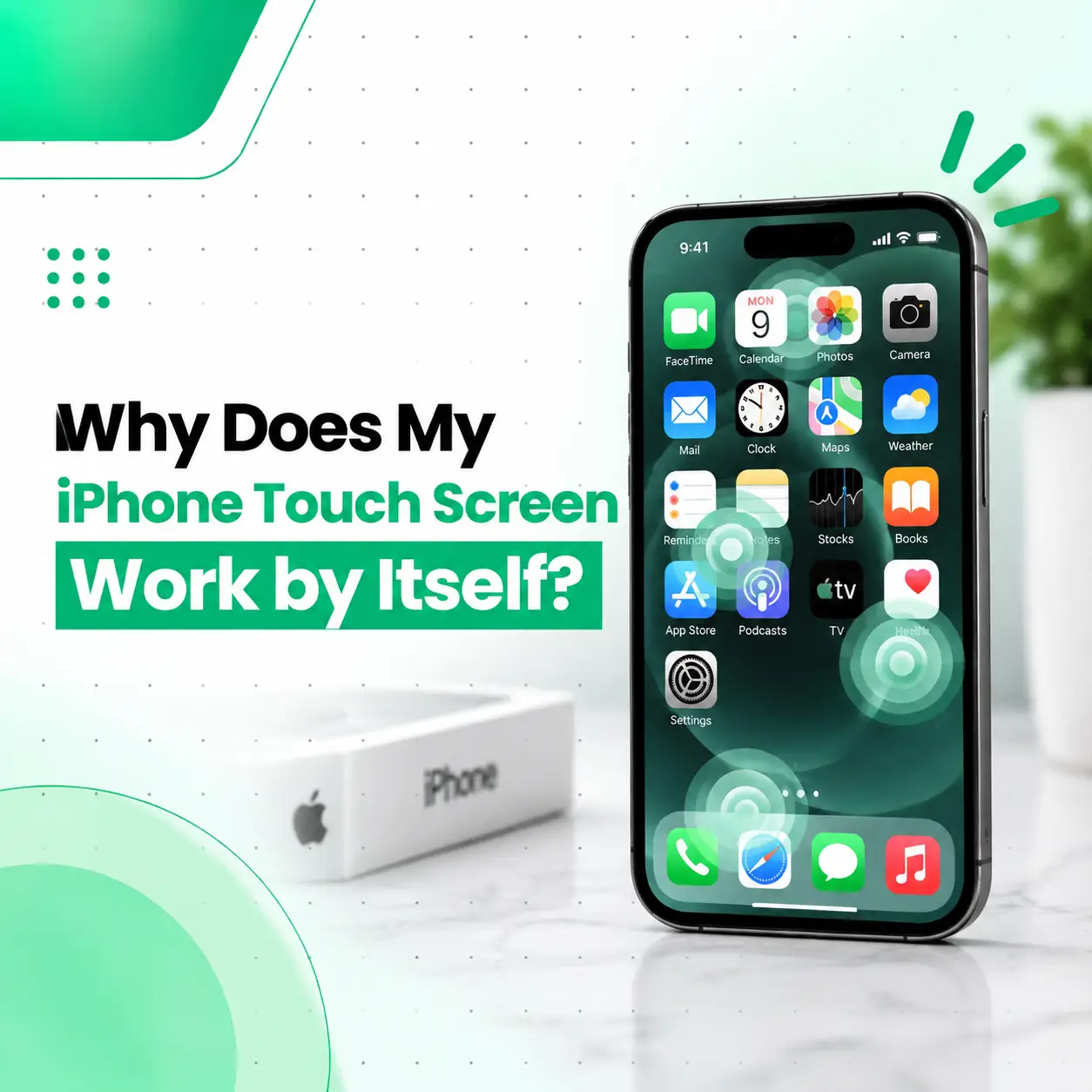
If your iPhone touch screen works by itself, opens apps, types random characters, scrolls without you touching it, or presses buttons unexpectedly, the problem is often called ghost touch. It can be caused by a damaged digitizer, cracked display, moisture, a poorly fitted screen protector, software problems, or issues that appear while the phone is charging.
In some cases, a restart or removing an unsuitable screen protector may solve the problem. If the unwanted touches continue, however, the issue may be related to the display assembly or another internal component that needs professional diagnosis.
This guide explains the common causes of ghost touch, what you can safely try at home, and when professional iPhone screen repair in Bangladesh may be appropriate.
Why Does My iPhone Touch Screen Work by Itself?
An iPhone touch screen may work by itself because the touchscreen is detecting unintended electrical signals as touch input. This can happen because of screen damage, moisture, accessories, software issues, or a problem with the touchscreen hardware.
Common causes include:
- Damaged or cracked display
- Faulty touchscreen digitizer
- Moisture or liquid around the screen
- Poorly fitted or damaged screen protector
- Dirt or debris on the display
- Software glitches
- Problems that occur with a faulty charger or cable
- Previous screen replacement or repair issues
- Internal display or connector problems
The exact cause cannot always be identified from the symptoms alone. If basic troubleshooting does not stop the ghost touches, the iPhone may need a physical inspection.
What Is Ghost Touch on an iPhone?
Ghost touch is when an iPhone registers touch input even though you are not touching the screen.
For example, your iPhone might:
- Open an app without being touched
- Tap buttons randomly
- Type letters by itself
- Scroll up or down unexpectedly
- Select items on the screen
- Move between screens
- Enter incorrect passcodes
- Make it difficult to control the device normally
Ghost touch can happen occasionally or continuously. If it becomes frequent, using the iPhone can become difficult and, in some situations, accidental screen input can lead to unintended actions.
What Causes an iPhone Screen to Touch Itself?
Several hardware and software conditions can produce unwanted touch input. Identifying the pattern can help narrow down the possible cause.
1. Damaged or Cracked iPhone Screen
A damaged screen is one of the possible causes of ghost touch.
A drop, impact, pressure, or crack can affect the touchscreen layer beneath the visible glass. Even if the display still produces a clear picture, the touch-sensitive component may not function correctly.
Signs can include:
- Touches registering in the wrong location
- Random taps
- Parts of the screen becoming unresponsive
- Lines or flickering on the display
- Ghost touches becoming worse after physical damage
If the problem started after your iPhone was dropped, the display assembly should be inspected.
2. Faulty Touchscreen Digitizer
The digitizer is the touch-sensitive layer responsible for detecting where you touch the screen.
If the digitizer becomes defective, the iPhone can receive incorrect touch signals. This may result in random taps, scrolling, or other unexpected actions.
A digitizer-related problem generally requires hardware diagnosis rather than simply changing software settings.
3. Moisture or Liquid Exposure
Moisture can interfere with electronic components and touchscreen behavior.
Even if the phone appears dry externally, liquid exposure can potentially affect internal components. If ghost touch began after exposure to water, rain, humidity, or another liquid, avoid assuming that the issue will disappear on its own.
Professional inspection may be appropriate, particularly if other symptoms appear.
4. Screen Protector Problems
A damaged, incorrectly installed, or poorly fitting screen protector can sometimes interfere with normal touch interaction.
Check whether:
- The protector is cracked
- It has lifted around the edges
- Air bubbles or debris are trapped underneath
- The protector is not properly aligned
- The problem began after installing it
If the protector is responsible, removing it may resolve the unwanted touch behavior.
5. Dirt, Oil, or Moisture on the Display
The iPhone’s touchscreen can behave unpredictably when the display surface is dirty or wet.
Before assuming there is a hardware fault, clean the screen gently with an appropriate soft, lint-free cloth and make sure your hands and the display are dry.
Avoid applying excessive liquid directly to the phone.
6. Software Glitches
Not every touchscreen problem is caused by physical damage.
A temporary iOS or application-related glitch can sometimes affect how the device responds to input. If the problem appeared suddenly without any physical damage, software troubleshooting is worth trying before arranging a repair.
7. Problems While Charging
If the ghost touch happens mainly while your iPhone is connected to a charger, pay attention to the charging setup.
A faulty cable, damaged adapter, poor-quality accessory, or electrical interference can sometimes coincide with abnormal touchscreen behavior.
Try disconnecting the charger and checking whether the problem stops. If it does, test with a known-good, compatible charging setup rather than continuing to use a suspect accessory.
8. Previous Screen Replacement or Repair
If the iPhone recently had its screen replaced, ghost touch that begins afterward deserves attention.
Possible factors can include:
- A defective replacement display
- Installation problems
- Connector issues
- Damage during repair
- Compatibility or quality differences between replacement parts
A professional technician can inspect the display and internal connections to determine whether the previous repair is related.
How Do I Stop My iPhone Screen From Touching Itself?
Start with simple troubleshooting before assuming that the screen needs replacement.
1. Clean and Dry the Screen
Turn your attention to the physical display first.
Use a soft, lint-free cloth to remove fingerprints, dirt, or moisture. Make sure your fingers are also dry before testing the touchscreen again.
2. Remove the Screen Protector
If you recently installed a screen protector, temporarily remove it and test the iPhone.
If the ghost touch disappears, the protector or its installation may have been contributing to the problem.
3. Disconnect the Charger
If the issue occurs while charging, unplug the iPhone and test it again.
If the behavior only appears with a particular cable or adapter, stop using that accessory until you can determine whether it is defective or unsuitable.
4. Restart the iPhone
A restart can clear temporary software problems.
After restarting, test the touchscreen across different parts of the display. If the ghost touch immediately returns, continue troubleshooting rather than repeatedly restarting the device.
5. Check for iOS Updates
If your iPhone has a pending software update, installing the latest compatible iOS version may resolve certain software-related issues.
Before updating, make sure your important data is backed up.
6. Check Whether the Problem Happens Everywhere
Try different apps and areas of the screen.
If unwanted touches happen across multiple apps, the issue may be more likely to involve the system or touchscreen hardware rather than one specific application.
Can a Cracked iPhone Screen Cause Ghost Touch?
Yes. A cracked or physically damaged iPhone screen can cause ghost touch if the damage affects the touchscreen components.
The visible glass is only part of the display assembly. Damage underneath can affect touch detection even when the image on the screen still looks normal.
If ghost touch started after a drop or impact, professional inspection can help determine whether the display assembly needs repair or replacement.
Why Does My iPhone Touch Screen Act Up While Charging?
If the touchscreen behaves normally when unplugged but starts registering random touches while charging, the charging setup is worth checking.
Possible factors include:
- A damaged charging cable
- A faulty power adapter
- An unsuitable accessory
- Electrical interference
- An existing touchscreen hardware problem that becomes noticeable during charging
Try a known-good compatible charging setup. If the issue continues with a reliable charger and cable, the phone itself may require further diagnosis.
Does Ghost Touch Mean I Need an iPhone Screen Replacement?
Not necessarily. Ghost touch can have several causes, so replacing the screen should not be the first assumption.
A technician may need to determine whether the cause is:
- Screen protector interference
- Surface contamination or moisture
- Software behavior
- Charging accessory issues
- Display or digitizer damage
- Connector or internal hardware problems
If the touchscreen hardware is defective, display replacement may become an appropriate repair option. The correct solution depends on the actual fault found during diagnosis.
How Is an iPhone Ghost Touch Problem Diagnosed?
A professional repair inspection generally starts by identifying when and how the problem occurs.
Visual Inspection
The technician can check for:
- Cracks
- Display separation
- Signs of impact
- Moisture indicators or visible liquid-related damage
- Screen protector problems
Touchscreen Testing
The screen can be tested across different areas to identify whether touch input is being registered incorrectly or whether certain areas are unresponsive.
Charging Test
If the problem occurs during charging, the device can be tested under different charging conditions to help determine whether the behavior is associated with the accessory or the phone.
Internal Inspection
If external troubleshooting does not identify the cause, internal components may need inspection.
This can include the display assembly, connectors, and other relevant components. Internal repair should be performed by a qualified technician because unnecessary disassembly can cause additional damage.
How Much Does iPhone Ghost Touch Repair Cost in Bangladesh?
There is no single repair price for every iPhone ghost touch problem because the cost depends on the cause and the device.
Factors that can affect repair cost include:
- iPhone model
- Type and severity of screen damage
- Whether the display assembly needs replacement
- Replacement-part availability
- Part quality
- Labor and diagnostic requirements
- Whether additional internal damage is present
- Repair versus full display replacement
For an accurate estimate, the iPhone should be diagnosed first rather than assuming that a screen replacement is necessary.
Can You Fix iPhone Ghost Touch Yourself?
You can safely try basic troubleshooting such as cleaning and drying the screen, removing a problematic screen protector, disconnecting the charger, restarting the device, and checking for software updates.
However, opening the iPhone or attempting a screen or connector repair yourself carries a risk of additional damage.
Professional repair is more appropriate when:
- The screen is cracked
- Ghost touch continues after basic troubleshooting
- The phone has suffered liquid exposure
- The issue started after a screen repair
- Touch input is severely unreliable
- The problem occurs across multiple apps
- The device has other display or hardware symptoms
Can Ghost Touch Damage Your iPhone?
Ghost touch itself is primarily an input problem, but uncontrolled touch input can cause unintended actions.
For example, the phone might:
- Open applications
- Change settings
- Send unintended messages
- Enter incorrect information
- Make repeated screen selections
If you cannot reliably control the device, address the problem rather than continuing to use it normally.
What Should You Do Before Taking an iPhone for Repair?
If the iPhone is still usable, consider backing up important data before professional service.
Also note:
- When the problem started
- Whether the phone was dropped
- Whether it was exposed to liquid
- Whether a screen protector was recently installed
- Whether the issue happens only while charging
- Whether the screen was previously replaced
This information can help a technician understand the problem more quickly.
For privacy, avoid unnecessarily sharing passwords or sensitive personal information with a repair provider.
How Can You Prevent iPhone Touchscreen Problems?
You cannot prevent every touchscreen fault, but careful device use can reduce some avoidable risks.
- Use a suitable protective case.
- Avoid exposing the phone to moisture.
- Keep the screen clean and dry.
- Replace damaged screen protectors.
- Avoid using visibly damaged charging accessories.
- Have impact or liquid damage inspected promptly.
- Use compatible charging accessories.
- Avoid attempting complicated internal repairs without the appropriate skills and tools.
Frequently Asked Questions
1. Why does my iPhone touch screen work by itself?
Your iPhone may be experiencing ghost touch, where the touchscreen registers input without your finger touching it. Common possibilities include display or digitizer damage, moisture, a problematic screen protector, software issues, or charging-related accessory problems. Cleaning the screen, removing the protector, disconnecting the charger, and restarting the phone are reasonable first steps.
2. What is ghost touch on an iPhone?
Ghost touch is the term commonly used when an iPhone detects touch input that the user did not make. The phone may tap buttons, open apps, scroll, type, or select items by itself. It can result from software problems or faults involving the touchscreen, display assembly, moisture, or other hardware components.
3. Can a screen protector cause iPhone ghost touch?
A damaged, poorly fitted, or incorrectly installed screen protector can sometimes interfere with normal touchscreen interaction. If the problem started after installing one, remove it temporarily and test the phone. If the unwanted touches continue without the protector, another cause should be investigated.
4. Can a cracked iPhone screen cause ghost touch?
Yes. A crack or impact can damage touchscreen components beneath the visible glass and cause incorrect touch detection. If ghost touch began after the iPhone was dropped or the screen was damaged, a professional inspection can determine whether the display assembly or another component requires repair.
5. Why does my iPhone touch itself while charging?
If ghost touch happens primarily while charging, the cable, adapter, or charging setup should be checked. Disconnect the charger and see whether the behavior stops. You can also test with a known-good compatible charging setup. If the problem continues, the iPhone itself may need further diagnosis.
6. Does iPhone ghost touch always require screen replacement?
No. Screen replacement is not automatically necessary. Ghost touch can have software, accessory, screen protector, moisture, or hardware-related causes. If basic troubleshooting does not resolve the issue, a technician can inspect the device and determine whether the display assembly or another component is actually responsible.
7. How can I prevent ghost touch from happening again?
Keep the screen clean and dry, protect the iPhone from drops and moisture, replace damaged screen protectors, and avoid using questionable charging accessories. If the phone develops persistent ghost touch after physical damage or a previous repair, professional diagnosis can help identify the underlying cause before further problems develop.
Conclusion
An iPhone that touches itself or performs actions without being touched is often experiencing ghost touch. The cause may be something simple, such as moisture, dirt, or a problematic screen protector, but persistent symptoms can also indicate display, digitizer, connector, or other hardware problems.
Start with basic troubleshooting and observe whether the problem is connected to charging, a particular accessory, or recent physical damage. If the unwanted touches continue, professional diagnosis is a safer way to determine whether the iPhone needs a repair or screen replacement.
If your iPhone is still experiencing ghost touch after basic troubleshooting, iCareFix can assess the device and help identify whether the issue is related to the screen, touchscreen components, charging setup, or another hardware problem. The appropriate repair can then be determined based on the actual condition of the device.