




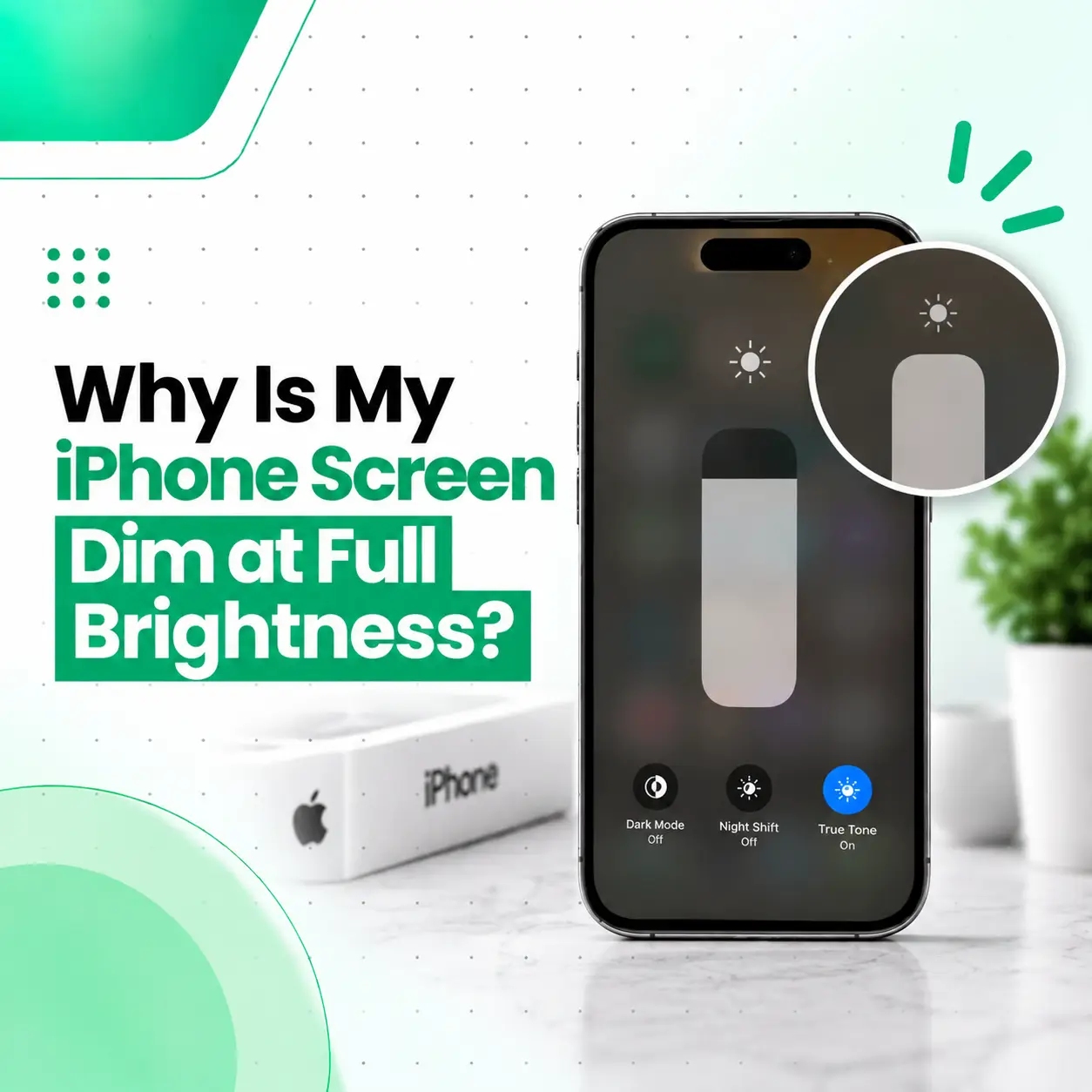
If your iPhone screen is dim even at full brightness, the problem may not be the brightness slider itself. Features such as Auto-Brightness, Reduce White Point, Night Shift, or True Tone can affect how bright the display appears. In other situations, the iPhone may temporarily reduce display brightness because the device becomes too warm. A software issue, display damage, or a faulty screen can also cause unusually low brightness.
This guide explains the most common reasons an iPhone screen looks dark at maximum brightness, what you can safely check yourself, and when a professional inspection may be necessary. If the display remains unusually dim after checking the settings and allowing the phone to cool down, iCareFix can help diagnose whether the problem is software- or hardware-related.
Why Is My iPhone Screen Dim Even at Full Brightness?
An iPhone can remain dim at maximum brightness because a display-related setting is limiting perceived brightness, the phone is managing heat, or the display hardware is not functioning correctly.
Common causes include:
- Auto-Brightness
- Reduce White Point
- Night Shift
- True Tone changing the display appearance
- High device temperature
- Temporary iOS or software problems
- Display or screen damage
- A faulty or previously replaced display
- Internal display connection problems
The fastest approach is to check the relevant settings first, then test the phone under normal temperature and lighting conditions.
How Do I Make My iPhone Screen Brighter?
Start with the basic brightness controls and accessibility settings.
1. Increase Brightness Manually
Open Control Center and move the brightness slider all the way up.
You can also check:
Settings → Display & Brightness
Move the brightness slider toward the maximum level and compare the screen with its previous appearance.
If the screen still looks unusually dark, continue with the checks below.
2. Turn Off Auto-Brightness Temporarily
Auto-Brightness automatically adjusts display brightness based on surrounding light conditions.
If you want to test whether it is causing the dim appearance, temporarily turn it off:
Settings → Accessibility → Display & Text Size → Auto-Brightness
Turn Auto-Brightness off and manually set the brightness to a high level.
If the screen behaves differently afterward, the automatic brightness adjustment may have been affecting your viewing experience.
3. Check Reduce White Point
Reduce White Point decreases the intensity of bright colors on the display. If it is enabled, an iPhone can appear noticeably darker even when the brightness slider is high.
Go to:
Settings → Accessibility → Display & Text Size → Reduce White Point
If it is enabled, turn it off temporarily and check the display again.
This is an important setting to check because it can make the screen appear dim without there being any physical screen problem.
4. Check Night Shift
Night Shift changes the display’s color temperature, particularly during scheduled periods.
Go to:
Settings → Display & Brightness → Night Shift
Temporarily turn it off and compare the display.
Night Shift primarily changes the screen’s color appearance rather than simply reducing brightness, but the change can make the display seem different in darker environments.
5. Check True Tone
True Tone adjusts the color and intensity of the display based on surrounding lighting conditions.
You can find it under:
Settings → Display & Brightness → True Tone
Turn it off temporarily to see whether the display appearance changes.
If the screen remains significantly darker than expected, continue troubleshooting.
Why Does My iPhone Brightness Keep Going Down?
If your iPhone becomes dim after reaching a high brightness level, temperature can be an important factor.
iPhone Is Getting Too Hot
An iPhone can manage its internal temperature when the device becomes excessively warm. During high-temperature conditions, some functions may behave differently, and display brightness can be reduced.
This can happen when the phone is:
- Sitting in direct sunlight
- Used heavily for an extended period
- Running demanding applications
- Charging while performing intensive tasks
- Left in a hot environment
If the phone feels unusually hot, stop intensive use and allow it to cool naturally.
Do not try to cool it rapidly with ice, a refrigerator, or other extreme methods.
What to Do if Heat Is Causing the Dim Screen
Try these steps:
- Stop demanding apps or games.
- Disconnect the charger if the device is charging.
- Move the phone away from direct sunlight.
- Remove a thick case temporarily if it is trapping heat.
- Let the device return to a normal temperature.
- Check the screen brightness again.
If the brightness returns after the phone cools, temperature management may have been responsible.
Could Low Power Mode Make My iPhone Screen Dim?
Low Power Mode changes how some iPhone functions operate to reduce power consumption.
If you notice changes in display behavior while the battery is low, check whether Low Power Mode is enabled:
Settings → Battery
You can temporarily turn it off and compare the screen.
However, if the display remains unusually dim even with adequate battery power and normal temperature, additional troubleshooting is needed.
Can a Software Problem Make an iPhone Screen Dim?
Yes. A temporary software issue can affect display behavior.
If the screen suddenly became dim without any obvious physical damage, try:
- Restarting the iPhone
- Checking for an available iOS update
- Rechecking display and accessibility settings
- Testing the phone after it has cooled down
Restart the iPhone
A restart can clear temporary system problems.
After restarting, set the brightness manually and check whether the screen remains dim.
Check for iOS Updates
If an iOS update is available for your device, keeping the software current can help address certain software-related issues.
Before performing major troubleshooting or an update, make sure important data is backed up.
Can a Damaged iPhone Screen Cause Low Brightness?
Yes. A damaged display can cause abnormal brightness, color, or image problems.
Hardware-related causes can include:
- Cracked display
- Internal display damage
- Damaged display connector
- Faulty display assembly
- Liquid exposure
- Problems following a previous screen replacement
Look for additional symptoms such as:
- Flickering
- Lines across the display
- Discoloration
- Uneven brightness
- Black areas
- Touch problems
- Brightness changing unexpectedly
If the dimness appeared after a drop, pressure, liquid exposure, or screen repair, hardware inspection becomes more important.
Could a Screen Replacement Cause an iPhone to Look Dim?
A replacement display can sometimes produce a different visual result depending on the part and repair quality.
If the dim screen started immediately after a display replacement, the repair history is relevant.
A technician may need to check:
- Display condition
- Display compatibility
- Connector seating
- Screen assembly
- Brightness behavior
- Other display functions
This does not mean every replacement screen will have a brightness problem. The device needs to be assessed based on its actual symptoms and repair history.
Why Is My iPhone Screen Dark Even Though Brightness Is at 100%?
If the brightness slider is already at maximum but the display remains dark, check the following in order:
| Check | What to Look For |
| Brightness slider | Confirm it is actually at maximum |
| Auto-Brightness | Temporarily disable it |
| Reduce White Point | Make sure it is not reducing intensity |
| Night Shift | Turn it off for comparison |
| True Tone | Test with it disabled |
| Device temperature | Allow an overheated phone to cool |
| iOS | Restart and check for available updates |
| Physical damage | Look for cracks, lines, flickering, or discoloration |
| Repair history | Check whether the problem began after screen replacement |
This sequence helps separate a settings-related issue from a possible hardware fault.
How Can You Tell if the iPhone Screen Needs Repair?
A professional inspection is more appropriate when the screen remains unusually dim after basic troubleshooting or when other display symptoms are present.
Signs That May Point to a Hardware Problem
Watch for:
- Persistent low brightness
- Flickering
- Display lines
- Uneven illumination
- Discoloration
- Touchscreen problems
- Screen damage
- Liquid exposure
- Brightness problems after a screen replacement
- Display problems that occur regardless of settings
A technician can determine whether the problem is related to the display assembly, connector, software, or another internal component.
How Is an iPhone Dim-Screen Problem Diagnosed?
A proper diagnosis should begin with the simplest possible causes.
Settings and Software Check
The technician can check display settings and determine whether the behavior changes after software troubleshooting.
Temperature Check
The phone can be assessed after returning to a normal operating temperature.
Display Inspection
The screen can be checked for visible damage, abnormal colors, flickering, or uneven brightness.
Hardware Testing
If necessary, the display assembly and relevant internal connections can be inspected.
The goal is to identify the actual cause before recommending a repair or replacement.
How Much Does iPhone Screen Repair Cost in Bangladesh?
There is no single repair price for every dim-screen problem because the required solution depends on the cause.
Factors that may affect iPhone screen repair cost in Bangladesh include:
- iPhone model
- Type of display
- Severity of damage
- Whether the display needs replacement
- Replacement-part availability
- Part quality
- Labor and diagnostic requirements
- Additional internal damage
- Repair versus replacement
If the issue is caused by a setting or temporary software problem, a screen replacement may not be necessary. A diagnosis should come before choosing a repair.
Can I Fix a Dim iPhone Screen Myself?
Basic troubleshooting is generally reasonable if the phone has no serious physical or liquid damage.
You can safely try:
- Increasing the brightness manually.
- Checking Auto-Brightness.
- Checking Reduce White Point.
- Turning off Night Shift temporarily.
- Testing with True Tone disabled.
- Allowing an overheated phone to cool.
- Restarting the iPhone.
- Checking for software updates.
Avoid opening the iPhone or attempting internal display repairs without the appropriate equipment and experience. Improper handling can cause additional damage.
When Should You Visit a Professional iPhone Repair Service?
Consider professional inspection if:
- The screen stays dim at maximum brightness.
- The problem persists after changing relevant settings.
- The phone has been dropped.
- The device has been exposed to liquid.
- The display flickers or shows lines.
- Touch functionality is also affected.
- The issue began after a screen replacement.
- The screen becomes progressively worse.
A professional diagnosis can help distinguish a settings problem from a display or internal hardware fault.
How Can You Prevent iPhone Display Problems?
You cannot prevent every display failure, but sensible device care can reduce avoidable damage.
- Protect the iPhone from drops and impacts.
- Keep it away from excessive heat.
- Avoid unnecessary exposure to moisture.
- Use an appropriate protective case.
- Do not put pressure on the display.
- Have damaged screens inspected rather than continuing to use them indefinitely.
- Use suitable charging accessories.
- If a display problem appears after repair, have the repair checked rather than repeatedly changing settings.
Frequently Asked Questions
1. Why is my iPhone screen dim even at full brightness?
An iPhone screen can look dim at maximum brightness because of Auto-Brightness, Reduce White Point, Night Shift, high device temperature, software problems, or display hardware issues. Start by checking the display and accessibility settings, then allow the phone to cool if it feels hot. Persistent dimness may require professional display diagnosis.
2. How do I make my iPhone screen brighter?
First, move the brightness slider to maximum under Control Center or Settings → Display & Brightness. Then check Auto-Brightness and Reduce White Point under Accessibility settings. If the phone is hot, let it cool before testing again. If the screen remains unusually dark after these steps, a display or software problem may need further investigation.
3. Why does my iPhone brightness keep going down?
Automatic brightness adjustment, high device temperature, or certain display-related settings can make the screen appear or become dimmer. If the phone is hot, allow it to cool naturally. If brightness continues dropping under normal conditions even after checking relevant settings, the device may need professional diagnosis.
4. Can overheating make an iPhone screen dim?
Yes. When an iPhone becomes excessively warm, the device can manage its temperature by limiting certain functions, and display brightness may be reduced. Move the phone away from direct sunlight, stop demanding tasks, disconnect charging if appropriate, and allow it to cool naturally. If the screen remains dim after cooling, investigate other causes.
5. Can a damaged iPhone screen cause low brightness?
Yes. Damage to the display assembly can affect brightness, colors, image quality, or other screen functions. Cracks, liquid exposure, impact damage, or problems following a previous screen replacement can all be relevant. If the dimness appeared after physical damage, a professional inspection can help determine whether the display needs repair.
6. Does a dim iPhone screen always need screen replacement?
No. A screen replacement is not automatically necessary. Settings, temperature, software issues, and other factors can cause a dim display. If those possibilities are ruled out and the display hardware is found to be faulty, replacement may become an appropriate repair option depending on the device and its condition.
7. How much does it cost to fix a dim iPhone screen in Bangladesh?
The cost depends on the iPhone model, cause of the problem, display type, part availability, damage severity, and whether repair or replacement is required. A settings or software issue may not require screen replacement at all. For an accurate repair estimate, the device should be diagnosed before a specific solution is recommended.
Conclusion
If your iPhone screen is dim even at full brightness, do not immediately assume that the display is damaged. Start by checking Auto-Brightness, Reduce White Point, Night Shift, and other display settings. Also consider whether the iPhone is overheating or whether the issue started after a drop, liquid exposure, or screen replacement.
If the screen remains unusually dark after basic troubleshooting, especially when accompanied by flickering, lines, discoloration, touch problems, or physical damage, professional diagnosis can help identify the underlying cause.
For users looking for professional iPhone repair in Bangladesh, iCareFix can inspect the device and determine whether the issue is related to settings, software, the display assembly, or another hardware component. The appropriate repair option can then be recommended based on the device’s actual condition.