




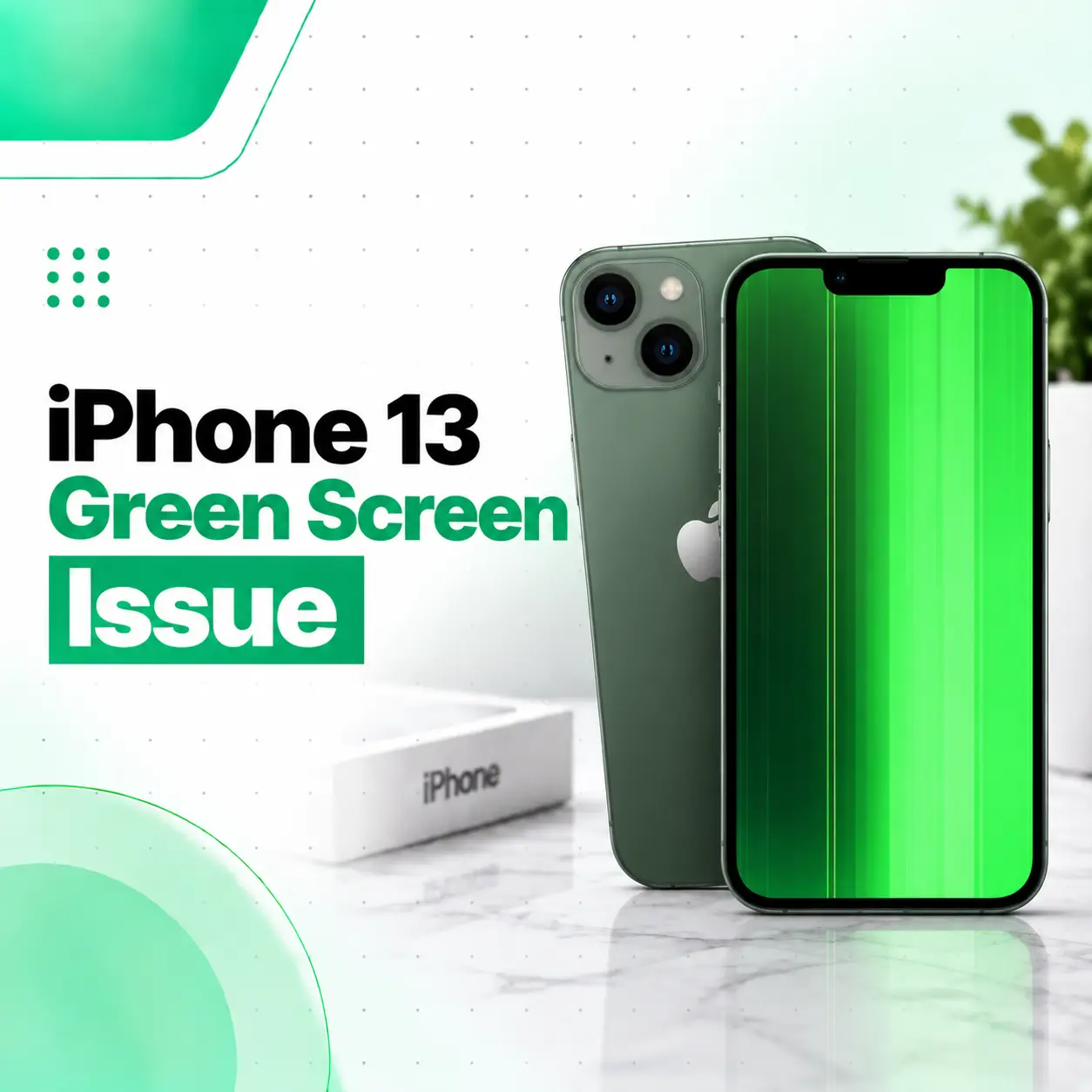
If your iPhone 13 green screen issue suddenly appears, the display may show a green tint, green lines, flashing green areas, or an almost completely green screen. Because the iPhone 13 uses an OLED display, a persistent green-screen problem can indicate a display-related fault rather than simply an incorrect color setting.
A temporary software or display-setting problem is possible, so a few basic checks are worth trying first. However, if the green screen remains after restarting the phone—or appeared after a drop, pressure, or liquid exposure—the display assembly, connector, flex cable, or another hardware component may need professional inspection.
This guide explains the likely causes, troubleshooting steps, repair options, cost factors in Bangladesh, and when it makes sense to have your iPhone 13 inspected by a professional repair service such as iCareFix.
Why Is My iPhone 13 Screen Green?
A green iPhone 13 screen can be caused by a display setting or software problem, but a persistent green screen, green lines, or severe discoloration can also indicate a hardware problem involving the OLED display or its connections.
Common possibilities include:
- Temporary iOS or display glitches
- Incorrect display-color settings
- OLED panel failure
- Damage to the display flex cable or connector
- Physical impact or pressure
- Liquid exposure or internal corrosion
- A problem elsewhere in the display signal path
The exact cause cannot be confirmed from the green appearance alone. A proper diagnosis should distinguish between a software-related display problem and a physical display fault.
Green Tint vs. Completely Green Screen
These symptoms should not automatically be treated as the same problem.
A mild green tint may affect darker areas or appear mainly at certain brightness levels.
A completely green screen can indicate a more serious display malfunction, particularly when the phone is otherwise running normally.
Green lines are another distinct symptom. Repair troubleshooting resources associate persistent green or purple display lines with electrical or physical problems within the display.
What Causes the iPhone 13 Green Screen Issue?
OLED Display Failure
The iPhone 13 uses an OLED display. Unlike an LCD, an OLED panel produces light from individual pixels rather than using a separate backlight.
Damage or failure within the OLED panel can cause abnormal colors, lines, black areas, flickering, or a failure to display an image correctly. Repair references specifically identify display failure as a possible cause of iPhone 13 screen problems.
Damaged Display Flex Cable or Connector
The display communicates with the phone through internal connectors and flex cables. A drop or physical impact can affect these components even when the outer glass does not appear badly damaged.
If the problem began immediately after the phone was dropped, the display assembly or its connection deserves particular attention.
Physical Impact
An iPhone does not need to have visibly shattered glass for the display underneath to be affected.
A hard impact can damage:
- OLED layers
- Display circuitry
- Flex connections
- Internal connectors
Repair reports involving iPhone 13 devices have documented green-screen or green-line symptoms following physical impact.
Liquid Exposure
Moisture can affect display components and connectors. Liquid damage may initially appear as a display problem and can become more complicated if corrosion develops internally.
If your green screen appeared after water or another liquid reached the phone, avoid repeatedly charging or opening the device yourself. Professional inspection is more appropriate.
Software or Display Settings
Not every color problem means the display needs replacement.
iPhone accessibility settings can alter how colors appear. Apple documents options such as Color Filters, Color Tint, Invert Colors, and other display adjustments.
A technician should therefore rule out software and configuration issues before recommending a screen replacement.
How to Fix an iPhone 13 Green Screen Issue
Start with the least invasive troubleshooting steps before considering hardware repair.
1. Force Restart the iPhone 13
A force restart can help when the screen is temporarily frozen or the operating system has encountered a display-related glitch.
Follow these steps:
- Quickly press and release Volume Up.
- Quickly press and release Volume Down.
- Press and hold the Side button.
- Keep holding until the Apple logo appears.
If the screen remains green during the process, continue holding the Side button long enough for the restart sequence to complete.
A force restart will not repair a physically damaged OLED panel, but it can help determine whether the problem was temporary.
2. Check Display and Color Settings
If you can still use the phone, check:
Settings → Accessibility → Display & Text Size
Look for settings such as:
- Color Filters
- Color Tint
- Invert Colors
Apple provides these settings to intentionally modify how colors appear on the display.
If an unexpected filter or tint is enabled, disabling it may restore normal colors.
3. Check Whether the Problem Appears Everywhere
Try viewing different screens, menus, photos, and videos.
If the green appearance occurs consistently across the entire iOS interface, it is less likely to be caused by a single app.
If only one application appears green while other parts of iOS look normal, the issue may be application-specific rather than a failed display.
4. Check for Physical or Liquid Damage
Think about what happened immediately before the problem started.
Ask yourself:
- Was the iPhone dropped?
- Was it bent or subjected to pressure?
- Was it exposed to water?
- Was the screen recently replaced?
- Did the problem begin after a repair?
- Are there green lines, black spots, or flickering?
These details can help a technician narrow down the cause.
5. Back Up Your Data If the Phone Still Works
If the display is still usable, back up important photos, contacts, messages, and other data before sending the phone for repair.
This is especially important when a display problem is becoming worse or the device is intermittently unusable.
When Does an iPhone 13 Green Screen Need Screen Repair?
A persistent green display is more concerning when it is accompanied by other symptoms.
Professional inspection is recommended if:
- The green screen remains after restarting.
- Green lines appear repeatedly.
- The display flickers.
- Touch stops responding.
- Part of the screen becomes black.
- The problem started after a drop.
- The phone experienced liquid exposure.
- The screen becomes green during startup.
- The phone works normally but the display does not.
If the phone still produces sounds, vibrations, or other signs of normal operation while the screen remains unusable, the display system becomes an important area to investigate.
Can an iPhone 13 Green Screen Be Repaired?
Yes, an iPhone 13 with a green screen can often be repaired, but the appropriate repair depends on the underlying fault.
Display Connection Repair
If diagnosis identifies a connection-related problem, a technician can inspect the display connector and flex connection.
The solution depends on the condition of the components. A loose or damaged connection should not automatically be treated as a simple software problem.
OLED Screen Replacement
If the OLED panel itself has failed or sustained damage that cannot be practically repaired, replacing the display assembly may be the appropriate solution.
iFixit’s iPhone 13 repair documentation identifies screen replacement as the repair route when the device is not showing an image or has other significant display problems.
Board-Level Diagnosis
In less common situations, the problem may extend beyond the screen itself.
If a known-good display does not resolve the problem, a technician may need to investigate the phone’s display circuitry or logic board.
This is why replacing the screen immediately without diagnosis is not always the right first step.
Does Screen Replacement Affect iPhone 13 Features?
It can, depending on the replacement display and repair process.
Apple notes that non-genuine displays can be associated with issues involving color calibration, True Tone, brightness, and other display characteristics.
Repair procedures also involve device-specific calibration and configuration considerations. Current iPhone repair documentation notes that Apple’s Repair Assistant can be used with supported genuine replacement parts in newer iOS versions.
Before approving a screen replacement, ask the repair provider:
- What type of display will be installed?
- Is it genuine, refurbished, or aftermarket?
- Will True Tone functionality be preserved?
- Will the display require calibration?
- Is there a repair warranty?
- What happens if another fault is discovered during diagnosis?
These questions help you understand what you are actually paying for.
How Much Does iPhone 13 Green Screen Repair Cost in Bangladesh?
There is no single reliable repair price for every iPhone 13 green-screen problem.
The final cost can depend on:
| Cost Factor | Why It Matters |
| Display condition | A failed OLED may require replacement |
| Damage type | Physical, liquid, and electrical faults require different work |
| Part quality | Genuine, refurbished, and aftermarket displays can differ |
| Repair method | Component repair and full display replacement have different costs |
| Availability | Replacement-part availability can affect pricing |
| Labor | More complex diagnosis or board-level work requires more technician time |
| Additional damage | Liquid or impact damage may affect multiple components |
For that reason, a professional inspection is more useful than assuming that every green-screen problem requires the same repair.
Should You Replace the Screen Yourself?
DIY iPhone screen repair is possible for people with appropriate tools and repair experience, but it is not a good first choice for most users.
Opening the iPhone involves delicate components, connectors, adhesive, and specialized procedures. iFixit’s iPhone 13 screen-replacement guide also warns that opening the display can compromise the device’s water-resistant seals if they are not properly replaced during reassembly.
DIY repair can also create additional problems if:
- A connector is damaged.
- A flex cable tears.
- The replacement screen is defective.
- Calibration is not completed correctly.
- Internal screws or components are incorrectly positioned.
If the original fault has not been diagnosed, replacing the screen yourself can also mean spending money on a part that was not actually the cause.
How a Professional Technician Diagnoses an iPhone 13 Green Screen
A proper diagnosis should look beyond the visible symptom.
Visual Inspection
The technician checks for:
- Cracked glass
- Green lines
- Black spots
- Screen separation
- Signs of impact
- Liquid indicators or corrosion
- Previous repair damage
Display Function Testing
The technician can evaluate whether:
- Touch works normally
- Brightness changes correctly
- The green effect appears at all brightness levels
- The display flickers
- The phone produces a normal image intermittently
Connector and Flex Inspection
The display connection can be inspected for damage, contamination, or other abnormalities.
Software Troubleshooting
If hardware damage is not obvious, software and display settings should be considered before replacing components.
Further Hardware Diagnosis
If replacing or testing the display does not resolve the problem, additional diagnosis may be necessary to determine whether the fault is elsewhere in the phone.
How to Prevent iPhone 13 Display Problems
You cannot prevent every OLED failure, but sensible handling can reduce avoidable damage.
- Use a properly fitted protective case.
- Protect the screen from hard impacts.
- Avoid placing heavy objects on the phone.
- Keep the device away from unnecessary liquid exposure.
- Do not press heavily on a damaged display.
- Back up important data regularly.
- Have recurring display abnormalities inspected rather than ignoring them.
If green lines or discoloration appear intermittently, documenting when they occur can also help a technician identify the pattern.
When Should You Take Your iPhone 13 to a Professional Repair Service?
You should consider professional inspection when basic troubleshooting does not resolve the issue or when there are clear signs of hardware damage.
In particular, seek professional diagnosis if the iPhone 13:
- Stays completely green
- Has persistent green lines
- Shows a green screen after a drop
- Has suffered liquid exposure
- Has stopped responding to touch
- Shows green and black areas simultaneously
- Flickers or repeatedly loses the image
- Has already had a screen replaced
The goal should be to identify the actual failed component before choosing between repair and replacement.
Frequently Asked Questions
1. Why is my iPhone 13 screen green?
An iPhone 13 screen can appear green because of a temporary software or display-setting issue, but a persistent green screen may indicate an OLED display, connector, flex-cable, or other hardware problem. Physical impact and liquid exposure can also contribute. The exact cause requires diagnosis rather than relying on the screen color alone.
2. How do I fix the green screen on my iPhone 13?
Start by force restarting the iPhone and checking Display & Text Size settings for Color Filters or Color Tint. If the green appearance remains across iOS, particularly after a drop or liquid exposure, the problem may be hardware-related and should be professionally inspected.
3. Is the iPhone 13 green screen always a hardware problem?
No. Some display-color problems can result from software or configuration settings. However, persistent green screens, green lines, severe discoloration, or symptoms following physical damage can indicate a display-related hardware fault. A technician should rule out simpler causes before recommending replacement.
4. Can a green iPhone 13 screen be repaired?
Often, yes. The appropriate solution depends on the cause. A technician may inspect the display connection, test the screen, or recommend display replacement if the OLED panel is damaged. If the display is not the underlying problem, additional hardware diagnosis may be required.
5. How much does iPhone 13 green screen repair cost in Bangladesh?
The cost depends on the actual fault, replacement-part quality, labor, damage severity, and whether the solution involves display repair or complete screen replacement. Because these factors vary, an inspection is needed before giving a meaningful repair estimate.
6. How long does iPhone 13 green screen repair take?
Repair time depends on the diagnosis and whether a replacement part is required. A straightforward screen replacement can differ significantly from liquid-damage or board-level diagnosis. A repair provider should confirm the expected timeframe after inspecting the device and determining what work is necessary.
7. Should I keep using my iPhone 13 with a green screen?
If the phone remains usable and the issue is minor, you may be able to use it temporarily, but a persistent or worsening display problem should not be ignored. Back up your important data and arrange an inspection, especially if the issue followed a drop, liquid exposure, or previous screen repair.
Conclusion
The iPhone 13 green screen issue can have several causes, ranging from display settings or temporary software behavior to OLED failure, connector damage, physical impact, or liquid exposure. A force restart and display-setting check are reasonable first steps, but they cannot repair a physically damaged screen.
If the green screen continues, appears with green lines or flickering, or started after physical or liquid damage, professional diagnosis is the safer next step. A technician can determine whether the problem is limited to the display or involves another component before recommending a repair.
If your iPhone 13 is still showing a green screen after basic troubleshooting, iCareFix can assess the device and help determine whether display repair, screen replacement, or further hardware diagnosis is appropriate.