




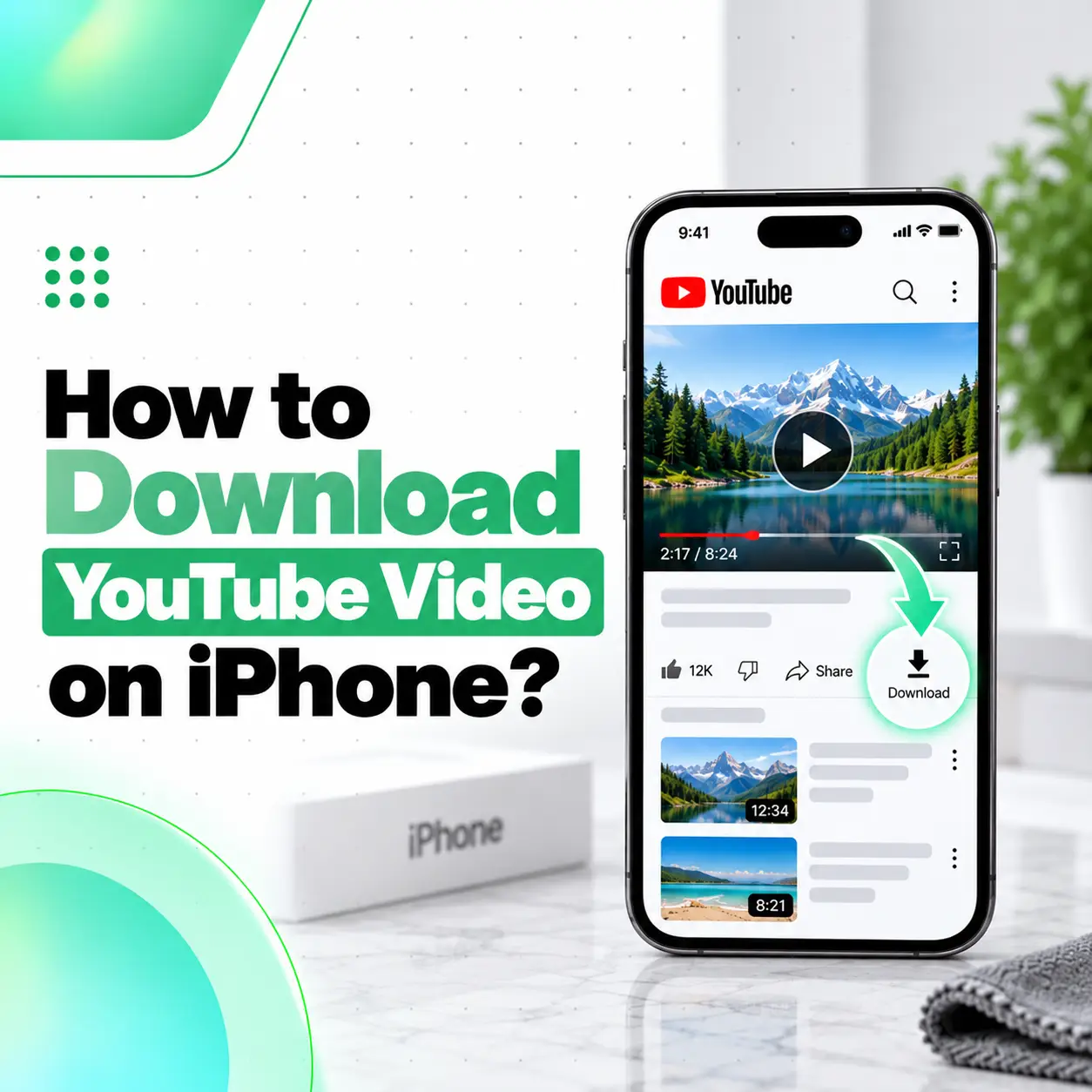
If you want to know how to download YouTube video on iPhone, the safest and simplest method is usually YouTube’s official Download feature inside the YouTube app. Depending on the video, your account, and your location, downloads may be available through YouTube Premium or through YouTube’s regional offline-viewing feature.
Bangladesh is currently included in YouTube’s list of countries and regions where certain videos can be downloaded for offline playback on mobile devices. However, availability still depends on the individual video.
It is also important to understand that a YouTube offline download normally stays inside the YouTube app. It does not automatically become a regular MP4 file in the Photos or Files app. This guide explains the official methods, storage settings, download problems, and safer alternatives.
How to Download YouTube Video on iPhone
You can download an eligible YouTube video directly from the YouTube app by opening the video and tapping Download below the player.
Steps to Download a YouTube Video
- Open the YouTube app on your iPhone.
- Sign in to your Google Account.
- Open the video you want to watch offline.
- Look below the video for Download.
- Tap Download.
- Select a download quality if YouTube asks.
- Wait for the download to finish.
- Open the You tab or Downloads section to access it offline.
YouTube’s current iPhone guidance states that Premium members can download eligible videos by opening the watch page and tapping Download below the video.
Do You Need YouTube Premium to Download Videos?
Not always.
YouTube Premium includes offline downloads on supported devices. However, YouTube also allows certain videos to be downloaded in selected countries and regions, and Bangladesh is currently included on that list.
That means a video may:
- Be downloadable without Premium
- Require YouTube Premium
- Not be available for offline download at all
The options you see depend on the video, account, region, and YouTube’s current licensing rules.
Can You Download YouTube Videos for Free in Bangladesh?
Certain videos may be available for offline playback without a YouTube Premium subscription in Bangladesh.
YouTube lists Bangladesh among supported locations where selected videos can be downloaded through the mobile app.
However, this does not mean every video is free to download.
If the video requires Premium, YouTube may prompt you to subscribe before the download can begin.
Where Are Downloaded YouTube Videos Stored on iPhone?
YouTube offline downloads normally remain inside the YouTube app.
They are not typically saved as ordinary video files inside:
- Photos
- Files
- iCloud Drive
You generally access them through the You or Downloads area of the YouTube app.
This is why downloading for offline playback is different from downloading an MP4 file.
Can You Watch Downloaded YouTube Videos Without Internet?
Yes.
Once a supported video has been downloaded, it can be watched offline through the YouTube app.
However, YouTube requires devices to reconnect periodically so it can check whether the video is still available. For selected regional downloads, YouTube states that many videos can be played offline for up to 48 hours before the app needs to reconnect, while some regions allow certain non-music content for longer periods.
Premium downloads may remain available for longer periods before requiring another connection.
How to Find Downloaded YouTube Videos on iPhone
After the download is complete:
- Open YouTube.
- Tap your profile or You section.
- Open Downloads.
- Select the video you want to watch.
You must generally remain signed in to the same Google Account that downloaded the video.
If you sign out or switch accounts, downloaded content may not be available.
How to Change YouTube Download Quality
Higher-quality downloads look better but use more iPhone storage and mobile data.
YouTube allows Premium users to change download quality through its download settings.
A typical path is:
- Open YouTube.
- Tap your profile picture.
- Open Settings.
- Tap Background & downloads.
- Tap Download quality.
- Select your preferred quality.
Menu wording can vary slightly as the YouTube app changes.
Which Quality Should You Choose?
Choose based on your needs.
| Download Quality | Best For | Storage Use |
| Lower quality | Saving storage and mobile data | Lower |
| Medium quality | Everyday offline viewing | Moderate |
| Higher quality | Large-screen or detailed viewing | Higher |
Higher-quality videos take longer to download and consume more storage.
How Much Storage Do YouTube Downloads Use?
The exact amount depends on:
- Video length
- Resolution
- Encoding
- Download quality
A long high-resolution video generally requires much more storage than a short lower-quality video.
To check overall storage:
Settings > General > iPhone Storage
If storage is nearly full, remove older downloads or other unnecessary content before downloading more videos.
How to Delete a Downloaded YouTube Video
To remove an offline video:
- Open YouTube.
- Go to Downloads.
- Find the downloaded video.
- Open its menu.
- Choose the option to remove or delete the download.
YouTube also provides a setting to delete all downloaded videos at once.
Removing an offline download does not delete the original video from YouTube.
Can You Download a YouTube Video to iPhone Photos?
The standard YouTube offline feature does not normally save another creator’s video directly to the Photos app.
Offline downloads remain within YouTube.
This distinction is important if you want to:
- Edit the video
- Send the original file
- Transfer it to a computer
- Upload it somewhere else
If you need a regular video file, the legitimate options depend on ownership and permission.
How to Download Your Own YouTube Video on iPhone
YouTube allows creators to download eligible videos they uploaded themselves.
According to YouTube’s current iPhone guidance, your own videos can be saved as MP4 files, generally in 720p or 360p depending on the video.
Using the YouTube App
- Open YouTube.
- Tap your profile picture.
- Open Your videos.
- Select Videos or Shorts.
- Find the video you uploaded.
- Open the menu beside it.
- Tap Save to device.
This is different from YouTube’s ordinary offline-download function.
Using YouTube Studio
You can also:
- Open YouTube Studio.
- Tap Content.
- Open Videos or Shorts.
- Find your video.
- Open its menu.
- Tap Save to device.
YouTube notes that there are situations where your own video cannot be downloaded, including certain copyright or Community Guidelines restrictions.
Can You Download Someone Else’s YouTube Video as an MP4?
YouTube’s official help states that users cannot use its creator download feature to download other users’ videos as MP4 files.
For someone else’s content, the safer options are:
- Use YouTube’s official offline feature
- Use YouTube Premium where required
- Ask the creator for a downloadable copy
- Use a creator-provided download link
- Follow the terms of any applicable license
A publicly viewable video is not automatically free to copy, redistribute, or reuse.
Can You Download YouTube Videos Using Safari on iPhone?
Safari can open YouTube, but it does not provide a standard official method for saving other creators’ YouTube videos as unrestricted local video files.
You may find third-party websites that claim to convert YouTube videos to MP4.
Be cautious.
Some downloader sites may:
- Show fake download buttons
- Redirect to suspicious advertisements
- Request unnecessary permissions
- Ask you to install configuration profiles
- Attempt to collect account information
For offline viewing, YouTube’s official app is the safer option.
Is It Safe to Use Third-Party YouTube Downloaders?
Third-party downloader sites vary significantly in reliability.
Potential risks include:
- Misleading advertisements
- Fake download buttons
- Malware
- Tracking
- Suspicious redirects
- Fake login pages
- Configuration-profile installation
- Copyright or terms-of-service issues
Never enter your Google Account password into an unfamiliar downloader site.
If your goal is simply to watch videos during travel or when internet access is limited, the official YouTube Download feature is normally enough.
Why Is the YouTube Download Button Missing on iPhone?
The Download button may be missing because the particular video is not eligible for offline playback, Premium is required, you are not signed in, or another account or regional restriction applies.
YouTube confirms that some videos are unavailable for offline playback even in supported regions.
Common Reasons
| Possible Cause | What to Check |
| Video not eligible | Try another video |
| Premium required | Check YouTube’s membership prompt |
| Not signed in | Sign into your Google Account |
| App outdated | Update YouTube |
| Storage low | Check iPhone Storage |
| Network problem | Try stable Wi-Fi |
| Account restriction | Check account settings |
| Regional limitation | Confirm availability in your location |
Why Are YouTube Videos Not Downloading on iPhone?
A failed download does not usually mean the iPhone needs repair.
Common reasons include:
- Weak Wi-Fi
- Interrupted mobile data
- Low storage
- Video no longer available
- YouTube app problem
- Account restriction
- Premium status issue
- Download-quality setting
Try These Fixes
- Check your internet connection.
- Confirm you are signed in.
- Make sure the video is eligible for download.
- Check available iPhone storage.
- Try a lower download quality.
- Close and reopen YouTube.
- Update the YouTube app.
- Restart the iPhone if necessary.
If only one video fails, the problem is more likely to be video availability than the iPhone itself.
What Happens If Your Internet Disconnects During a Download?
YouTube states that download progress can resume after your internet connection returns.
You usually do not need to start the video download again from zero.
For large videos:
- Keep the iPhone connected to stable Wi-Fi
- Avoid switching networks unnecessarily
- Keep enough storage available
Can You Download YouTube Videos Using Mobile Data?
This depends on your YouTube settings and account.
Some users restrict downloads to Wi-Fi to avoid mobile-data charges.
Check:
YouTube > Settings > Background & downloads
Look for any Wi-Fi-only download option.
If you have a limited Bangladeshi mobile-data package, downloading large videos over Wi-Fi can help reduce data usage.
What Is Smart Downloads on YouTube?
YouTube Premium includes Smart Downloads, which can automatically add recommended videos for offline viewing.
YouTube says Smart Downloads can periodically replace older recommendations with newer ones and will stop downloading when connectivity or storage conditions are unsuitable.
This feature can be useful if you regularly watch content while commuting or travelling without reliable internet.
However, it also uses device storage, so check your available space.
Can Purchased YouTube Movies Be Downloaded?
Yes.
YouTube states that purchased or rented eligible movies and TV shows can be downloaded on supported iOS devices for offline playback, and a Premium subscription is not necessarily required for purchased content.
The content still remains connected to YouTube’s playback system rather than functioning like an unrestricted ordinary video file.
Does Downloading YouTube Videos Slow Down an iPhone?
Downloading videos through the official YouTube app is a normal iPhone function.
However, problems can occur if the device runs very low on free storage.
Low storage can contribute to:
- App sluggishness
- Failed downloads
- Difficulty installing updates
- Reduced space for photos and videos
If performance becomes poor after downloading many videos, check:
Settings > General > iPhone Storage
Delete unnecessary downloads before assuming there is a hardware problem.
Does YouTube Downloading Damage iPhone Battery?
Normal YouTube downloads do not directly damage the battery.
However, downloading large files can use:
- Wi-Fi or cellular radios
- Processing power
- Storage activity
This can temporarily increase battery usage and heat.
If the iPhone becomes extremely hot, shuts down unexpectedly, or loses battery unusually quickly across many apps—not just YouTube—a broader battery or hardware diagnosis may be appropriate.
When Should You Seek Professional iPhone Support?
Most YouTube download problems are software, account, connectivity, or storage issues, not hardware faults.
Professional inspection may make sense if your iPhone also has:
- Wi-Fi failing across multiple apps
- Repeated unexpected restarts
- Touchscreen problems
- Charging failure
- Severe battery drain
- Persistent overheating
- App crashes throughout iOS
A repair shop cannot make a YouTube video downloadable if YouTube itself restricts that content.
However, if a genuine iPhone hardware problem is interfering with normal use, iCareFix can inspect the relevant component and recommend an appropriate repair option.
Frequently Asked Questions
1. How do I download YouTube videos on my iPhone?
Open the YouTube app, sign in, choose an eligible video, and tap Download below the player. After the download finishes, open the You or Downloads section to watch it offline. Depending on the video and account, the feature may require YouTube Premium or may be available through YouTube’s regional offline-download program.
2. Can I download YouTube videos without Premium in Bangladesh?
Yes, some videos may be downloadable without Premium in Bangladesh because Bangladesh is on YouTube’s current list of supported offline-download regions. However, not every video is eligible. Some videos may require YouTube Premium, while others may have no offline option at all. Always use the download options displayed inside the official YouTube app.
3. Where are YouTube downloads stored on an iPhone?
Ordinary offline YouTube downloads stay within the YouTube app rather than appearing as normal MP4 files in Photos or Files. You access them through YouTube’s Downloads area while signed into the appropriate account. This means an offline download is intended for playback inside YouTube rather than editing, copying, or transferring like a regular local video file.
4. Can I save a YouTube video directly to my iPhone Photos app?
Not through the standard offline-download feature for someone else’s video. If the video is your own eligible upload, YouTube provides Save to device, allowing you to download an MP4 version. For another creator’s content, use YouTube’s offline feature or obtain a downloadable copy directly from the copyright owner or creator.
5. Why is the YouTube Download button missing on my iPhone?
The video may not support offline playback, your account may require Premium, you may not be signed in, or account and regional restrictions may apply. YouTube confirms that some videos are unavailable for offline download even in supported locations. Try another video, verify your account, and update the YouTube app before changing other iPhone settings.
6. Why do YouTube downloads keep failing on my iPhone?
Failed downloads are commonly caused by unstable internet, insufficient storage, account restrictions, app issues, or the selected video becoming unavailable. Check your connection, free storage, download settings, and YouTube app version first. If downloads fail only for one specific video, the problem is more likely to be content availability than an iPhone hardware issue.
7. Do I need iPhone repair if YouTube videos will not download?
Usually, no. A YouTube download issue is normally related to the app, account, storage, network connection, or video availability. Repair becomes more relevant only if the phone also has device-wide problems such as Wi-Fi failure, unexpected shutdowns, charging faults, severe battery issues, or repeated crashes across multiple applications.
Conclusion
Learning how to download YouTube video on iPhone is straightforward when you distinguish between offline playback and downloading a normal video file.
For most users:
- Open the YouTube app.
- Select an eligible video.
- Tap Download.
- Watch it later from YouTube’s Downloads section.
In Bangladesh, certain videos are currently available for regional offline downloading, while others may require YouTube Premium or may not support downloads at all.
If you want a regular MP4 file of a video you uploaded yourself, use YouTube’s Save to device option where available.
Avoid unfamiliar downloader websites that request passwords, configuration profiles, or unnecessary permissions.
If YouTube problems are part of a wider iPhone issue—such as failing Wi-Fi, repeated restarts, charging problems, or severe battery symptoms—iCareFix can inspect the device and determine whether professional repair is actually needed.