




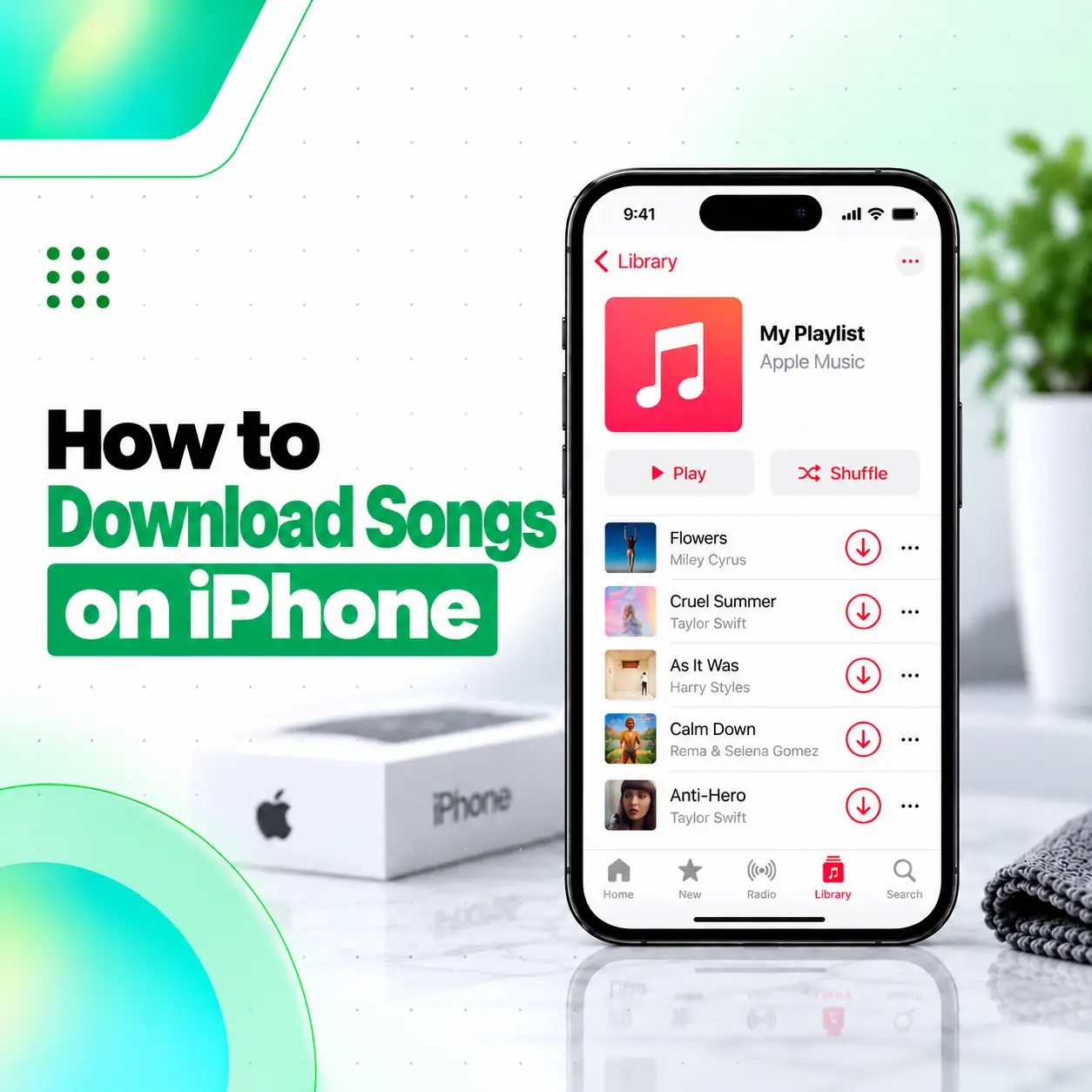
If you want to listen to music without using mobile data or Wi-Fi, there are several safe ways to download songs on iPhone. The most direct method is through Apple Music: add a song, album, or playlist to your library, then download it for offline listening. You can also buy music from the iTunes Store and permanently download purchased tracks to a compatible iPhone.
The exact method depends on whether you use an Apple Music subscription, have previously purchased music, or want to transfer music from a Mac or Windows computer. This guide explains the main legal methods, how offline downloads work, where downloaded music appears, storage considerations, and common reasons a song may not download correctly.
How to Download Songs on iPhone With Apple Music
If you subscribe to Apple Music, you can add songs to your library and download them for offline listening.
Step 1: Turn On Sync Library
Go to:
Settings > Apps > Music > Sync Library
Apple states that Sync Library should be enabled before downloading music from Apple Music to your iPhone.
Step 2: Add Music to Your Library
Open the Music app, then find a song, album, or playlist.
You can:
- Touch and hold a song, album, or playlist and tap Add
- Use the Add button on an album or playlist
- Add a song from the More menu
Once added, the item becomes part of your Apple Music library.
Step 3: Download the Song, Album, or Playlist
After adding music to your library:
- Open the Music app.
- Find the item in your library.
- Touch and hold the song, album, or playlist.
- Tap Download.
For an album or playlist, you can also use the Download button shown near the top of the page.
How to Automatically Download Music on iPhone
If you want newly added Apple Music items to download automatically, turn on Automatic Downloads.
Go to:
Settings > Apps > Music > Automatic Downloads
When enabled, supported music you add can download to the device automatically.
This can be useful if you regularly add music and want it ready for offline listening.
How to Download Purchased Songs From the iTunes Store
You do not need an Apple Music subscription to buy songs from the iTunes Store.
Apple currently supports buying music directly from the iTunes Store app on iPhone.
To Buy and Download a Song
- Open the iTunes Store app.
- Tap Music.
- Search for the song or album.
- Tap the displayed price.
- Sign in with your Apple Account if required.
- Complete the purchase.
After purchase, the music becomes available in your Music library.
Purchased digital music can be downloaded to compatible devices for offline access.
How to Redownload Songs You Already Purchased
If you previously bought music from the iTunes Store, you can download it again without buying it a second time, provided it is still available and you are using the relevant Apple Account.
Steps to Redownload Purchased Music
- Open the iTunes Store app.
- Tap Purchased.
- Tap Music.
- Choose Not on This iPhone if available.
- Find the song or artist.
- Tap the Download button.
Apple also supports downloading eligible purchases made by Family Sharing members when purchase sharing is enabled.
Where Are Downloaded Songs Stored on iPhone?
Songs downloaded through Apple Music appear inside the Music app.
To view only downloaded music:
- Open Music.
- Tap Library.
- Tap Downloaded.
Apple documents the Downloaded category as the place to view music physically stored on the iPhone for offline playback.
You normally do not manage Apple Music downloads as ordinary MP3 files in the Files app.
Can You Listen to Apple Music Without Internet?
Yes, if the music has been downloaded to the iPhone first.
Apple distinguishes between:
- Streaming — requires an internet connection
- Downloaded music — can be played offline
To listen without internet, add the music to your library and download it before going offline.
Apple Music Download vs Purchased Music
These are not exactly the same.
| Method | Apple Music Subscription Needed | Offline Listening | Ownership/Access |
| Apple Music download | Yes | Yes | Access depends on subscription and catalog availability |
| iTunes Store purchase | No | Yes | Purchased digital media can be permanently downloaded to compatible devices |
| Computer sync | No Apple Music subscription required | Yes | Depends on music files you sync |
Apple states that purchased digital media can be permanently downloaded to compatible devices, while Apple Music downloads are tied to the Apple Music service and your subscription access.
How to Transfer Music From a Mac or Windows Computer
You can also put music on an iPhone by syncing it from a computer.
Apple supports transferring music from:
- Mac using the Music app on supported macOS versions
- Older Macs using iTunes
- Windows PCs using supported Apple or iTunes software
Apple documents computer-to-iPhone music transfer as another way to build your iPhone music library.
This method can be useful if you already own music files on your computer.
Can You Download Songs Directly Into the Files App?
That depends on the source.
Some websites or apps may provide legal audio files that can be downloaded to the Files app. However, files downloaded this way do not automatically become part of the Apple Music library.
If you legally obtain an audio file, you may be able to:
- Store it in Files
- Open it with a compatible app
- Transfer or sync it to a music library using a computer when supported
Avoid unofficial websites offering copyrighted songs without permission.
Can You Download Songs From Spotify, YouTube Music, or Other Apps?
Many subscription-based music apps offer their own offline-download feature.
Examples may include:
- Spotify
- YouTube Music
- Other licensed streaming apps
These downloads usually stay inside the specific app and are intended for offline playback within that service.
They typically do not appear as ordinary music files in Apple Music or Files.
Is It Safe to Download Songs From Random Websites?
Not always.
Untrusted music-download websites can expose users to:
- Misleading download buttons
- Pop-ups
- Malicious files
- Scam pages
- Copyright infringement
- Unwanted profiles or downloads
For most users, safer options include:
- Apple Music
- iTunes Store
- Licensed streaming apps
- Music you already legally own
- Legitimate artist or distributor downloads
Avoid installing unknown profiles, configuration files, or apps just to download a song.
How Much Storage Do Downloaded Songs Use?
Downloaded music uses local iPhone storage.
The amount depends on:
- Number of songs
- Audio quality
- Lossless settings
- Length of tracks
- Albums or playlists downloaded
Apple notes that higher audio-quality formats, including Lossless and High-Resolution Lossless, use more data and storage than lower-quality formats.
If storage is limited, review downloaded music regularly.
How to Check Downloaded Music Storage
To manage Music storage, go to:
Settings > General > iPhone Storage
Then look for Music.
You can review how much storage the app and downloaded content are using.
You can also remove downloads directly from the Music app when you no longer need offline access.
How to Remove Downloaded Songs Without Removing Them From Your Library
Apple Music lets you remove a downloaded copy while keeping the item in your music library.
This is useful if you want to free iPhone storage but still keep the song available for streaming later.
The exact wording may vary, but look for an option such as Remove Download rather than removing the item entirely from your library. Apple documents that downloaded songs can be removed from iPhone while remaining in the broader music library.
Can You Download Songs Over Mobile Data?
Yes, if cellular downloading is enabled.
Go to:
Settings > Apps > Music
Then review cellular data and download settings.
Apple provides controls for mobile-data downloading and audio quality. Higher-quality formats can consume significantly more mobile data.
If you have a limited data plan, downloading over Wi-Fi may be more practical.
Why Can’t I Download Songs on Apple Music?
If a song does not download, possible reasons include:
- Sync Library is turned off
- Your Apple Music subscription is inactive
- The iPhone is offline
- Storage is low
- Cellular downloads are disabled
- The song is not currently available in your region
- The Apple Account is not signed in correctly
- There is a temporary network or app issue
Basic Troubleshooting
Try:
- Check your internet connection.
- Confirm your Apple Music subscription.
- Turn on Sync Library.
- Check available iPhone storage.
- Restart the Music app.
- Restart the iPhone.
- Update iOS.
- Try downloading the song again.
If only one song fails, the issue may be related to that specific item rather than the phone itself.
Does Downloading Music Use Battery?
Yes, downloading files uses network activity, processing, and storage operations, so it consumes some battery.
The effect is usually temporary.
For large playlists or albums, downloading while connected to Wi-Fi and power can be more convenient.
Do Downloaded Apple Music Songs Stay Forever?
Not necessarily.
Apple Music downloads are tied to your subscription and the service’s catalog access. If your subscription ends, offline Apple Music content may no longer remain playable through the service.
Purchased iTunes Store music is different. Apple states that purchased digital media can be permanently downloaded to compatible devices.
Can You Download Free Songs Legally on iPhone?
Yes, when the artist, publisher, or service legally provides them for free.
Examples can include:
- Free tracks distributed by artists
- Public-domain recordings
- Creative Commons music
- Authorized promotional downloads
The important point is that the source should have permission to distribute the audio.
Avoid sites that offer copyrighted commercial music for free without authorization.
When Should You Seek Technical Help?
Downloading music is normally a software or account-related task and usually does not require hardware repair.
Professional assistance may be useful if:
- The Music app repeatedly crashes
- Downloads fail across multiple apps
- Storage behaves abnormally
- The iPhone cannot connect reliably to Wi-Fi or mobile data
- The device freezes during normal app use
- There are broader software problems
For users in Bangladesh, iCareFix can assess an iPhone if music-download problems appear to be part of a wider software, storage, or connectivity issue.
Frequently Asked Questions
1. How do I download songs on iPhone?
With Apple Music, turn on Sync Library, add a song, album, or playlist to your library, then tap Download. Downloaded music can then be played without an internet connection.
2. Can I download songs on iPhone without Apple Music?
Yes. You can buy songs from the iTunes Store, redownload previous purchases, or sync music you legally own from a Mac or Windows computer. Apple supports all of these methods.
3. Where do downloaded Apple Music songs go?
They appear inside the Music app. Open Library > Downloaded to view music stored locally on the iPhone for offline playback.
4. Do downloaded songs work without internet?
Yes, if the music has been downloaded to the device first. Apple Music lets subscribers download supported songs, albums, and playlists for offline listening.
5. Can I permanently download songs I bought from iTunes Store?
Yes. Apple states that purchased digital media can be permanently downloaded to compatible devices. If a previously purchased song is still available, you can also redownload it without repurchasing it.
6. Why is my iPhone not downloading songs?
Common reasons include disabled Sync Library, low storage, network issues, an inactive subscription, disabled cellular downloads, or item availability. Check your connection, storage, Apple Account, and Music settings before trying again.
7. Is it safe to download songs from websites on iPhone?
Only when the source is legitimate and has permission to distribute the music. Random download sites can contain misleading ads, unsafe files, scams, or unauthorized copyrighted content. Apple Music, iTunes Store, licensed streaming apps, and authorized artist downloads are safer options.
Conclusion
Learning how to download songs on iPhone mainly depends on where your music comes from. Apple Music subscribers can add songs to their library and download them for offline listening, while users who prefer ownership can buy music through the iTunes Store. You can also sync music you already own from a computer.
For most users, the safest approach is to use Apple Music, iTunes Store, or another licensed music service rather than random download websites. If downloads repeatedly fail even after checking storage, internet access, account settings, and iOS, iCareFix can help assess whether a broader software or device issue is involved.