




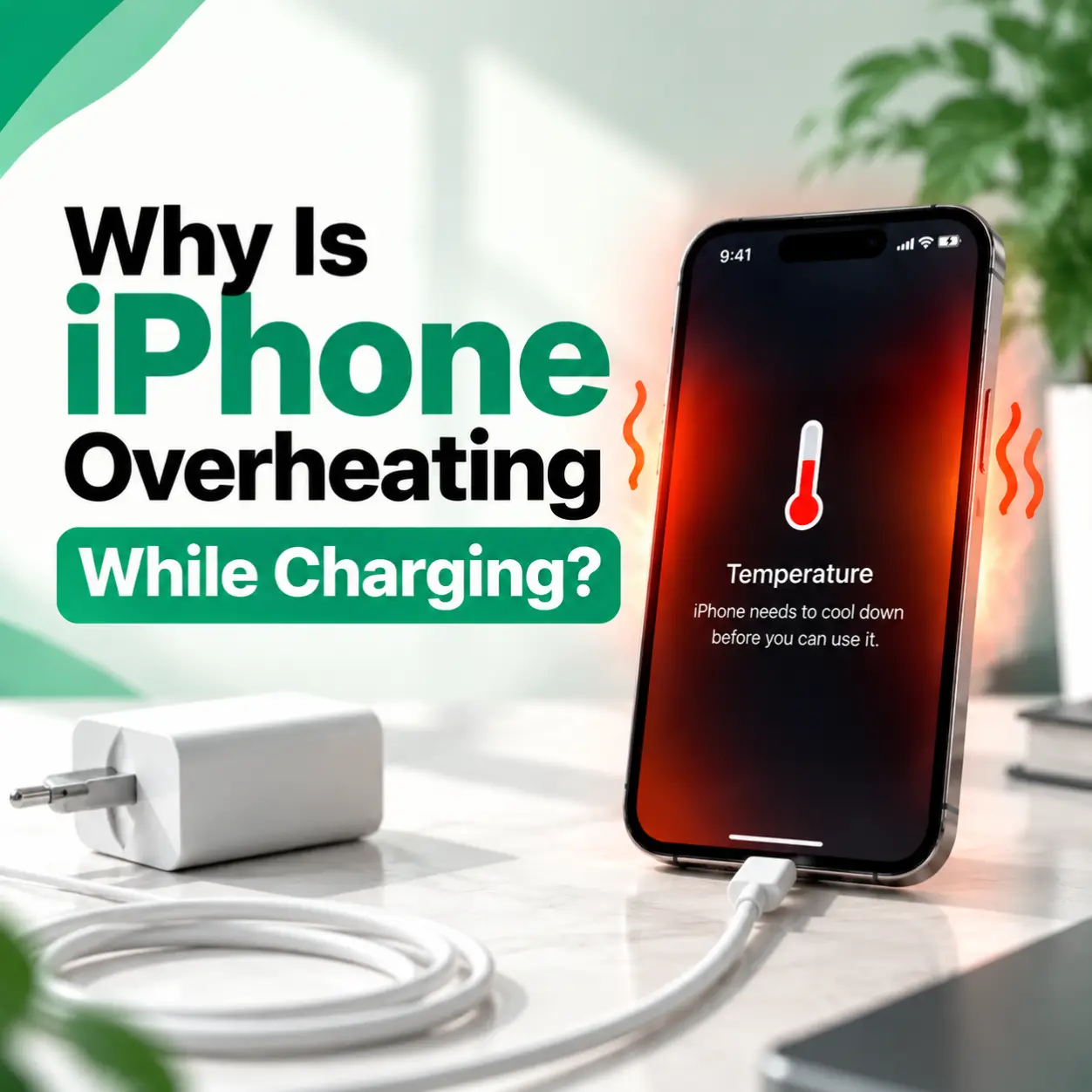
If your iPhone becomes unusually hot while charging, you may wonder whether it is normal or a sign of a bigger problem. iPhone overheating while charging can happen because of charging accessories, background processes, battery condition, software issues, or hardware problems.
A slightly warm iPhone during charging is usually normal, but excessive heat can affect battery performance and device reliability over time. In this guide, we explain why your iPhone gets hot while charging, how to troubleshoot the issue, and when professional iPhone repair may be needed.
For users looking for professional phone repair services in Bangladesh, iCareFix can help diagnose charging, battery, and hardware-related problems accurately.
Why Is My iPhone Overheating While Charging?
An iPhone may overheat while charging because of a faulty charging cable, high-power usage during charging, poor ventilation, battery health issues, software activity, or internal hardware problems.
Common causes include:
- Using damaged or low-quality charging accessories
- Running heavy apps while charging
- Poor airflow around the device
- Battery aging or damage
- Charging port problems
- Software bugs or background processes
- Internal component issues
Understanding the cause is the first step toward preventing battery damage and restoring normal charging performance.
Common Reasons Your iPhone Gets Hot While Charging
1. Using a Faulty Charging Cable or Adapter
A damaged charging cable or low-quality adapter can deliver unstable power to your iPhone. This may create extra heat during charging.
Signs of Charging Accessory Problems
- iPhone heats up immediately after plugging in
- Charging speed changes frequently
- Cable connection feels loose
- Charging stops and starts randomly
Using Apple-certified or reliable charging accessories can help reduce unnecessary heat.
2. Using Your iPhone While Charging
Using demanding applications while charging increases the workload on your device.
Activities that may increase heat include:
- Playing graphics-intensive games
- Watching high-resolution videos
- Using GPS navigation
- Video calling
- Recording videos
When the processor and battery work together during charging, the phone naturally produces more heat.
3. Poor Ventilation During Charging
Your iPhone needs proper airflow to release heat.
Charging your device in places like:
- Under a pillow
- Inside a closed bag
- On thick fabric surfaces
- In direct sunlight
can trap heat and cause overheating.
Place your iPhone on a flat, cool surface while charging whenever possible.
4. Battery Health Problems
A worn-out battery may generate more heat during charging because it cannot manage power efficiently.
Battery-Related Warning Signs
- Battery drains faster than usual
- iPhone shuts down unexpectedly
- Device becomes hot frequently
- Battery health percentage is significantly reduced
You can check battery condition from:
Settings → Battery → Battery Health & Charging
If the battery has degraded significantly, professional battery replacement may be required.
5. Too Many Background Processes Running
Apps running in the background can increase processor activity and battery usage.
Examples include:
- Cloud syncing
- App updates
- Location tracking
- Background app refresh
These activities can continue while your iPhone is charging, causing additional heat.
6. iOS Software Issues
Sometimes overheating is caused by software problems rather than hardware damage.
Possible software-related causes include:
- Recently installed apps
- iOS update bugs
- System processes running incorrectly
Updating your iPhone software and restarting the device can sometimes resolve temporary heating issues.
How to Fix iPhone Overheating While Charging
1. Remove the Phone Case While Charging
Some thick protective cases can reduce heat dissipation.
Try removing the case temporarily and check whether the temperature improves.
2. Stop Using Heavy Apps During Charging
Avoid intensive activities while charging.
Instead:
- Close unnecessary apps
- Turn off gaming apps
- Reduce screen brightness
- Enable Low Power Mode if needed
3. Check Your Charging Accessories
Inspect your:
- Charging cable
- Power adapter
- Charging port
Replace damaged accessories before they cause further issues.
4. Clean the Charging Port
Dust and debris inside the charging port can affect charging performance.
A blocked port may cause:
- Slow charging
- Connection problems
- Excess heat
Clean the port carefully and avoid using sharp metal objects.
5. Restart Your iPhone
A simple restart can clear temporary software problems that may cause excessive background activity.
Steps:
- Turn off your iPhone
- Wait a few seconds
- Turn it back on
- Try charging again
6. Update iOS
Keeping iOS updated helps fix known software issues and improves system stability.
Check:
Settings → General → Software Update
How to Diagnose an iPhone That Overheats While Charging
A proper diagnosis helps identify whether the issue comes from software, accessories, battery, or internal components.
Check Charging Accessories
Technicians inspect:
- Cable condition
- Adapter output
- Charging connection stability
Check Battery Condition
Battery testing helps determine whether the battery can hold and manage power properly.
Inspect Charging Port
A damaged or dirty charging port may create charging problems and heat buildup.
Check Internal Hardware
If basic troubleshooting does not solve the problem, internal components may need inspection.
Possible causes include:
- Charging circuit problems
- Battery damage
- Internal component failure
Is iPhone Overheating While Charging Dangerous?
A warm iPhone during charging is usually normal. However, excessive heat may indicate a problem that needs attention.
You should take action if:
- The phone becomes too hot to touch
- Charging stops automatically
- Battery drains unusually fast
- The device shuts down frequently
- The issue happens every time you charge
Continuous overheating can reduce battery lifespan over time.
iPhone Overheating Repair Cost in Bangladesh
The repair cost depends on the actual cause of overheating.
Factors affecting repair cost include:
- iPhone model
- Battery condition
- Required replacement parts
- Charging port damage
- Internal hardware issues
- Labor complexity
A battery replacement may cost differently from a charging system repair or motherboard-level repair. A professional diagnosis is recommended before deciding on repair.
Can You Fix iPhone Overheating Yourself?
You can try basic solutions such as:
- Removing the case
- Closing background apps
- Using a proper charger
- Restarting the device
- Updating iOS
However, avoid opening the iPhone yourself because internal components are delicate. Incorrect repair attempts can damage the battery, display, or motherboard.
When Should You Visit a Professional iPhone Repair Service?
You should consider professional repair if:
- Your iPhone overheats every time you charge
- The battery drains quickly
- Charging is unstable
- The phone shows warning messages
- Basic troubleshooting does not help
A professional technician can identify whether the issue is related to the battery, charging port, power management system, or another internal component.
How to Prevent iPhone Overheating While Charging
Follow these tips to reduce overheating:
- Use reliable charging accessories
- Avoid charging in hot environments
- Keep the charging port clean
- Remove unnecessary background apps
- Avoid heavy usage during charging
- Keep iOS updated
- Replace an aging battery when necessary
Frequently Asked Questions
1. Why does my iPhone get hot when charging?
Your iPhone may get hot while charging because of charging accessories, heavy usage, poor ventilation, battery aging, or software activity. A slightly warm device is normal, but excessive heat may require troubleshooting.
2. Is it normal for an iPhone to heat up while charging?
Yes, mild warmth during charging is normal. However, if your iPhone becomes extremely hot, stops charging, or shows performance problems, it may indicate a battery or hardware issue.
3. Can a bad charger make my iPhone overheat?
Yes. Damaged cables, poor-quality adapters, or unstable power delivery can increase heat during charging and may affect charging performance.
4. How do I stop my iPhone from overheating while charging?
Remove the case, use proper charging accessories, close heavy apps, keep the phone in a cool area, and avoid using demanding applications while charging.
5. Does iPhone battery replacement fix overheating problems?
If overheating is caused by an aging or damaged battery, replacement may solve the issue. However, proper diagnosis is needed because overheating can also come from charging or internal hardware problems.
6. Can I repair an overheating iPhone myself?
Basic troubleshooting is safe, but opening the device without proper tools and experience can cause additional damage. Professional inspection is recommended for hardware-related issues.
7. When should I take my iPhone for professional repair?
If your iPhone repeatedly overheats while charging, charges slowly, shuts down unexpectedly, or has battery problems, professional inspection can help identify the correct repair solution.
Conclusion
iPhone overheating while charging can happen because of charging accessories, battery health issues, software activity, or hardware problems. Simple steps like using proper chargers, improving airflow, and reducing heavy usage may solve minor heating issues.
If your iPhone continues overheating after basic troubleshooting, a professional inspection can help identify whether the problem is related to the battery, charging port, or internal components. iCareFix can assess your device and recommend the appropriate repair option based on the actual issue