




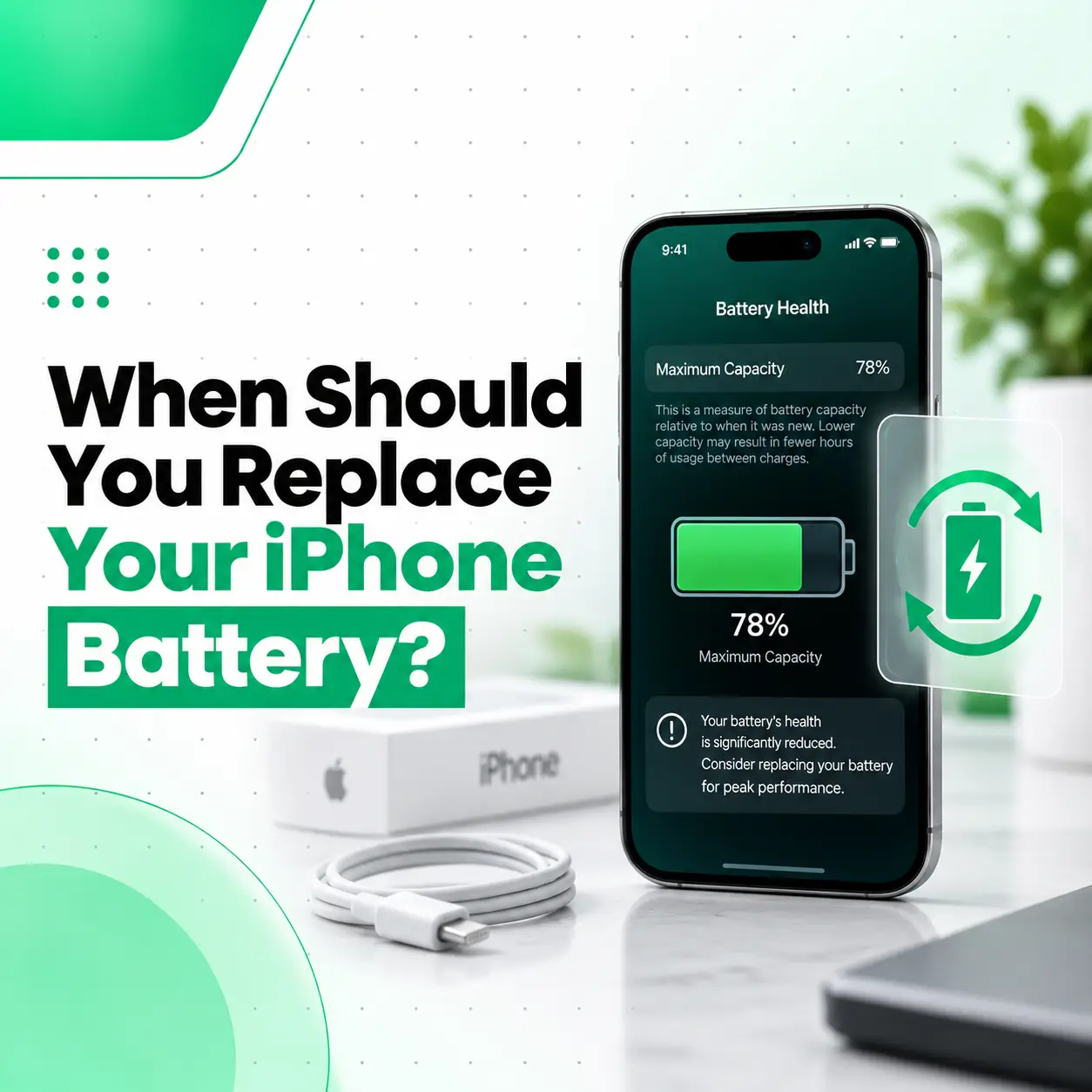
If your iPhone no longer lasts through the day, shuts down unexpectedly, charges more often than it used to, or shows a significantly degraded battery message, it may be time to consider a battery replacement. When should you replace your iPhone battery? The answer depends on more than the percentage shown in Battery Health.
Apple explains that rechargeable batteries naturally lose capacity as they chemically age. Battery condition, usage patterns, temperature, charging habits, and the iPhone model can all affect performance. Apple currently identifies 80% of original capacity as an important benchmark for its battery-service policy, although your actual need for replacement also depends on how the phone performs.
This guide explains how to check your iPhone battery health, recognize replacement signs, understand the 80% threshold, and decide when professional battery service makes sense.
When Should You Replace Your iPhone Battery?
You should consider replacing your iPhone battery when its reduced capacity is noticeably affecting everyday use, especially if Battery Health shows significant degradation or the battery is below the level at which service is recommended.
Common signs include:
- Battery health has dropped significantly.
- Your iPhone needs charging much more frequently.
- The battery drains unusually quickly.
- The phone unexpectedly shuts down.
- Performance is affected by an aged battery.
- iOS reports that the battery’s health is significantly degraded.
- The battery is physically swollen or damaged.
A battery percentage alone should not be the only deciding factor. Your actual usage experience and the messages shown in Battery Health are also important.
How Do You Know If Your iPhone Battery Needs Replacing?
The easiest starting point is to check your iPhone’s battery health and look for signs that the battery can no longer provide the performance you need.
Check Your iPhone Battery Health
The menu depends on your iPhone model and iOS version.
For iPhone 15 and later, Apple provides battery information under:
Settings → Battery → Battery Health
On iPhone 14 and earlier, the relevant section is:
Settings → Battery → Battery Health & Charging
Depending on the model, you can see information such as maximum capacity and other battery-related details. iPhone 15 and later can also show cycle count, manufacture date, and first-use date.
Check Maximum Capacity
Maximum Capacity compares the battery’s current capacity with its capacity when new.
For example, if your iPhone shows 85% maximum capacity, the battery has less capacity than it had when new. This does not automatically mean you must replace it immediately.
The more important question is whether the reduced capacity is causing practical problems such as short battery life, unexpected shutdowns, or performance issues.
Is 80% Battery Health Bad on an iPhone?
An 80% maximum-capacity reading does not mean the iPhone suddenly becomes unusable. It means the battery has lost part of its original capacity.
Apple states that batteries in iPhone 14 models and earlier are designed to retain 80% of their original capacity at 500 complete charge cycles under ideal conditions, while iPhone 15 models and later are designed to retain 80% at 1,000 complete charge cycles under ideal conditions. Actual results vary with how the device is used and charged.
So, 80% is useful as a service benchmark, but it should not be treated as a universal rule that every iPhone must be replaced at exactly 80%.
What Different Battery Health Levels Can Mean
| Maximum Capacity | What It Generally Means |
| 90–100% | Usually relatively strong battery capacity |
| 80–89% | Some normal capacity loss may be noticeable |
| Below 80% | Battery degradation is significant enough to consider service |
| Significantly degraded/message shown | Professional battery service should be considered |
These ranges are practical guidance rather than an Apple-defined grading system. Battery performance depends on the individual device and usage.
What Are the Signs You Need an iPhone Battery Replacement?
Battery Health is useful, but real-world symptoms can tell you when the battery is becoming inconvenient.
Your iPhone Battery Drains Quickly
If your iPhone used to last most of the day but now requires several charges, battery degradation may be contributing to the problem.
However, fast battery drain can also be caused by:
- High screen brightness
- Background activity
- Location services
- Poor cellular signal
- Certain apps
- High-performance workloads
- Software-related issues
Check Settings → Battery to see which apps and activities are consuming power before assuming the battery itself is defective. Apple provides battery usage information by app and activity.
Your iPhone Shuts Down Unexpectedly
An aged battery may struggle to deliver the peak power required by the device under certain conditions.
Apple documents situations where an aged battery is unable to provide the necessary peak power and unexpected shutdowns can occur.
Repeated unexpected shutdowns are a good reason to have the battery and device professionally assessed.
Your iPhone Shows a Degraded Battery Message
If iOS reports that the battery’s health is significantly degraded, Apple says you may experience more noticeable battery and performance issues and recommends battery service to restore full performance and capacity.
This is one of the clearest signs that battery replacement should be considered.
Your iPhone Needs Constant Charging
If you have to keep a charger or power bank with you simply to get through normal daily use, the battery may no longer provide enough usable capacity for your needs.
Your iPhone Performance Is Affected
Battery degradation can affect the phone’s ability to deliver peak performance in some circumstances. If you notice unexpected shutdowns or performance-management messages together with poor battery life, a battery inspection can help determine whether replacement is appropriate.
Does Battery Age Matter More Than Battery Health Percentage?
Not necessarily. Battery health percentage is useful, but it does not tell the entire story.
Chemical Aging
Lithium-ion batteries gradually lose capacity through chemical aging. Apple notes that battery lifespan is affected by factors including temperature history and charging patterns, not simply the amount of time since the battery was manufactured.
Charge Cycles
A charge cycle is completed when you have used an amount of battery capacity equivalent to 100% of its original capacity, even if that happens through several partial discharges.
For example:
- Day 1: Use 60%
- Recharge
- Day 2: Use 40%
Together, that represents approximately one complete charge cycle.
Apple’s designed capacity-retention figures differ between iPhone generations, so cycle count should be interpreted alongside model, usage, and battery condition.
Should You Replace an iPhone Battery at 80%?
Not necessarily immediately.
An iPhone at 80% maximum capacity can still be usable. The practical question is whether the battery’s reduced capacity is affecting how you use the phone.
Consider replacement when:
- Battery life is no longer sufficient.
- iOS reports significant degradation.
- Unexpected shutdowns occur.
- Performance is affected by the aged battery.
- Frequent charging is interfering with normal use.
- A professional inspection confirms battery deterioration.
Apple’s current battery-service information uses below 80% capacity as a specific benchmark for certain service coverage, but that does not mean every device at 81% is in perfect condition or every device at 79% must immediately be replaced.
How Can You Extend Your iPhone Battery’s Lifespan?
Battery replacement can eventually become necessary, but good charging habits can help reduce unnecessary battery wear.
Use Optimized Battery Charging
Optimized Battery Charging is designed to reduce the amount of time an iPhone spends fully charged. When the feature is active, charging can pause around 80% and finish closer to the time Apple predicts you will unplug the device.
Use Charge Limit on Supported iPhones
On iPhone 15 and later, you can set a charge limit between 80% and 100% in 5% increments.
The feature is intended to help reduce battery wear, particularly if the phone is frequently charged or connected to power for long periods.
Avoid Excessive Heat
Temperature is an important factor in battery aging.
Apple advises avoiding using or charging an iPhone in ambient temperatures above 35°C (95°F) because high temperatures can permanently reduce battery lifespan.
This is particularly relevant in Bangladesh, where hot environmental conditions can make thermal management more important during charging and heavy use.
Don’t Wait for 0% Every Time
You do not need to completely drain your iPhone before charging it. Apple states that partial charging throughout the day does not harm the battery.
Can You Replace an iPhone Battery Yourself?
Battery replacement is possible as a repair procedure, but it is not a simple plug-and-play task.
iPhone batteries are built-in lithium-ion components. Apple recommends that battery service be performed by trained technicians because improper handling can damage the battery and create overheating, fire, or injury risks.
Risks of DIY Battery Replacement
Improper repair can potentially cause:
- Battery damage
- Internal component damage
- Display damage during disassembly
- Charging or power problems
- Loss of water or splash resistance on supported models
- Battery-health or part-verification issues
For most users, professional inspection and replacement are safer than attempting to open the phone without the appropriate experience and equipment.
What Should You Check Before Replacing Your iPhone Battery?
Before paying for a replacement, check whether the battery is actually responsible for the problem.
1. Check Battery Health
Look at Settings → Battery → Battery Health or Battery Health & Charging, depending on the iPhone model.
2. Check Battery Usage
Go to Settings → Battery and review which apps and activities are consuming the most power.
3. Check for Performance Messages
Look for messages relating to battery degradation, peak performance capability, or unexpected shutdowns.
4. Check for Physical Damage
If the phone has been dropped, exposed to liquid, or physically damaged, the problem may involve more than the battery.
5. Consider Professional Diagnosis
If the symptoms do not match the Battery Health reading, a technician can determine whether the problem is actually related to the battery or another component.
How Much Does iPhone Battery Replacement Cost in Bangladesh?
There is no single replacement price that applies to every iPhone in Bangladesh.
The final repair cost can depend on:
- iPhone model
- Battery availability
- Battery part quality
- Genuine, OEM, or aftermarket part
- Repair complexity
- Labor
- Device condition
- Warranty provided by the repair provider
For this reason, a repair shop should inspect the device and confirm the applicable battery and service cost rather than relying on a generic price.
If your iPhone has additional damage, such as a damaged display, charging problem, or liquid exposure, the repair requirements may also change.
What Should You Look for in an iPhone Battery Replacement Service?
A professional repair provider should be transparent about the battery being installed and the work being performed.
Before authorizing a repair, ask:
- What battery will be installed?
- Is the part genuine, OEM, or aftermarket?
- What warranty is provided?
- Will the phone be inspected before replacement?
- Will battery health information work correctly after repair?
- Will the repair affect any existing device functionality?
- Is the repair documented?
Apple notes that non-genuine batteries can have problems with capacity, fit, performance, charging behavior, and battery-health reporting.
For supported iPhones, you can also check Settings → General → About → Parts and Service History after a repair. Depending on the model and iOS version, this can show information about replacement parts.
When Is an iPhone Battery Problem a Safety Issue?
A normal battery-health decline is different from physical battery damage.
If you suspect that the iPhone or battery has been damaged, stop using the device and seek professional service. Apple specifically warns that a damaged battery can create overheating or injury risks and recommends trained technicians for battery service.
Signs that deserve immediate attention include:
- Visible swelling or lifting of the display
- Unusual heat
- Physical battery damage
- Smoke or a burning smell
- Damage after a serious drop or impact
Do not puncture, squeeze, bend, or attempt to remove a damaged lithium-ion battery yourself.
How Long Does an iPhone Battery Last?
There is no single number of years that applies to every iPhone battery.
Battery lifespan depends on:
- Charging frequency
- Charge cycles
- Temperature
- Daily usage
- Apps and workloads
- Charging habits
- Individual battery aging
Apple’s current specifications indicate that iPhone 14 and earlier batteries are designed to retain 80% capacity at 500 complete charge cycles under ideal conditions, while iPhone 15 and later batteries are designed for 1,000 cycles under ideal conditions. These are design targets, not a guarantee of the exact lifespan of an individual battery.
What Happens After an iPhone Battery Is Replaced?
A professional battery replacement should address battery-related capacity and performance problems, but the result depends on the condition of the device and the quality of the replacement part.
After service, check:
- Whether the iPhone powers on normally.
- Whether it charges correctly.
- Whether the battery information is available.
- Whether Parts and Service History reports the repair appropriately for the model.
- Whether unexpected shutdowns or severe battery drain continue.
If the same symptoms remain after replacement, the underlying issue may involve another component or software behavior and should be diagnosed separately.
Frequently Asked Questions
1. When should I replace my iPhone battery?
Consider replacing it when battery degradation is noticeably affecting everyday use, especially if maximum capacity is significantly reduced, iOS reports degraded battery health, the phone shuts down unexpectedly, or you need to charge much more frequently. The 80% level is an important Apple service benchmark, but your device’s symptoms and battery condition also matter.
2. Is 80% battery health bad on an iPhone?
An 80% maximum-capacity reading means the battery has lost some of its original capacity, but it does not mean the iPhone is unusable. If the phone still provides enough battery life for your needs and shows normal performance, immediate replacement may not be necessary. If battery life or performance is becoming inconvenient, battery service is worth considering.
3. Why is my iPhone battery draining so fast?
Fast battery drain can result from battery aging, but it can also be caused by apps, background activity, screen brightness, location services, poor cellular signal, or demanding workloads. Check Settings → Battery first to identify major sources of consumption. If unusual drain continues and battery health is degraded, have the battery professionally assessed.
4. How much does iPhone battery replacement cost in Bangladesh?
The cost varies by iPhone model, battery part, availability, repair complexity, labor, and the type of replacement battery used. Because these factors differ between devices and repair providers, there is no single reliable price for every iPhone. A professional inspection can help determine the appropriate battery and the applicable service cost.
5. How long does iPhone battery replacement take?
The time depends on the iPhone model, battery availability, device condition, and the repair provider’s process. A technician may also need to inspect the phone before replacement. If the device has additional damage, diagnosis and repair may take longer than a straightforward battery replacement.
6. Should I replace my iPhone battery myself?
Battery replacement is not recommended for people without appropriate repair experience. iPhone batteries are sensitive lithium-ion components, and improper handling can cause damage, overheating, fire, or injury. Apple recommends trained technicians for battery service.
7. How can I make my iPhone battery last longer?
Use Optimized Battery Charging, consider a Charge Limit on supported iPhone models, avoid excessive heat, and review battery usage to identify power-hungry apps or activities. Apple states that partial charging does not harm the battery, so you do not need to completely drain the phone before charging it.
Conclusion
Knowing when to replace your iPhone battery is about more than watching the Battery Health percentage. A significantly degraded battery, frequent charging, unexpected shutdowns, reduced performance, or an iOS battery-service message can all indicate that replacement is worth considering.
At the same time, fast battery drain does not always mean the battery itself is defective. Checking Battery Health, reviewing battery usage, and considering the phone’s overall condition can help prevent an unnecessary repair.
If your iPhone continues to have battery problems after basic checks, a professional diagnosis can determine whether the battery, charging system, software, or another internal component is responsible. iCareFix can assess the device and help identify the appropriate repair option based on its condition.