





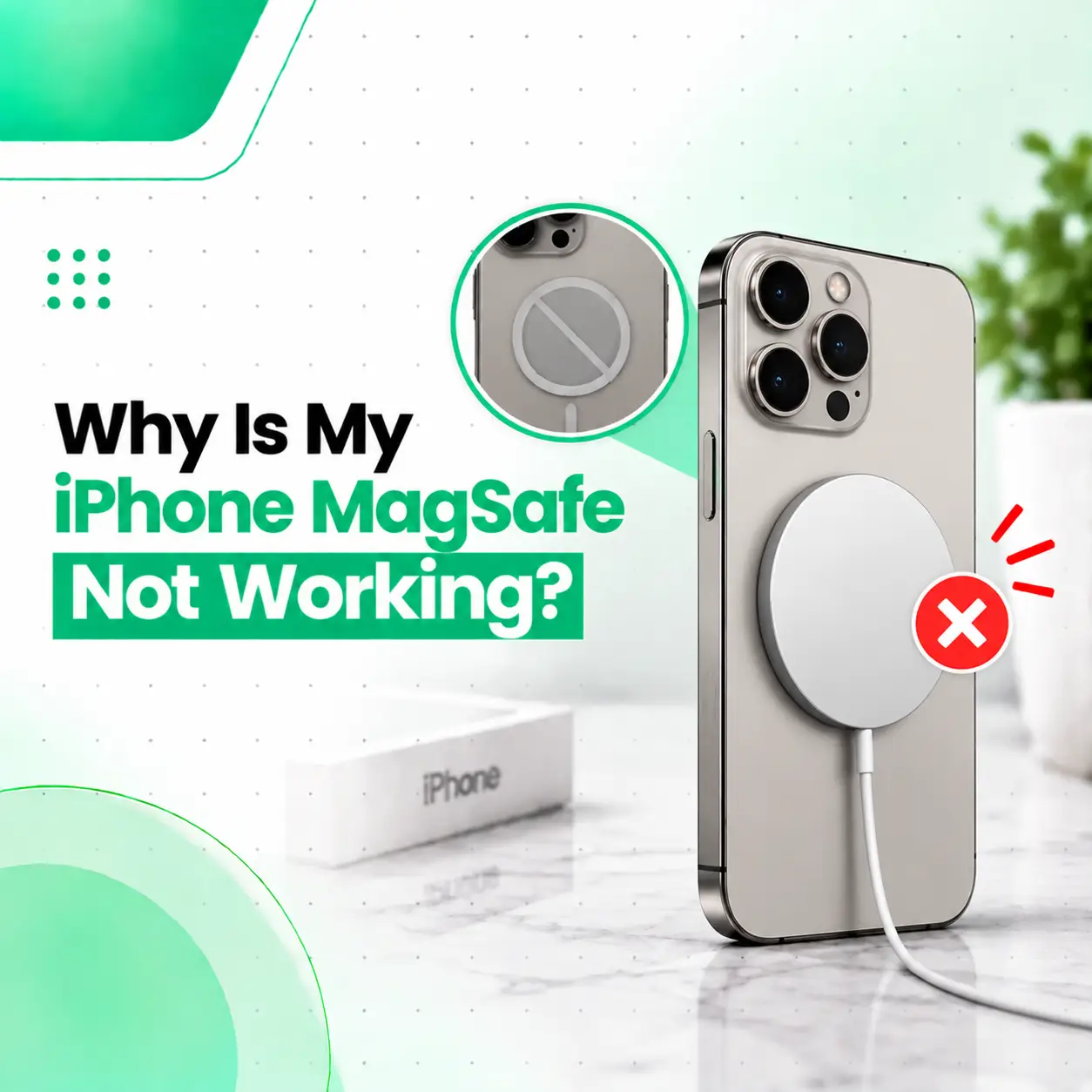
If your iPhone MagSafe is not working, the problem may be caused by a misaligned connection, incompatible or damaged accessories, a case interfering with charging, debris, software behavior, temperature, or an issue with the iPhone’s wireless charging hardware. In some cases, the MagSafe charger itself is the problem rather than the iPhone.
Before assuming your iPhone needs repair, there are several safe checks you can perform. This guide explains why your iPhone MagSafe may not be working, how to troubleshoot the problem, how to identify whether the charger or phone is responsible, and when professional iPhone repair in Bangladesh may be appropriate.
Why Is My iPhone MagSafe Not Working?
Your iPhone MagSafe may not work because of an accessory problem, poor magnetic alignment, a case or foreign object, insufficient power, software behavior, excessive temperature, or a hardware fault.
Common causes include:
- Damaged or faulty MagSafe charger
- Damaged charging cable or power adapter
- Incompatible charging accessories
- Case interfering with magnetic or wireless charging
- Dirt or foreign material between the charger and iPhone
- Incorrect positioning
- iPhone temperature being too high or too low
- Temporary software issue
- Damage to the phone’s wireless charging components
- Previous physical or liquid damage
The easiest way to identify the cause is to test the charger, power source, case, and iPhone separately.
What Should You Check First When MagSafe Stops Working?
Before arranging a repair, try these basic checks:
- Remove the iPhone case and test MagSafe again.
- Disconnect and reconnect the MagSafe charger.
- Check the charging cable and power adapter.
- Try a known-good compatible power source.
- Make sure there is no debris or foreign material between the charger and phone.
- Place the charger directly against the back of the iPhone.
- Restart the iPhone and test again.
- Check whether wired charging works normally.
If MagSafe still does not work after these checks, further diagnosis may be necessary.
Can an iPhone Case Stop MagSafe From Working?
Yes. A case can interfere with MagSafe charging if it is too thick, damaged, poorly aligned, or not designed to work properly with MagSafe.
Some cases contain magnetic components specifically designed to work with MagSafe. Other cases may interfere with the magnetic connection or increase the distance between the charger and the phone.
Test MagSafe Without the Case
Remove the case completely and attach the MagSafe charger directly to the iPhone.
If charging starts normally without the case, the case or its alignment may be contributing to the problem.
If the problem remains, continue troubleshooting the charger and iPhone itself.
Is the MagSafe Charger or the iPhone Causing the Problem?
The quickest way to narrow down the problem is to test the iPhone with another compatible MagSafe charger or test the charger with another compatible device.
For example:
- If another compatible charger works with your iPhone, the original charger may be faulty.
- If your charger works with another compatible device but not your iPhone, the iPhone may require further diagnosis.
- If neither charger works, check the power adapter, cable, compatibility, and phone condition.
This simple comparison can prevent unnecessary repair.
Why Is My MagSafe Charger Not Charging My iPhone?
Faulty Power Adapter
The MagSafe charger needs an appropriate power source. A problem with the adapter can prevent the charger from supplying power properly.
Try another compatible power adapter if available.
Damaged Charging Cable
Inspect the cable for visible damage, exposed sections, bent connectors, or intermittent connections.
A damaged cable can cause charging to stop or fail altogether.
Charger Damage
The charging puck itself can become damaged through repeated bending, impact, liquid exposure, or general wear.
If the charger shows physical damage, testing with another compatible charger can help confirm the source of the problem.
Why Is My iPhone Not Charging Wirelessly?
If MagSafe and other wireless charging methods both fail, the problem may be related to the iPhone’s wireless charging system rather than the MagSafe accessory alone.
Possible causes include:
- Software-related charging behavior
- Physical damage
- Internal component damage
- Charging coil-related problems
- Previous liquid exposure
- Other hardware faults
If wired charging works but wireless charging consistently fails with known-good equipment, professional diagnosis may be useful.
Could Software Cause MagSafe Charging Problems?
Yes, temporary software behavior can sometimes affect charging-related functions.
Before assuming there is a hardware fault, try:
- Disconnect the MagSafe charger.
- Restart the iPhone.
- Allow the phone to fully boot.
- Reconnect the MagSafe charger.
- Check whether charging begins.
Keeping the iPhone updated can also help address known software-related issues, although a software update will not repair physically damaged hardware.
Could Temperature Stop MagSafe Charging?
Yes. iPhones can manage or temporarily limit charging when device temperature becomes unsuitable.
If the iPhone or charging accessory feels unusually hot:
- Disconnect the charger.
- Move the phone to a cooler environment.
- Keep it away from direct sunlight.
- Allow it to return to a normal operating temperature.
- Try charging again afterward.
Do not deliberately cool a hot phone with extreme methods such as placing it in a freezer.
Can Dirt or Foreign Objects Affect MagSafe Charging?
Yes. Dirt, debris, or other foreign material between the charger and the phone can interfere with proper contact and alignment.
Check the back of the iPhone and the MagSafe charging surface for visible debris.
If cleaning is necessary, use a gentle, appropriate method and avoid inserting sharp objects into the phone or damaging the charging accessory.
Why Does My iPhone Connect to MagSafe but Not Charge?
If the charger attaches magnetically but the iPhone does not charge, the magnetic connection itself may not be the problem.
Possible explanations include:
- Power adapter issue
- Charging cable issue
- Charger fault
- Case interference
- Excessive temperature
- Software behavior
- Wireless charging hardware issue
Magnetic attachment alone does not prove that electrical charging is functioning correctly.
How to Troubleshoot iPhone MagSafe Step by Step
Try the following sequence:
Step 1: Remove the Case
Take off the case and attach the charger directly to the phone.
Step 2: Check the Charger
Look for visible damage or unusual behavior from the MagSafe charger and cable.
Step 3: Check the Power Source
Disconnect and reconnect the power adapter. If possible, test another compatible adapter.
Step 4: Reposition the Charger
Place the charging puck directly against the back of the iPhone and allow the magnetic alignment to settle.
Step 5: Remove Foreign Material
Make sure there is no debris or other material between the charger and the iPhone.
Step 6: Restart the iPhone
Restart the device and test MagSafe again after it has fully started.
Step 7: Compare Wired Charging
Connect the iPhone using a compatible wired charger.
If wired charging works while MagSafe consistently fails, the problem may be specific to wireless charging or the MagSafe accessories.
What If Wired Charging Works but MagSafe Does Not?
When wired charging works normally but MagSafe consistently fails with a known-good compatible charger, the wireless charging system or related hardware may require further diagnosis.
This does not automatically mean a specific component has failed.
A technician may need to inspect the device for:
- Previous drop damage
- Liquid exposure
- Internal component damage
- Wireless charging-related faults
- Other hardware abnormalities
Avoid replacing internal components based only on symptoms without proper diagnosis.
Can a Cracked iPhone Affect MagSafe Charging?
Yes, physical damage can potentially affect wireless charging if the impact also damages components inside the phone.
For example, a drop that cracks the back glass may also cause other internal damage. The cracked glass itself does not necessarily mean the wireless charging system is damaged, but unusual charging behavior after an impact deserves attention.
If MagSafe stopped working immediately after a significant drop, tell the technician about the incident during inspection.
Can Water Damage Cause MagSafe to Stop Working?
Yes, liquid exposure can potentially damage internal charging-related components.
If your iPhone was exposed to water or another liquid and MagSafe subsequently stopped working, avoid repeatedly testing the device if there are other signs of liquid damage.
Professional inspection may be appropriate, particularly if you also notice:
- Unexpected shutdowns
- Display problems
- Speaker or microphone issues
- Unusual heating
- Charging problems
- Corrosion or visible liquid-related damage
Does MagSafe Charging Need Repair?
Not necessarily. Many MagSafe problems are caused by the accessory, power source, case, positioning, or temporary conditions rather than an internal iPhone fault.
Professional repair becomes more relevant when:
- Multiple compatible chargers fail with the same iPhone
- Wireless charging consistently does not work
- The problem started after a drop
- The phone has liquid exposure
- Other charging functions are also behaving abnormally
- The device becomes unusually hot during charging
- Troubleshooting does not resolve the problem
A technician can determine whether the issue is with the accessory or the phone.
How Much Does iPhone MagSafe Repair Cost in Bangladesh?
There is no single price for an iPhone MagSafe charging problem because the required solution depends on the actual cause.
Repair cost can be affected by:
- iPhone model
- Type of hardware fault
- Whether the charger or phone is defective
- Required replacement component
- Part availability
- Labor and repair complexity
- Additional damage discovered during diagnosis
If the MagSafe charger is faulty, replacing the accessory may be all that is needed. If the iPhone has an internal hardware issue, the repair requirements can be different.
A professional inspection is the appropriate way to determine the actual repair needed before discussing an exact cost.
Can You Fix iPhone MagSafe Problems Yourself?
Basic troubleshooting is reasonable, but internal iPhone charging repairs should generally be handled by a qualified repair technician with appropriate tools and experience.
You can safely start by:
- Removing the case
- Checking the cable and adapter
- Testing another compatible charger
- Restarting the iPhone
- Checking for visible debris
- Allowing an overheated phone to cool naturally
Avoid opening the iPhone or attempting component-level repairs without the appropriate equipment and experience.
How Can You Prevent Future MagSafe Charging Problems?
You can reduce avoidable charging issues by:
- Using compatible charging accessories
- Keeping charging surfaces reasonably clean
- Avoiding excessive heat during charging
- Protecting the iPhone from drops and impacts
- Using a properly designed MagSafe-compatible case
- Keeping cables from being sharply bent
- Avoiding charging in wet environments
- Addressing physical damage promptly
Good accessory and device care can help reduce charging-related problems, although it cannot prevent every hardware failure.
When Should You Visit a Professional iPhone Repair Service?
Consider professional inspection if your iPhone MagSafe still does not work after basic troubleshooting.
This is particularly important if:
- You tested a known-good compatible charger
- Wired charging works but wireless charging does not
- The problem began after physical damage
- The iPhone has been exposed to liquid
- The device becomes unusually hot
- Other functions are also failing
- Charging is intermittent or repeatedly disconnects
A professional repair service can separate an accessory problem from an iPhone hardware problem before recommending a repair.
Frequently Asked Questions
1. Why is my iPhone MagSafe not working?
Your iPhone MagSafe may not work because of a faulty charger, damaged cable or power adapter, case interference, poor alignment, debris, excessive temperature, software behavior, or an iPhone hardware problem. Start by removing the case, checking the power source, testing another compatible charger, and restarting the phone. If the issue continues, professional diagnosis may be necessary.
2. Why won’t my iPhone charge with MagSafe but charges with a cable?
If wired charging works but MagSafe does not, the issue may be limited to the wireless charging setup. Check the MagSafe charger, power adapter, case, and phone temperature first. If a known-good compatible charger also fails while wired charging remains normal, the iPhone’s wireless charging system may need professional inspection.
3. Can an iPhone case stop MagSafe charging?
Yes. A case can interfere with MagSafe charging if it is too thick, damaged, poorly aligned, or not designed for magnetic wireless charging. Remove the case and test the charger directly against the iPhone. If MagSafe works without the case, replacing or changing the case may resolve the issue.
4. How do I know whether my MagSafe charger or iPhone is faulty?
Testing is the most useful way to narrow down the cause. Try your iPhone with another compatible MagSafe charger, or test the charger with another compatible device. If the charger works elsewhere but your iPhone does not, the phone may need further diagnosis. If the charger fails with multiple devices, the accessory or power source may be responsible.
5. Can a drop cause MagSafe charging to stop working?
Yes, a significant drop can potentially affect wireless charging if internal components are damaged. A cracked back glass does not automatically mean the charging system has failed, but if MagSafe stopped working immediately after an impact, the phone should be inspected for additional physical damage.
6. How much does it cost to repair MagSafe charging on an iPhone in Bangladesh?
There is no universal repair price because the cause can range from a faulty accessory to an internal hardware issue. The iPhone model, required component, part availability, labor, and damage severity can all affect the cost. An inspection is needed before an accurate repair estimate can be given.
7. Should I repair my iPhone if MagSafe still does not work after troubleshooting?
If you have tested a known-good compatible charger, removed the case, checked the power source, restarted the phone, and MagSafe still fails, professional diagnosis is worthwhile. This is especially important after a drop, liquid exposure, overheating, or when other charging functions are also affected.
Conclusion
When iPhone MagSafe is not working, the cause may be something simple such as a case, cable, power adapter, alignment issue, debris, or temperature. However, persistent failure with known-good accessories can indicate an iPhone charging or wireless charging hardware problem.
Start with basic troubleshooting before paying for a repair. If the problem continues—or began after physical or liquid damage—professional inspection can help identify whether the issue is with the MagSafe accessory or the iPhone itself.
If you need professional iPhone repair in Bangladesh, iCareFix can inspect the device and help determine the appropriate repair option based on the actual fault rather than replacing components unnecessarily.