




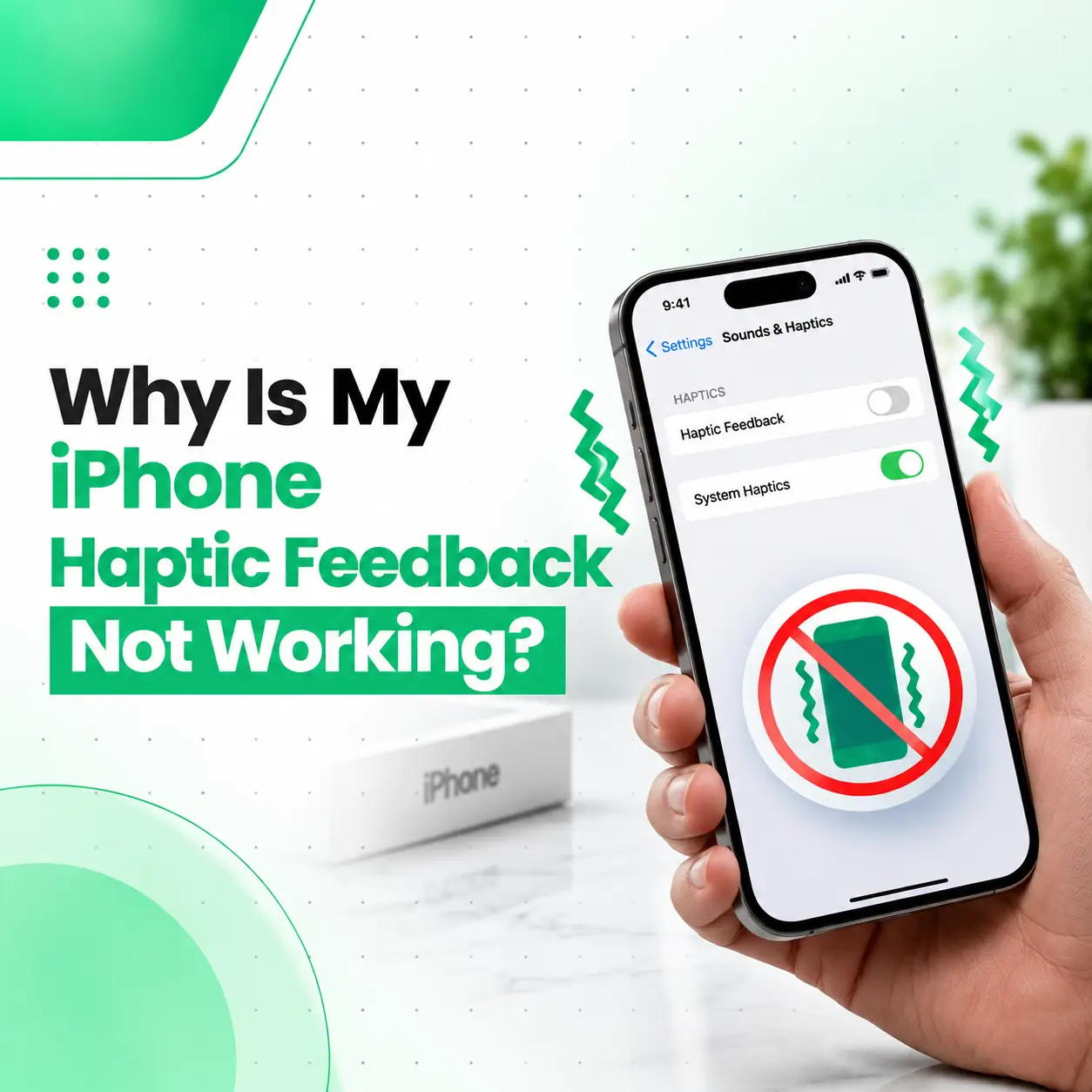
If you are wondering, “Why is my iPhone haptic feedback not working?”, the problem may be caused by a disabled setting, an Accessibility option, an iOS-related issue, or a hardware problem affecting the phone’s vibration system. Haptic feedback is the subtle vibration you feel when interacting with certain iPhone features, such as touching and holding icons or using keyboard haptics.
Before assuming your iPhone needs repair, check the relevant haptic and vibration settings and test whether the problem affects all vibrations or only a specific feature. If the settings are correct but the device still produces no haptic response, professional inspection can help determine whether the issue is hardware-related.
What Is Haptic Feedback on an iPhone?
Haptic feedback is a small vibration that provides physical confirmation when you interact with certain iPhone functions. For example, you may feel a subtle response when touching and holding an icon or performing other supported system interactions.
Haptics can also be used for features such as:
- Keyboard feedback
- System controls and interactions
- Certain notifications and alerts
- Other supported iOS interactions
The exact haptic behavior can vary depending on the iPhone model, iOS version, feature, and settings.
Why Is My iPhone Haptic Feedback Not Working?
The most common reasons include disabled haptic settings, vibration being turned off, a software problem, or a hardware fault.
Check these possibilities first:
- System Haptics is disabled
- Keyboard Haptic is turned off
- Vibration is disabled in Accessibility settings
- Haptic settings for alerts have been changed
- A software or iOS issue is affecting the feature
- The iPhone has suffered physical or liquid damage
- An internal vibration-related component or connection may have a fault
Apple provides separate controls for System Haptics, Keyboard Feedback, and vibration, so a problem with one type of feedback does not necessarily mean that the entire haptic system has failed.
How to Fix iPhone Haptic Feedback Not Working
Try the following troubleshooting steps before arranging a repair.
1. Check System Haptics
If system interactions no longer produce haptic feedback, check whether System Haptics has been disabled.
Go to:
Settings → Sounds & Haptics → System Haptics
Make sure System Haptics is enabled.
Apple identifies System Haptics as the setting responsible for haptic responses during supported system controls and interactions.
2. Check the iPhone Vibration Setting
A broader vibration setting can affect whether the iPhone vibrates.
Go to:
Settings → Accessibility → Touch → Vibration
Make sure Vibration is turned on.
Apple notes that turning this setting off disables vibrations on the iPhone.
This is particularly important if keyboard haptics are enabled but you still cannot feel them.
3. Check Keyboard Haptics
If the problem only occurs while typing, the issue may simply be the Keyboard Feedback setting.
Go to:
Settings → Sounds & Haptics → Keyboard Feedback → Haptic
Turn Haptic on.
Apple specifically recommends checking the Accessibility → Touch → Vibration setting if keyboard haptics are enabled but no haptic response can be felt while typing.
If Keyboard Haptics Work but Other Haptics Do Not
This distinction can help narrow down the problem.
If keyboard feedback works but system interactions do not, check System Haptics and other relevant settings rather than assuming the hardware has failed.
4. Check Haptic Settings for Alerts
If the problem is mainly that your iPhone does not vibrate for calls or notifications, check the haptic settings under Sounds & Haptics.
Depending on your iOS version and settings, you can select how haptics behave for supported alerts. Apple also provides options such as Play in Silent Mode for haptic alerts.
5. Check Focus and Do Not Disturb
If vibration problems seem limited to certain notifications, check your Focus settings.
Open Control Center → Focus and check whether a Focus mode is active.
Apple specifically recommends checking Do Not Disturb when an iPhone does not vibrate in Silent Mode.
6. Restart Your iPhone
A temporary software problem can sometimes affect individual system functions.
Restart the iPhone and test:
- System haptics
- Keyboard haptics
- Incoming-call vibration
- Other supported vibration functions
If haptic feedback returns after restarting but later stops again, the issue may require further software troubleshooting.
7. Check for iOS-Related Problems
If the problem started after a software change or appears intermittently, check whether your iPhone has pending software updates.
Before performing major troubleshooting, make sure your important data is backed up.
If the problem continues despite correct settings and normal software operation, hardware inspection may be appropriate.
How Can You Tell Whether the Problem Is Software or Hardware?
There is no single setting that can definitively distinguish every software problem from a hardware failure. However, the pattern of the problem can provide useful clues.
| What you notice | What it may indicate |
| Only keyboard haptics are missing | Keyboard Feedback or vibration setting |
| Only certain alerts lack vibration | Alert/haptic configuration |
| System interactions have no haptic response | System Haptics or broader issue |
| No vibration works anywhere | Possible settings or hardware problem |
| Problem started after physical damage | Possible hardware damage |
| Problem started after liquid exposure | Possible internal damage |
| Correct settings but no haptic response | Professional diagnosis may be needed |
These are troubleshooting indicators rather than definitive diagnoses.
What Causes an iPhone Haptic System to Stop Working?
Software or Settings Problems
The simplest explanation is often a configuration change.
Examples include:
- System Haptics being disabled
- Keyboard Haptic being turned off
- Vibration being disabled
- Alert haptic preferences being changed
- Focus-related notification behavior
- Temporary software problems
These should be checked before considering physical repair.
Physical Damage
A drop or impact can potentially damage internal components or connections involved in vibration and haptic functionality.
If haptic feedback stopped immediately after a significant drop, professional inspection is more appropriate than repeatedly changing settings.
Liquid or Moisture Exposure
Liquid exposure can affect internal electronic components and connections.
If haptics stopped after liquid entered the phone, avoid assuming that the problem is simply a software setting. A technician may need to inspect the device for internal damage.
Internal Component or Connection Fault
If all relevant settings are enabled but the iPhone never produces haptic feedback, a hardware issue may be involved.
Depending on the device and the nature of the fault, diagnosis may involve checking the relevant haptic/vibration component, connections, and surrounding circuitry.
What Is the iPhone Taptic Engine?
The Taptic Engine is Apple’s haptic technology used to produce precise physical feedback on supported iPhone models.
It allows the phone to produce controlled vibrations rather than simply generating a generic vibration.
If the Taptic Engine or its associated connection has a hardware problem, software settings alone may not restore haptic feedback.
A technician should diagnose the actual fault before deciding whether a component repair or replacement is appropriate.
Why Is My iPhone Not Vibrating at All?
If your iPhone produces no vibration for any supported function, first check Settings → Accessibility → Touch → Vibration and relevant options under Sounds & Haptics.
If those settings are correct, test several functions rather than relying on one:
- Test a supported system interaction.
- Test keyboard haptics.
- Test an incoming-call or alert vibration.
- Restart the iPhone.
- Test again.
If none of these produce vibration, professional diagnosis can help determine whether the problem is software-related or caused by hardware.
Can You Fix an iPhone Haptic Problem Yourself?
Some haptic problems can be resolved without opening the phone.
Safe troubleshooting includes:
- Checking System Haptics
- Checking Keyboard Feedback
- Checking Accessibility → Touch → Vibration
- Reviewing alert haptic settings
- Checking Focus settings
- Restarting the device
- Installing available software updates
Avoid opening the iPhone or attempting component-level repair without the appropriate tools and experience.
Modern iPhones contain delicate internal components, and unnecessary disassembly can create additional damage.
When Should You Get Professional iPhone Repair?
Professional inspection is sensible when:
- No haptic feedback works despite correct settings.
- The issue began after a drop.
- The phone has been exposed to liquid.
- Vibration stopped suddenly without an obvious settings change.
- Haptics work intermittently.
- The device has other hardware symptoms.
- Basic troubleshooting does not resolve the problem.
A technician can inspect the device and determine whether the cause is software, a component, a connection, or another internal fault.
How Much Does iPhone Haptic Repair Cost in Bangladesh?
There is no single repair price for every iPhone haptic problem.
The cost can depend on:
- iPhone model
- Exact cause of the fault
- Whether the issue is software- or hardware-related
- Required replacement part
- Part availability
- Repair complexity
- Labor involved
- Whether additional damage is discovered during inspection
For that reason, an accurate repair estimate should normally follow a proper diagnosis rather than relying on a generic price.
Does Haptic Feedback Use Extra Battery?
Some haptic features can have an effect on battery usage. Apple notes specifically that enabling keyboard haptics may affect iPhone battery life.
This does not mean that haptic feedback should normally cause a major battery problem. If you notice unusually rapid battery drain together with other hardware symptoms, the device may warrant a broader inspection.
How to Prevent Future Haptic Problems
You cannot prevent every hardware failure, but you can reduce avoidable risks.
- Protect your iPhone from significant drops.
- Keep it away from moisture and liquids.
- Avoid unnecessary device disassembly.
- Use appropriate cases and screen protection.
- Keep important data backed up.
- Pay attention to new symptoms after physical damage.
- Have unexplained hardware problems diagnosed before they worsen.
If a phone has suffered impact or liquid exposure, early inspection can help identify additional problems that may not be immediately visible.
When Should You Visit a Professional Phone Repair Service?
If your iPhone’s haptic feedback remains unavailable after checking the relevant settings and restarting the device, professional diagnosis is the next practical step.
This is especially important when the problem is accompanied by:
- A recent drop
- Liquid exposure
- Other vibration problems
- Intermittent haptics
- Charging or power issues
- Unusual heat
- Other unexplained hardware behavior
For customers looking for professional iPhone repair in Bangladesh, a proper inspection can help identify the actual cause before unnecessary parts are replaced.
Frequently Asked Questions
1. Why is my iPhone haptic feedback not working?
Your iPhone haptic feedback may not work because System Haptics or vibration has been disabled, Keyboard Haptic is turned off, or a software or hardware problem is affecting vibration. Start by checking Settings → Sounds & Haptics and Settings → Accessibility → Touch → Vibration.
2. Why is my iPhone not vibrating even though haptics are enabled?
If haptics are enabled but the phone still does not vibrate, check the main Vibration setting under Accessibility → Touch and test more than one haptic function. If there is no vibration anywhere after restarting, the issue may require professional diagnosis to determine whether hardware is involved.
3. Why are my iPhone keyboard haptics not working?
Go to Settings → Sounds & Haptics → Keyboard Feedback and make sure Haptic is enabled. Also check Settings → Accessibility → Touch → Vibration, because Apple recommends confirming that vibration is enabled when keyboard haptics cannot be felt.
4. Can an iPhone haptic feedback problem be repaired?
Yes, depending on the cause. Settings or software-related problems may be resolved through troubleshooting, while a hardware fault may require component-level diagnosis or repair. The appropriate repair depends on the iPhone model and the specific cause of the failure.
5. How much does it cost to repair iPhone haptics in Bangladesh?
The cost varies according to the iPhone model, fault, required part, part availability, repair complexity, and labor. A reliable estimate should be provided after diagnosis rather than using one price for every iPhone haptic problem.
6. Should I repair my iPhone haptics myself?
Basic settings and software troubleshooting are generally the appropriate first steps. Opening the iPhone or attempting internal component repair is different and can cause additional damage if done without the necessary tools and experience. Professional inspection is preferable when a hardware fault is suspected.
7. How can I prevent iPhone haptic problems?
Protect the iPhone from drops and liquid exposure, avoid unnecessary disassembly, and address unusual hardware behavior promptly. If haptic feedback stops after physical or liquid damage, having the phone professionally inspected can help identify potential internal problems.
Conclusion
If your iPhone haptic feedback is not working, start with the simple checks: System Haptics, Keyboard Feedback, Accessibility → Touch → Vibration, alert haptic settings, and Focus. Apple provides separate controls for different types of haptic and vibration behavior, so identifying exactly where the feedback is missing can help narrow down the cause.
If the settings are correct and your iPhone still has no haptic response—especially after a drop or liquid exposure—a professional inspection can determine whether the problem involves the haptic component, a connection, or another internal fault.
For customers who need professional iPhone repair in Bangladesh, iCareFix can assess the device and recommend the appropriate repair option based on the diagnosed problem.