




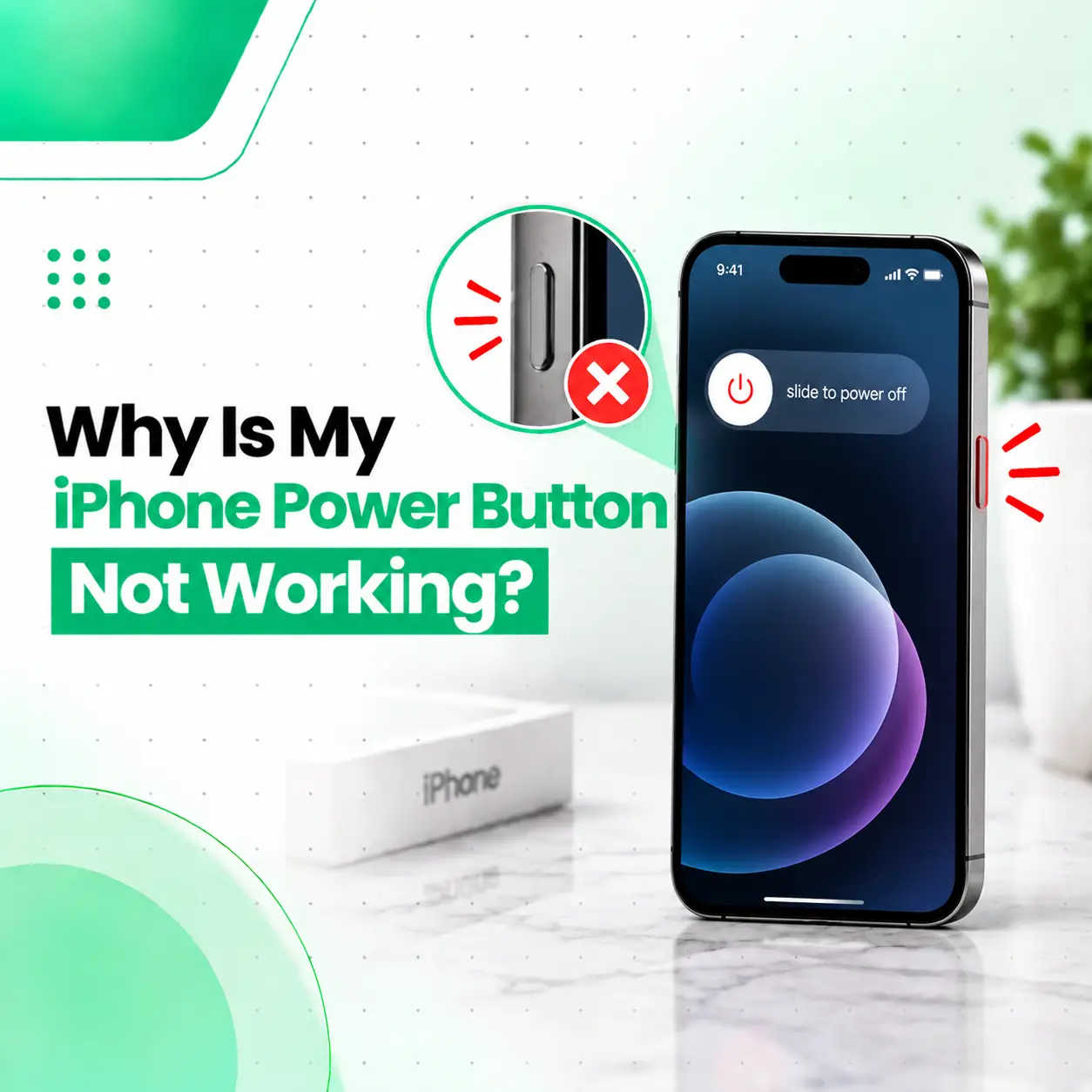
If your iPhone power button is not working, the problem may be caused by something simple, such as a tight case or debris around the button, or by a software or hardware fault. The iPhone’s side button is used for important functions such as locking the screen, waking the device, powering it off, and other button-based actions.
Start by checking the case, cleaning around the button carefully, and restarting the iPhone if possible. If the button remains unresponsive, feels loose or stuck, or stopped working after a drop or liquid exposure, the issue may require professional inspection. This guide explains the likely causes, safe troubleshooting steps, repair options, cost factors in Bangladesh, and when iCareFix can help diagnose the problem.
Why Is My iPhone Power Button Not Working?
An iPhone power button may stop responding because of a case obstruction, debris, physical button damage, software issues, liquid exposure, or a damaged internal button mechanism or flex assembly.
The right solution depends on whether the problem is software-related or physical.
Common causes include:
- A protective case pressing against the button
- Dust or debris around the button
- A button that is physically stuck
- Internal wear or damage
- Damage after a drop or impact
- Liquid or moisture exposure
- A damaged internal button or flex connection
- Temporary iOS-related behavior
If the button still has normal physical movement but produces no response, software or an internal connection may need to be considered. If it feels unusually loose, hard to press, or completely stuck, physical damage becomes more likely.
What Are the Signs of a Faulty iPhone Power Button?
A faulty side button does not always stop working completely. The symptoms can vary depending on the underlying problem.
The Button Does Nothing When Pressed
If pressing the side button produces no response, check whether the issue continues after removing the case and restarting the device.
The Button Works Only Sometimes
Intermittent response can indicate a physical button problem, debris, wear, or an internal connection issue.
The Button Feels Stiff or Stuck
A button that feels different from its normal click may have debris around it or physical damage.
Do not force a stuck button. Excessive pressure can potentially make a physical problem worse.
The Button Works After Restarting
If the side button temporarily works again after restarting, the issue may have involved software behavior rather than a permanently damaged button. However, recurring problems still deserve attention.
The Problem Started After a Drop
A fall can affect the external button mechanism or internal components. If the button stopped responding immediately after an impact, professional inspection is advisable.
How Can You Fix an iPhone Power Button That Is Not Working?
Before considering hardware repair, try a few low-risk troubleshooting steps.
1. Remove the iPhone Case
A poorly fitting or damaged case can interfere with the side button.
Remove the case completely and test the button again.
If the button works normally without the case, the phone itself may not need repair.
2. Check for Visible Debris
Look around the edges of the side button for dust or debris.
You can gently clean the exterior with a soft, dry, lint-free cloth. Avoid pushing objects into gaps around the button.
Avoid Liquids and Sharp Objects
Do not pour liquid into the button area or use needles, pins, or other sharp objects to try to clean inside the phone.
These methods can damage internal components.
3. Check Whether the iPhone Is Responding Normally
If the touchscreen is working, test other functions and see whether the phone is otherwise operating normally.
This helps distinguish a possible button-specific issue from a broader system problem.
4. Use AssistiveTouch as a Temporary Alternative
If the physical side button is unavailable but the touchscreen still works, AssistiveTouch can provide an on-screen alternative for certain device controls.
On supported iPhone versions, you can generally find it under:
Settings → Accessibility → Touch → AssistiveTouch
The exact menu wording may vary slightly depending on the iOS version.
AssistiveTouch is useful as a workaround, but it does not repair a damaged physical button.
5. Restart the iPhone When Possible
A restart can sometimes resolve temporary software behavior. However, the exact restart method depends on the iPhone model and whether the physical buttons are functioning.
If the side button is completely unavailable, use an available on-screen method or another supported shutdown/restart option rather than repeatedly forcing the physical button.
Can a Software Problem Cause the iPhone Power Button to Stop Working?
Yes. A temporary software or iOS issue can sometimes affect how button actions are processed, although persistent physical symptoms can point toward hardware.
Software-related troubleshooting is more reasonable when:
- The button physically feels normal.
- The problem appeared without a drop or liquid exposure.
- Other phone functions work normally.
- The problem is intermittent.
- The issue appeared after a software change or unexpected system behavior.
If the button remains unresponsive after basic troubleshooting, do not assume that resetting the phone will fix it. A hardware inspection may be necessary.
What If the iPhone Power Button Is Physically Damaged?
If the side button is loose, stuck, damaged, or no longer provides its normal click, the problem may involve the physical button mechanism or an internal component.
Possible Hardware Causes
Worn or Damaged Button Mechanism
Repeated use can eventually affect physical button components.
Damaged Flex Cable or Internal Connection
The side button relies on internal components to communicate the button press to the phone. Damage to the relevant assembly or connection can prevent the press from registering.
Impact Damage
A drop can damage internal components even when the screen and body appear mostly intact.
Liquid Exposure
Moisture can affect internal components and connections. If the button stopped working after liquid exposure, additional internal inspection may be necessary.
How Is an iPhone Power Button Problem Diagnosed?
A professional repair technician should determine whether the problem is caused by the external button, internal hardware, or software behavior before replacing components.
A typical diagnostic process may include:
- Visual inspection — Checking the button, frame, and surrounding area for physical damage.
- Button-response testing — Checking whether the button registers consistently.
- Case and obstruction check — Confirming that external accessories are not interfering.
- Software assessment — Checking whether the device is otherwise functioning normally.
- Internal inspection when appropriate — Examining relevant internal components if hardware damage is suspected.
- Post-repair testing — Confirming that the button and related functions operate correctly after repair.
The exact diagnostic procedure depends on the iPhone model and symptoms.
Can You Turn Off an iPhone Without the Power Button?
Yes. If the physical side button is not working but the touchscreen works, iOS provides software-based ways to access certain controls.
AssistiveTouch can also provide an on-screen alternative for several common device actions.
This can be useful while arranging a repair, but it should be treated as a temporary workaround rather than a permanent solution for a damaged button.
How Much Does iPhone Power Button Repair Cost in Bangladesh?
There is no single repair price for every iPhone because the cost depends on the model and the actual fault.
Factors That Can Affect Repair Cost
| Factor | Why It Matters |
| iPhone model | Internal design and component availability vary |
| Type of damage | Cleaning, adjustment, repair, and replacement involve different work |
| Internal component | A damaged button assembly or connection may require additional work |
| Parts availability | Some components may be easier to source than others |
| Part quality | Repair options can vary by component quality and source |
| Labor | More involved internal repairs require additional technician time |
| Liquid or impact damage | Additional affected components may need inspection |
For an accurate iPhone power button repair cost in Bangladesh, the device should be inspected first rather than relying on a generic price.
Should You Repair or Replace the iPhone Power Button?
The appropriate repair depends on what has actually failed.
| Situation | Possible Approach |
| Case interfering with button | Remove or replace the case |
| External debris | Careful exterior cleaning |
| Temporary software issue | Software troubleshooting |
| Button physically damaged | Hardware repair may be required |
| Internal component fault | Component-level repair or replacement may be considered |
| Liquid or impact damage | Broader diagnostic inspection may be necessary |
A technician should identify the faulty component before recommending replacement.
Is It Safe to Fix an iPhone Power Button Yourself?
Basic troubleshooting is generally safer than opening the phone yourself.
Removing an iPhone’s internal components requires specialized tools and knowledge. Opening the device without the appropriate experience can introduce additional risks, including damage to internal components, connectors, seals, or other parts.
Safe Things You Can Try
- Remove the case.
- Inspect the button area.
- Clean the exterior gently with a dry, soft cloth.
- Use AssistiveTouch as a temporary workaround.
- Keep the device away from moisture.
- Seek professional diagnosis if the problem persists.
Avoid DIY Internal Repair When
- The phone has suffered liquid damage.
- The button is physically damaged.
- The device was recently dropped.
- The button has stopped responding completely.
- You do not have appropriate repair tools and experience.
Does a Broken Power Button Put Your Data at Risk?
The button itself does not automatically mean that your personal data is lost or compromised. However, any repair that requires opening the device should be handled carefully.
Before professional service, keep your device passcode private and use appropriate backup and privacy practices where possible.
If a repair shop needs access to the device for testing, ask what information or device access is actually required for the diagnostic process.
How Can You Prevent iPhone Power Button Problems?
You cannot prevent every hardware failure, but several habits can reduce unnecessary stress on the button and phone.
Use a Properly Fitting Case
A case should not continuously press against the side button.
Keep the Button Area Clean
Avoid allowing dirt and debris to accumulate around physical controls.
Avoid Excessive Force
The side button should not require unusually strong pressure.
Protect the iPhone From Drops and Moisture
Physical impacts and liquid exposure can damage internal components.
Address Intermittent Problems Early
If the button begins working inconsistently, having the issue checked early may help identify the cause before the problem becomes more disruptive.
When Should You Get Professional iPhone Power Button Repair?
Professional inspection is appropriate when the button remains unresponsive after basic troubleshooting or when there are signs of physical damage.
Consider getting the phone checked if:
- The button does not respond at all.
- It feels loose, stuck, or unusually stiff.
- The problem started after a drop.
- The problem appeared after liquid exposure.
- The button works intermittently.
- AssistiveTouch is only serving as a temporary workaround.
- Other hardware problems are occurring at the same time.
For customers seeking professional phone repair in Bangladesh, a proper diagnosis can help determine whether the issue is limited to the side-button assembly or connected to broader hardware damage.
What Should You Do If Your iPhone Power Button Stops Working Suddenly?
If the button suddenly stops working, start with the least invasive checks:
- Remove the protective case.
- Check whether the button physically moves.
- Look for visible debris or damage.
- Test the touchscreen and other basic functions.
- Enable AssistiveTouch if the touchscreen works.
- Consider whether the issue followed a drop, pressure, or liquid exposure.
- Arrange professional inspection if the button remains unresponsive.
Avoid repeatedly pressing a damaged or stuck button with excessive force.
Frequently Asked Questions
1. Why is my iPhone power button not working?
An iPhone power button may stop working because of a case obstruction, debris, physical wear, impact damage, liquid exposure, software behavior, or a problem with an internal button component or connection. Removing the case and checking the button’s physical movement are good first steps. If it remains unresponsive, professional diagnosis can identify whether the issue is software- or hardware-related.
2. Is the iPhone power button the same as the side button?
Yes. On modern iPhones, Apple commonly refers to the physical power/lock control as the Side button. It is used for functions such as locking or waking the iPhone and, depending on the model and action, accessing other controls. Therefore, searches for “power button,” “lock button,” and “side button” can refer to the same physical control.
3. Can I use my iPhone if the power button is broken?
Yes, in many cases. If the touchscreen and other functions are working, AssistiveTouch can provide an on-screen alternative for certain actions normally associated with physical buttons. However, this is a workaround rather than a repair. If the physical button is damaged or completely unresponsive, professional inspection can determine whether repair is necessary.
4. How much does iPhone power button repair cost in Bangladesh?
The cost varies by iPhone model, the cause of the failure, component availability, repair complexity, and whether additional damage is present. A simple obstruction is different from an internal hardware fault. Because of these variables, an accurate repair cost should be provided only after inspecting the device and identifying the required repair.
5. How long does an iPhone power button repair take?
Repair time depends on the iPhone model, the cause of the problem, the required repair, and whether the necessary part is available. A straightforward issue may require less work than an internal component repair or a device with additional impact or liquid damage. A technician can provide a more useful time estimate after diagnosis.
6. Can I repair an iPhone power button myself?
Basic troubleshooting, such as removing the case or checking for visible debris, can be attempted safely. Internal repair is more complicated because the phone contains delicate components and connectors. If the button is physically damaged or requires internal access, professional repair is generally more appropriate than attempting an unfamiliar disassembly.
7. Will AssistiveTouch permanently fix a broken iPhone power button?
No. AssistiveTouch provides a software-based workaround for some functions, but it does not repair the physical side button or its internal components. It can be useful while the phone is awaiting diagnosis or repair. If the button remains physically defective, a technician can inspect the device and determine whether hardware repair is required.
Conclusion
A non-working iPhone power button can result from something as simple as a case or debris, but persistent problems may indicate physical wear, impact damage, liquid exposure, or an internal component fault. Start with safe troubleshooting such as removing the case and checking the button’s physical movement. If the problem continues, AssistiveTouch can provide a temporary workaround.
If the button is stuck, damaged, intermittently responsive, or stopped working after an accident or liquid exposure, professional diagnosis is a sensible next step. iCareFix can assess the device, identify the likely cause, and recommend an appropriate repair option based on the iPhone model and condition.