




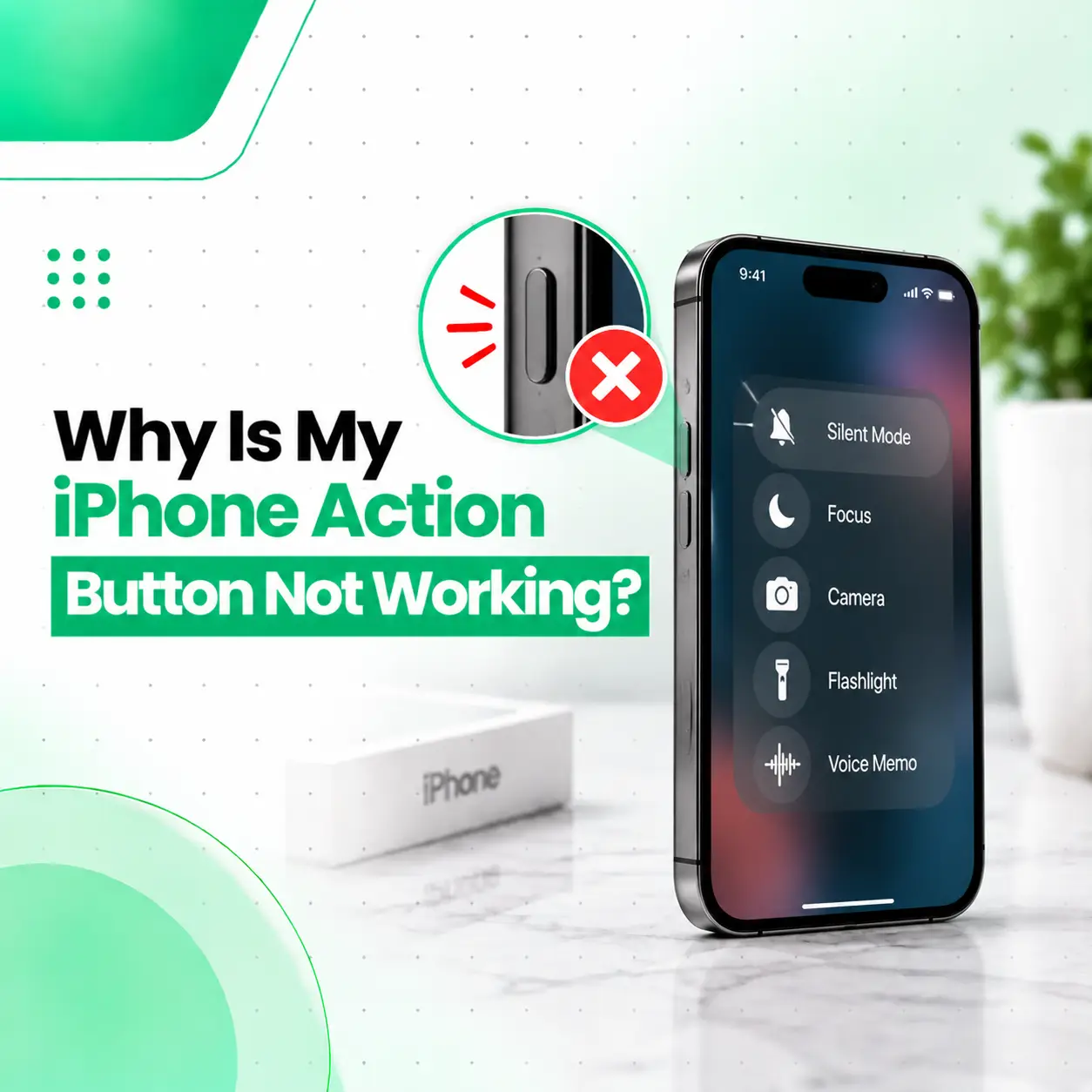
If your iPhone Action Button is not working, the problem may be caused by an incorrect Action Button setting, pressing the button incorrectly, a case or debris interfering with it, a software-related issue, or physical damage. On supported iPhone models, the Action Button can be configured for functions such as Silent Mode, Focus, Camera, Flashlight, Shortcuts, Controls, or Accessibility. Apple also notes that some assigned actions require an additional selection before the button can perform them.
Before assuming the button needs repair, check its assigned function, make sure you are pressing and holding it correctly, and inspect the button for obstruction. This guide explains the likely causes, troubleshooting steps, repair considerations, and when professional iPhone repair may be appropriate in Bangladesh.
Why Is My iPhone Action Button Not Working?
The most common reasons an iPhone Action Button may appear not to work include an incorrect configuration, insufficient press duration, a blocked button, software problems, or physical button damage.
Check these possibilities first:
- The Action Button is assigned to a different function.
- The Action Button is set to No Action.
- The selected function requires additional configuration.
- You are pressing instead of pressing and holding.
- A phone case is interfering with the button.
- Dirt or debris is affecting the button.
- The iPhone has a temporary software problem.
- The button or its internal mechanism has been physically damaged.
Apple’s current documentation states that the Action Button performs its assigned action when you press and hold it.
How Does the iPhone Action Button Work?
The Action Button replaces the traditional Ring/Silent switch on supported iPhone models. Its function can be customized through Settings > Action Button. The default function on supported models is Silent Mode, but Apple allows other functions to be assigned.
Depending on the configuration and iPhone model, available functions can include:
- Silent Mode
- Focus
- Camera
- Flashlight
- Voice-related or accessibility functions
- Controls
- Shortcuts
- Accessibility
- No Action
For many functions, you need to press and hold the Action Button rather than briefly tapping it.
Check What the Action Button Is Assigned To
One of the first things to check is whether the Action Button is still configured for the function you expect.
Open Action Button Settings
Go to:
Settings → Action Button
You should see the available actions and the currently selected function.
If you expect the button to activate Silent Mode, select Silent Mode in the Action Button settings. Apple explains that the selected action appears beneath the Action Button configuration interface.
Check for “No Action”
If the Action Button is configured as No Action, pressing it will not perform a function.
Change it to the function you want to use.
Check Additional Configuration
Some Action Button options require another selection.
For example, Apple notes that Controls, Shortcut, and Accessibility actions require a specific option to be selected. Without that additional configuration, the Action Button may appear to do nothing.
Make Sure You Are Pressing and Holding the Button
A common misunderstanding is expecting a normal tap to activate the Action Button.
For many Action Button functions, you need to press and hold the button.
Try this:
- Hold the iPhone securely.
- Locate the Action Button on the side of the device.
- Press and hold it for a moment.
- Check whether the assigned action activates.
- Try the same action again to see whether it toggles back.
For example, when Silent Mode is assigned, pressing and holding the Action Button can switch Silent Mode on or off.
Remove the Case and Test the Button
A protective case can sometimes interfere with a physical button if the case is poorly fitted, damaged, or pressing against the button area.
Test Without the Case
Remove the case temporarily and test the Action Button again.
If the button works normally without the case, the problem may be related to the case rather than the iPhone itself.
This is a simple test and does not require opening the device.
Check for Dirt or Debris
Dust, dirt, or debris around a physical button can affect how it feels or responds.
Apple recommends checking for debris around a button or switch and using a soft cloth when troubleshooting a button that is not working.
Avoid forcing objects into the gap around the Action Button. Sharp tools, excessive pressure, or liquids can cause additional damage.
Restart Your iPhone
If the Action Button suddenly stopped responding but does not appear physically damaged, restarting the iPhone is a reasonable troubleshooting step.
A temporary software or system process issue can sometimes affect how an input is handled.
After restarting:
- Unlock the iPhone.
- Open Settings.
- Go to Action Button.
- Confirm the assigned action.
- Press and hold the button again.
If the problem continues, move on to the next checks.
Check Whether Silent Mode Is Actually the Problem
Sometimes the Action Button works, but the user is checking the wrong result.
If the Action Button is configured for Silent Mode, pressing and holding it should switch Silent Mode on or off. Apple also provides Silent Mode controls through the iPhone interface when the Action Button is not assigned to Silent Mode.
If your concern is that the phone does not ring, also check:
- Silent Mode
- Focus
- Do Not Disturb
- Ringtone and alert settings
A Focus mode can affect notifications independently of the Action Button’s physical operation.
Why Does My Action Button Do Nothing?
If the Action Button appears completely unresponsive, first determine whether the problem is configuration-related or physical.
Possible Configuration Problems
The button may appear inactive if:
- It is assigned to No Action.
- A selected feature needs additional configuration.
- It is assigned to a function you were not expecting.
- You are using a tap instead of a press-and-hold action.
Possible Physical Problems
Physical problems become more likely when:
- The button feels unusually loose.
- It does not respond consistently.
- It feels stuck.
- It became difficult to press after a drop.
- The device suffered liquid exposure.
- The button worked previously but stopped after physical damage.
Apple recommends service when a button remains nonfunctional, damaged, or intermittent after basic troubleshooting.
How Can You Tell If the Action Button Has Hardware Damage?
A physical problem is more likely when the button shows unusual mechanical behavior or fails consistently across different settings.
Look for signs such as:
- No response despite correct configuration.
- Intermittent response.
- Button feels stuck or unusually soft.
- Button does not feel like it moves normally.
- Problem began after a drop or impact.
- Problem appeared after liquid exposure.
- Other physical controls are also behaving unusually.
These symptoms do not prove that a particular internal component has failed. A technician should inspect the device before determining the exact repair required.
Can You Fix a Damaged iPhone Action Button Yourself?
Basic troubleshooting is reasonable, but opening an iPhone to repair a physical button is not a good DIY project for most users.
The Action Button is part of the device’s internal hardware, and accessing internal components requires opening the phone. DIY disassembly can create additional risks, including damage to internal components, seals, connectors, or the display.
For a button that is physically damaged or remains unresponsive after software and configuration checks, professional inspection is the safer approach.
How Is an iPhone Action Button Problem Diagnosed?
A professional repair technician can start with simple external checks before considering internal repair.
1. Functional Testing
The technician can test whether the button responds consistently to the correct press-and-hold action.
2. Settings Verification
The Action Button configuration can be checked to determine whether the issue is caused by its assigned function.
3. Physical Inspection
The exterior of the button can be inspected for:
- Visible damage
- Debris
- Case interference
- Signs of impact
- Signs of liquid exposure
4. Internal Diagnosis
If external troubleshooting does not resolve the issue, further inspection may be necessary to determine whether the problem involves an internal button mechanism, connection, or another hardware component.
The exact repair depends on the iPhone model and the cause of the failure.
iPhone Action Button Repair Options
There is no single repair that applies to every Action Button problem.
Software or Settings Correction
If the button itself works but the configuration is incorrect, changing the Action Button settings may solve the issue without hardware repair.
Cleaning or Obstruction Removal
If debris is interfering with the button, appropriate external cleaning may restore normal operation.
Hardware Repair
If the button or related internal hardware is damaged, a technician may recommend an appropriate hardware repair after inspection.
Component Replacement
In some cases, damaged hardware may require component replacement rather than a software fix.
The correct option should be determined after diagnosis rather than replacing parts unnecessarily.
How Much Does iPhone Action Button Repair Cost in Bangladesh?
There is no single fixed repair price for every iPhone Action Button problem.
Repair cost can depend on:
| Factor | Why It Matters |
| iPhone model | Internal design and components can differ |
| Damage type | A settings issue may not require hardware repair |
| Part availability | Replacement components vary by model |
| Component quality | Part quality can affect repair considerations |
| Damage severity | More extensive damage may require additional work |
| Labor | Internal repairs require technician time and equipment |
| Additional damage | Drops or liquid exposure may affect multiple components |
For an accurate repair cost in Bangladesh, the device generally needs to be inspected first.
Should You Keep Using an iPhone With a Faulty Action Button?
If the Action Button is the only problem and the phone otherwise operates normally, you may still be able to use other software controls for certain functions.
However, continuing to use a physically damaged button may not resolve the underlying issue.
If the button is sticking, damaged, intermittently responding, or associated with other symptoms, consider professional inspection rather than repeatedly forcing it.
What Can You Use If the Action Button Stops Working?
Depending on the function you need, iOS provides alternative ways to access some controls.
For example, Silent Mode can also be controlled through the iPhone interface when the Action Button is not assigned to Silent Mode. Apple also provides AssistiveTouch, which can provide an on-screen control menu for various device functions.
This can be useful as a temporary workaround while arranging a repair.
When Should You Get Professional iPhone Repair?
Consider professional inspection if:
- The Action Button does not respond after checking its settings.
- The button works only occasionally.
- The button feels physically damaged.
- The button became stuck.
- The problem started after a drop.
- The iPhone has been exposed to liquid.
- Multiple physical controls are malfunctioning.
- Basic troubleshooting does not solve the issue.
A professional diagnosis can help distinguish between a configuration problem and a hardware fault before repair work is performed.
How to Protect the iPhone Action Button
You can reduce unnecessary wear and avoid common causes of button problems by:
- Using a properly fitted protective case.
- Keeping the button area clean.
- Avoiding excessive force.
- Avoiding sharp objects around the button.
- Keeping the phone away from unnecessary liquid exposure.
- Addressing physical damage instead of repeatedly forcing the button.
If the button becomes difficult to press or starts responding inconsistently, early inspection can help identify the problem before additional damage occurs.
Frequently Asked Questions
1. Why is my iPhone Action Button not working?
Your iPhone Action Button may not work because it is assigned to a different function, set to No Action, configured incorrectly, or not being pressed and held correctly. A case, debris, software issue, or physical damage can also cause problems. Start by checking Settings > Action Button, removing the case, and testing the button again.
2. Why does my Action Button do nothing when I press it?
First check what function is assigned to the Action Button. Some functions require additional configuration, while many actions require a press-and-hold rather than a quick tap. If the button is set to No Action, it will not perform a function. Check Settings > Action Button and confirm the selected action.
3. How do I make the Action Button turn Silent Mode on and off?
Open Settings > Action Button and select Silent Mode. After that, press and hold the Action Button to switch Silent Mode on or off. Apple identifies Silent Mode as the default Action Button function on supported models, although the button can be customized for other actions.
4. Can a damaged iPhone Action Button be repaired?
A physically damaged Action Button may require professional hardware service. The exact repair depends on the iPhone model and what has failed. If the button is stuck, damaged, or works intermittently after basic troubleshooting, professional inspection can determine whether cleaning, component repair, or another hardware solution is appropriate.
5. Does a phone case cause the Action Button to stop working?
A poorly fitted, damaged, or overly tight case can interfere with a physical button. Remove the case and test the Action Button directly. If it works normally without the case, replacing or adjusting the case may solve the problem. If it remains unresponsive without the case, continue troubleshooting the iPhone itself.
6. Can I use my iPhone if the Action Button is broken?
Yes, many iPhone functions can still be accessed through the screen even if the physical Action Button is not working. For example, Silent Mode can be controlled through the iPhone interface, and AssistiveTouch can provide an on-screen menu for various controls. These options can serve as temporary workarounds while the device is being assessed.
7. When should I take my iPhone for professional repair?
Consider professional repair when the Action Button remains unresponsive after checking its settings and removing possible obstructions, or when it feels damaged, stuck, or intermittent. Professional inspection is especially appropriate if the problem followed a drop or liquid exposure. A technician can diagnose the cause before recommending a repair.
Conclusion
An iPhone Action Button that is not working does not always mean the physical button is damaged. The problem can come from incorrect Action Button settings, an improperly configured function, a case or debris, or a genuine hardware fault. Start with the simple checks: verify the assigned action, press and hold the button correctly, remove the case, and inspect the button area.
If the Action Button remains unresponsive, feels physically damaged, or started malfunctioning after an impact or liquid exposure, professional diagnosis can help identify the underlying issue without unnecessary part replacement.
If you need professional iPhone repair in Bangladesh, iCareFix can inspect the device and help determine whether the problem is related to configuration, the button hardware, or another internal component.