




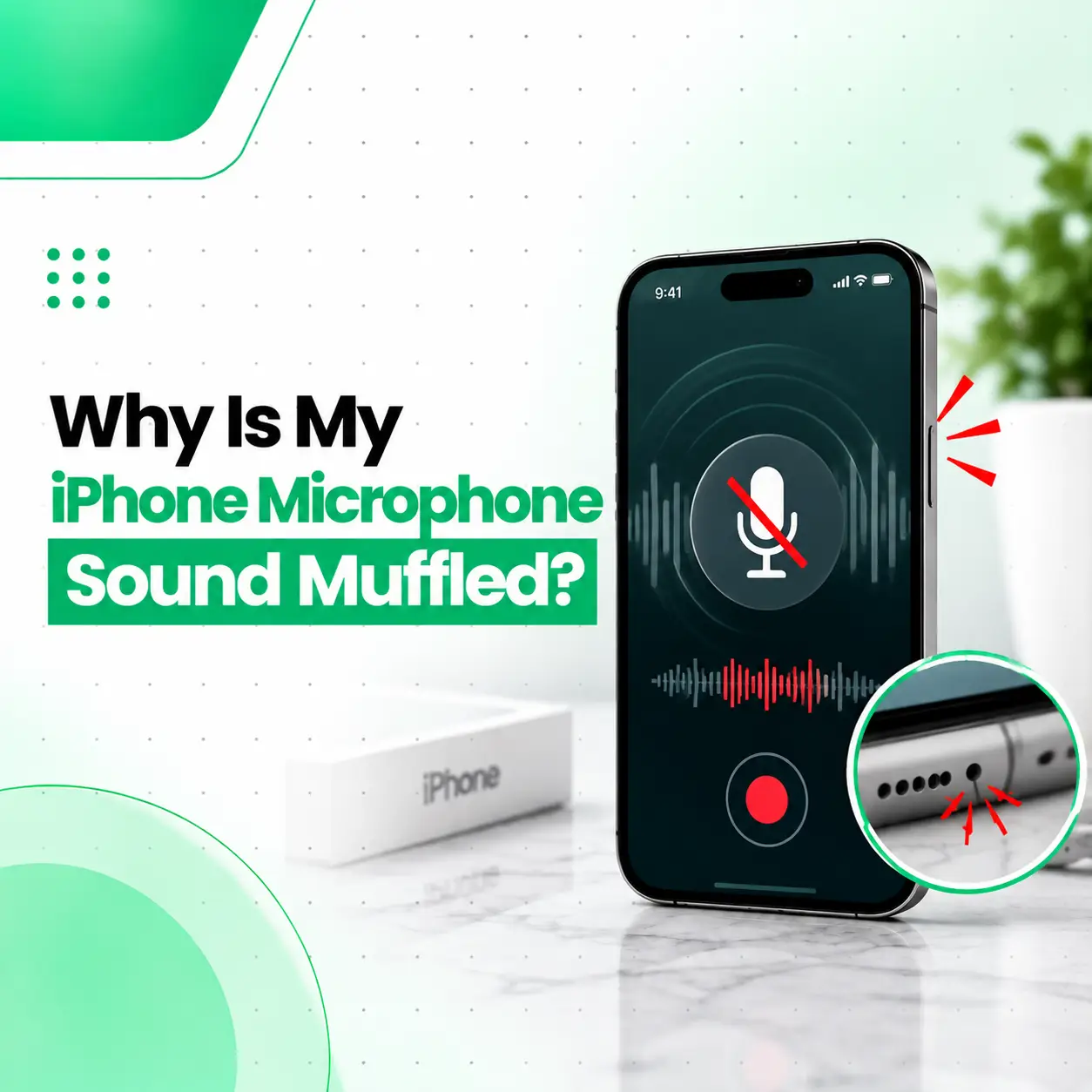
If your iPhone microphone sound is muffled, people may have difficulty hearing you clearly during calls, recordings may sound dull, or your voice may seem unusually quiet. The problem can come from something simple, such as dust covering a microphone opening, a poorly fitted case, or a software setting. It can also result from liquid exposure or damage to the microphone hardware.
The first step is to determine whether the problem happens in one app or across different audio functions. This guide explains the common causes of a muffled iPhone microphone, safe troubleshooting steps, how technicians diagnose microphone problems, potential repair options, and when professional iPhone repair may be appropriate in Bangladesh.
Why Is My iPhone Microphone Sound Muffled?
A muffled iPhone microphone is commonly caused by blocked microphone openings, dust or lint, a phone case or screen protector interfering with the microphone, liquid exposure, software issues, or microphone hardware damage.
The microphone used for a particular function can vary depending on the iPhone model and how the phone is being used. Because of this, testing the microphone in more than one way can help narrow down the problem.
Common causes of muffled iPhone microphone sound
The most common possibilities include:
- Dust, lint, or debris around a microphone opening
- A case or accessory partially covering a microphone
- Liquid or moisture exposure
- Microphone hardware damage
- Previous repair or physical impact
- Temporary software or app-related problems
- A problem affecting only one microphone or audio path
- Bluetooth or connected audio accessories being used unintentionally
A muffled sound does not automatically mean that the microphone needs replacement. Diagnosis should come before repair.
What Are the Signs of a Muffled iPhone Microphone?
A microphone problem can appear in several different ways depending on which microphone or audio function is affected.
Common symptoms include:
- People say your voice sounds unclear during calls.
- Your voice recordings sound dull or distant.
- Voice messages are difficult for others to understand.
- Your voice sounds quieter than normal.
- Audio contains crackling, distortion, or intermittent sound.
- The microphone works in one app but not another.
- The problem started after the phone was dropped or exposed to liquid.
If only one function is affected, the issue may not necessarily be a damaged microphone.
What Causes an iPhone Microphone to Sound Muffled?
Dust and Lint Blocking the Microphone
Dust and lint can accumulate around the small microphone openings on an iPhone. When debris obstructs the opening, the microphone may not capture sound normally.
Avoid pushing sharp objects into the microphone opening. Aggressive cleaning can damage delicate components or push debris further inside.
A Case or Accessory Is Blocking the Microphone
A case that does not align correctly with the microphone opening can affect sound pickup.
Remove the case and test the microphone again. If the sound becomes clear without the case, the accessory may be interfering with the microphone.
Liquid or Moisture Exposure
Liquid exposure can affect microphones and other internal components. Even if the iPhone continues to function normally after getting wet, audio problems may appear afterward.
If the muffled sound began after liquid exposure, avoid repeatedly charging or operating the device while assuming the problem will resolve on its own. A professional inspection can help determine whether internal moisture or corrosion is involved.
Software or App-Related Problems
If the microphone sounds normal in one application but muffled in another, the issue may be related to the specific app, its permissions, or how that application processes audio.
Testing with Apple’s built-in audio functions can help determine whether the issue is limited to a particular app.
Microphone Hardware Damage
A microphone can be affected by physical impact, liquid damage, internal component failure, or damage associated with previous repairs.
Hardware problems are more likely when the muffled sound continues across multiple tests and started after physical or liquid damage.
How Can You Test Your iPhone Microphone?
You can perform a few simple tests before considering repair.
Test With a Voice Recording
Use the iPhone’s built-in recording function to record your voice.
Speak normally and listen to the recording.
Check whether:
- Your voice is clear.
- The volume is consistent.
- The recording sounds muffled.
- The sound cuts in and out.
- There is unusual distortion or background noise.
Test During a Phone Call
Make a normal phone call and ask the other person whether your voice sounds clear.
This helps determine whether the problem occurs during calls as well as recordings.
Test Other Microphone Functions
If your iPhone model and software support different microphone uses, test more than one function. For example, compare a voice recording with a video recording or a call.
Different microphones can be involved in different recording and communication situations, so one successful test does not necessarily rule out every microphone-related problem.
Disconnect Bluetooth Accessories
If your iPhone is connected to wireless earbuds, a headset, a car system, or another Bluetooth audio device, disconnect it and test the phone again.
An external audio device can change which microphone and speaker are being used.
How Do You Fix a Muffled iPhone Microphone?
The appropriate fix depends on the cause. Start with low-risk troubleshooting before considering hardware repair.
Remove the Case and Accessories
Take off the phone case and any accessory that could cover a microphone opening. Test the microphone again.
If the sound improves, inspect the case for poor alignment, accumulated debris, or damage.
Check the Microphone Openings
Look closely at the microphone openings for visible dust or debris.
Do not insert needles, pins, SIM tools, or other sharp objects into the openings. Avoid forceful cleaning methods that could damage the microphone or protective mesh.
Restart the iPhone
A restart can help eliminate some temporary software problems. After restarting, test the microphone again using a recording or call.
Check App Microphone Access
If the issue occurs only in a particular application, check whether that app has permission to access the microphone.
If other applications record your voice clearly, a single-app problem is more likely than a complete microphone hardware failure.
Update iOS When Appropriate
If the problem appears to be software-related, make sure the iPhone is running an available current version of iOS.
Before performing major software troubleshooting, make sure important data is backed up.
How Is an iPhone Microphone Problem Diagnosed Professionally?
A technician should determine whether the problem is caused by blockage, software, an accessory, liquid exposure, or hardware damage before replacing components.
A typical diagnostic process may include:
- Visual inspection — checking microphone openings, exterior damage, and signs of liquid exposure.
- Accessory check — testing the device without the case or external audio accessories.
- Audio testing — checking recordings, calls, and other microphone functions.
- Software checks — determining whether the problem is isolated to an app or software environment.
- Hardware inspection — checking the relevant microphone, flex, connector, or associated circuitry when hardware failure is suspected.
- Repair assessment — determining whether cleaning, component-level work, or part replacement is appropriate.
The exact diagnostic procedure can vary by iPhone model and the symptoms reported.
Does a Muffled iPhone Microphone Need to Be Replaced?
Not necessarily. A muffled microphone may only require removal of an obstruction or correction of an accessory or software issue.
If testing indicates physical damage or a failed microphone-related component, repair or replacement may be necessary. The appropriate repair depends on the iPhone model, the affected component, and the underlying cause.
Cleaning or obstruction removal
If debris is the cause and can be safely addressed, no component replacement may be necessary.
Microphone-related component repair
If a microphone, flex assembly, connector, or related component has failed, a technician may recommend repair or replacement depending on the device design.
Liquid-damage assessment
Liquid-related microphone problems can require a broader inspection because moisture may affect more than one internal component.
How Much Does iPhone Microphone Repair Cost in Bangladesh?
There is no single repair price for every iPhone microphone problem. The cost depends on the specific iPhone model and the cause of the failure.
Factors can include:
- iPhone model and generation
- Type of microphone-related component involved
- Whether cleaning or replacement is required
- Availability and quality of replacement parts
- Labor and diagnostic requirements
- Physical or liquid damage
- Whether other internal components are affected
A proper diagnosis is therefore more useful than assuming that every muffled microphone requires the same repair.
Can You Fix a Muffled iPhone Microphone Yourself?
Simple troubleshooting is reasonable, but opening an iPhone or attempting internal microphone repair is more complicated.
You can safely start by:
- Removing the case.
- Disconnecting Bluetooth audio accessories.
- Checking for visible debris without inserting objects into the microphone opening.
- Restarting the iPhone.
- Testing the microphone with a recording and a call.
- Checking whether the problem occurs across multiple applications.
Avoid opening the device unless you have the appropriate technical skills and equipment. Internal repair can introduce additional damage if connectors, cables, seals, or other components are handled incorrectly.
Can Water Damage Cause a Muffled iPhone Microphone?
Yes. Liquid exposure can affect microphone performance and may make recorded or transmitted audio sound muffled, weak, distorted, or intermittent.
If the microphone problem appeared after the phone was exposed to water or another liquid, professional inspection is advisable. The microphone may not be the only affected component.
Do not assume that the phone is safe simply because its screen and other functions still work.
When Should You Get Professional iPhone Microphone Repair?
Consider professional inspection when:
- The microphone remains muffled after basic troubleshooting.
- Multiple audio tests show the same problem.
- The issue began after a drop or physical impact.
- The phone has been exposed to liquid.
- Your voice is consistently difficult for others to hear.
- Recordings remain unclear even without a case or accessory.
- The microphone works intermittently.
- You suspect an internal hardware fault.
A technician can identify whether the problem is related to the microphone itself or another part of the phone’s audio system.
What Should You Know About Data and Privacy During Repair?
Before handing your iPhone to a repair provider, protect your personal information as appropriate for the repair situation.
Consider:
- Backing up important data.
- Following Apple’s recommended security and account procedures.
- Asking what information the technician needs access to.
- Avoiding unnecessary sharing of passwords or sensitive account credentials.
- Asking about the repair process and how personal data is handled.
The exact requirements can vary depending on the type of repair.
How Can You Prevent iPhone Microphone Problems?
You cannot prevent every microphone failure, but several habits can reduce avoidable problems.
Keep Microphone Openings Clear
Keep the exterior of the phone reasonably clean and avoid allowing lint or debris to accumulate around openings.
Use a Properly Fitted Case
Choose a case designed for your specific iPhone model, with accurately positioned openings for microphones and other components.
Protect the iPhone From Liquid Exposure
Avoid unnecessary exposure to water and other liquids. If liquid exposure occurs, follow appropriate device-safety guidance rather than assuming the phone is unaffected.
Avoid Improvised Cleaning Tools
Do not use pins, needles, or other sharp objects to clean microphone openings. Aggressive cleaning can cause damage.
Address Audio Problems Early
If the microphone becomes intermittently muffled or distorted, early diagnosis can help determine whether the problem is simple obstruction or a developing hardware issue.
Frequently Asked Questions
1. Why is my iPhone microphone suddenly muffled?
A suddenly muffled iPhone microphone may be caused by debris, a case or accessory blocking the microphone, liquid exposure, a software issue, or hardware damage. Start by removing the case, disconnecting Bluetooth accessories, and testing the microphone with a recording. If the problem continues across multiple tests, professional diagnosis can help identify the underlying cause.
2. How do I clean an iPhone microphone safely?
Start by inspecting the microphone area for visible debris. Avoid inserting pins, needles, or other sharp objects into the microphone opening. Aggressive cleaning can damage delicate components or push debris further inside. If the opening appears blocked but the obstruction cannot be safely removed, professional cleaning or inspection is a safer option.
3. Why can people barely hear me on my iPhone?
If callers consistently struggle to hear you, the microphone may be obstructed or damaged, although software, app, or accessory-related problems can also contribute. Test the microphone with a voice recording and without the phone case or Bluetooth accessories. If recordings and calls remain unclear, the device may need professional inspection.
4. Can a phone case make an iPhone microphone sound muffled?
Yes. A poorly fitted or damaged case can partially cover a microphone opening and affect sound pickup. Remove the case and test the microphone again. If your voice becomes clearer, inspect the case for alignment and damage. Using a case designed specifically for your iPhone model can help avoid this type of interference.
5. Does water damage cause a muffled iPhone microphone?
Yes, liquid exposure can affect microphone performance and may cause muffled, weak, distorted, or intermittent audio. If the problem appeared after the iPhone became wet, avoid assuming that the microphone alone is affected. A professional inspection can determine whether liquid has affected the microphone or other internal components.
6. How much does it cost to repair an iPhone microphone in Bangladesh?
The cost varies according to the iPhone model, the failed component, damage severity, part availability, labor, and whether repair or replacement is required. There is no reliable single price for every muffled microphone problem. A technician should diagnose the issue first so the appropriate repair can be identified.
7. Should I replace my iPhone microphone if the sound is muffled?
Not automatically. A muffled microphone can result from debris, accessories, software problems, liquid exposure, or hardware damage. Replacing a component before identifying the cause may be unnecessary. If basic troubleshooting does not resolve the problem, professional testing can determine whether cleaning, repair, or component replacement is appropriate.
Conclusion
A muffled iPhone microphone does not always mean the microphone has failed. Dust or lint, a poorly fitted case, Bluetooth accessories, software issues, liquid exposure, and physical hardware damage can all affect how your voice is captured.
Start with simple checks such as removing the case, disconnecting external audio devices, restarting the iPhone, and testing the microphone through more than one function. If the sound remains muffled, distorted, or intermittent, professional diagnosis can help identify the affected component and prevent unnecessary repairs.
If you need professional iPhone repair in Bangladesh, iCareFix can assess the device and recommend an appropriate repair option based on the actual cause of the microphone problem.