




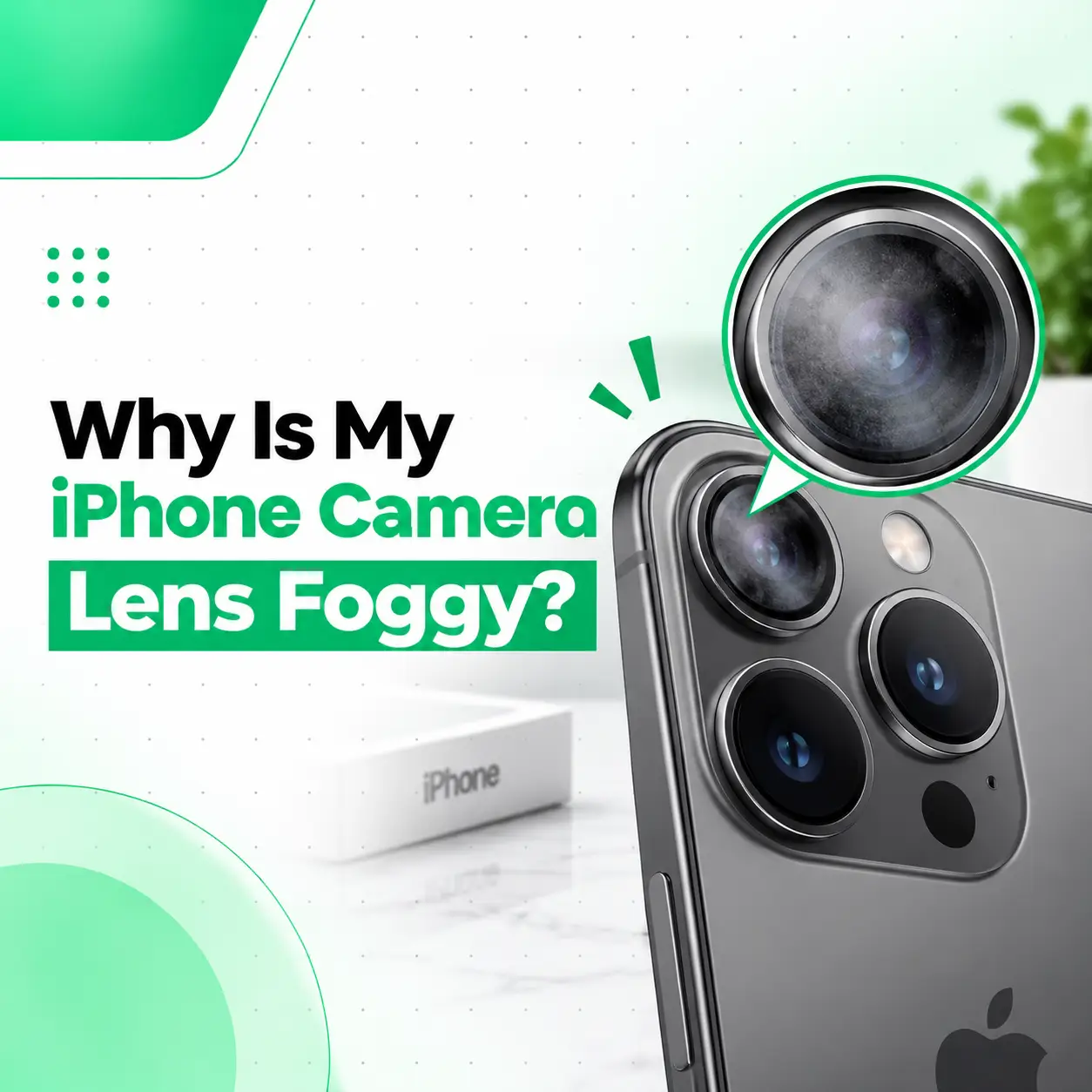
A foggy iPhone camera lens usually means moisture or condensation is affecting the camera glass or the area around the camera module. It can happen after exposure to water, high humidity, rain, or a sudden change from a cold environment to a warm one. Sometimes the fog is only on the outside of the lens and can be cleaned safely. If condensation appears to be inside the camera area, however, the issue may require professional inspection.
This guide explains why your iPhone camera lens becomes foggy, how to tell external dirt from internal moisture, what you can safely try at home, and when professional iPhone camera repair in Bangladesh may be appropriate. iCareFix can inspect the device when moisture or hardware damage continues to affect camera performance.
Why Is My iPhone Camera Lens Foggy?
An iPhone camera lens can become foggy when moisture condenses on the camera glass or enters the camera area. Common triggers include humidity, liquid exposure, temperature changes, and damage that compromises the phone’s physical seals.
The first thing to determine is where the fog is located:
- Outside the camera glass: The surface may simply need gentle cleaning.
- Under the camera glass: Moisture may be trapped inside the camera area.
- Inside the camera module: The camera hardware itself may have been exposed to moisture.
- Only visible in certain conditions: Temperature or humidity changes may be causing temporary condensation.
If the fog disappears after gently cleaning the exterior glass, the problem may be superficial. If it remains underneath the glass or returns repeatedly, further inspection is sensible.
What Causes an iPhone Camera Lens to Fog Up?
Several conditions can produce condensation around an iPhone camera.
Sudden Temperature Changes
A rapid change in temperature can cause moisture in the surrounding air to condense on a cooler camera surface.
For example, an iPhone taken from an air-conditioned room into a hot, humid outdoor environment may temporarily develop condensation.
This does not automatically mean the camera is permanently damaged. However, persistent fog should not be ignored.
Humidity and Moisture
High humidity can contribute to condensation, particularly when the phone is exposed to humid environments for an extended period.
If you notice fog after being outdoors in humid weather, near water, or in a steamy environment, moisture may be involved.
Water or Liquid Exposure
Rain, splashes, spills, or accidental immersion can introduce moisture into areas around the camera.
Even when the exterior appears dry, moisture may remain in areas that are not immediately visible.
If the fog appeared shortly after liquid exposure, avoid treating it as merely a dirty lens.
Damaged Camera Glass or Housing
A cracked camera cover, damaged rear glass, or previous physical impact can affect the protection around the camera area.
If the iPhone has recently been dropped or repaired, persistent condensation deserves closer inspection.
Previous Repair or Camera Replacement
A camera that was previously repaired or replaced may behave differently depending on the replacement part and repair process.
Apple notes that nongenuine camera components can cause camera performance or compatibility issues, including focusing problems and other camera-related behavior.
That does not mean every replacement camera will develop condensation. It means the repair history can be relevant when diagnosing unusual camera problems.
How Can You Tell If the Fog Is Inside the Camera?
You can often distinguish external dirt from internal condensation by examining the camera carefully.
Check the Outer Camera Glass
Turn off the iPhone and inspect the rear camera glass under good lighting.
If the haziness is clearly on the surface, gently wiping the exterior with an appropriate soft, lint-free cloth may resolve it. Apple recommends using a soft, lint-free cloth for cleaning and advises avoiding moisture entering openings.
Check Whether the Fog Moves or Changes
External smudges generally change or disappear when the glass is cleaned.
Internal condensation may remain visible beneath the glass and may change as the device’s temperature changes.
Test the Camera After Cleaning
Take several test photos using different camera modes or lenses.
Look for:
- Persistent haze
- Blurry images
- Unusual glare
- Reduced contrast
- Focus problems
- Spots or artifacts
- Camera preview abnormalities
Apple also recommends testing both front and rear cameras when troubleshooting camera problems.
How Do You Fix a Foggy iPhone Camera Lens?
The appropriate fix depends on whether the moisture is external or internal.
If the Fog Is on the Outside
Start with simple cleaning.
- Turn off the iPhone if practical.
- Use a clean, soft, lint-free or microfiber cloth.
- Gently wipe the exterior camera glass.
- Check the lens under good lighting.
- Open the Camera app and take a test photo.
Avoid aggressive rubbing or abrasive materials.
If Condensation Appears to Be Inside
Do not attempt to open the iPhone yourself just to remove the moisture.
Instead:
- Disconnect cables and accessories.
- Keep the phone in a dry location with normal airflow.
- Avoid charging the device if it has recently been exposed to liquid.
- Do not use a hair dryer, heater, or other external heat source.
- Monitor whether the condensation clears.
- Arrange a professional inspection if it remains or camera performance is affected.
Apple specifically advises against using an external heat source when drying a wet iPhone.
Why You Should Avoid External Heat
Applying strong heat can create additional problems for the phone. It is not a controlled way to remove moisture from a camera module.
A professional technician can determine whether the problem is limited to condensation around the camera or whether the camera module, connectors, or other internal components have been affected.
Can a Foggy iPhone Camera Damage Photo Quality?
Yes. Moisture or condensation around the camera can interfere with image quality.
You may notice:
- Hazy or washed-out photos
- Reduced sharpness
- Light scattering around bright objects
- Difficulty focusing
- Blurry images
- Spots or visual artifacts
- Abnormal camera behavior
A dirty exterior lens can produce similar symptoms, which is why cleaning the outside of the camera glass is a useful first step.
Apple’s camera troubleshooting guidance also identifies blurry images, visual artifacts, lens flare, poor image quality, and a black camera screen as symptoms worth troubleshooting.
What Should You Do If Your iPhone Camera Gets Wet?
If the phone or camera area has been exposed to liquid, handle it carefully.
Immediate Steps
- Disconnect charging cables and accessories.
- Wipe the exterior with a soft, lint-free cloth.
- Keep the phone in a dry area with airflow.
- Do not use an external heat source.
- Do not insert objects into openings.
- Avoid charging until the device is sufficiently dry after liquid exposure.
Apple advises not charging an iPhone after liquid exposure until it is completely dry, because charging while wet can cause damage.
If your iPhone displays a liquid-detection warning when a cable is connected, disconnect the cable and follow Apple’s drying guidance.
Can You Remove Moisture From an iPhone Camera Yourself?
You can safely address surface moisture, but internal condensation is different.
If the fog is clearly underneath the camera glass, opening the phone at home can create additional risks. The camera assembly may also need inspection for moisture, physical damage, connector problems, or other hardware issues.
DIY repair is particularly unsuitable if:
- The phone was submerged.
- Camera fogging keeps returning.
- The camera has stopped focusing.
- Photos remain blurry after the exterior lens is clean.
- The camera preview is abnormal.
- The phone was recently dropped.
- Other components are also malfunctioning.
When Does a Foggy iPhone Camera Need Professional Repair?
Professional inspection is appropriate when condensation persists, returns repeatedly, or is accompanied by camera problems.
Signs You Should Seek Repair
Consider professional iPhone repair if:
- Fog remains under the camera glass.
- The camera becomes permanently blurry.
- Autofocus stops working correctly.
- The camera shakes or behaves abnormally.
- The camera preview becomes black or freezes.
- The flash stops working.
- The phone was exposed to significant liquid.
- Camera problems continue after cleaning and restarting.
Apple recommends seeking service when camera or flash problems continue after basic troubleshooting.
What a Technician May Check
A professional inspection may involve checking:
- Camera glass and lens area
- Camera module
- Camera connectors
- Signs of liquid exposure
- Physical damage
- Camera functionality
- Focus performance
- Relevant repair history
The exact repair depends on what the inspection finds.
How Much Does Foggy iPhone Camera Repair Cost in Bangladesh?
There is no single repair price for every foggy iPhone camera.
The cost can depend on:
| Factor | Why It Matters |
| iPhone model | Camera assemblies differ between models |
| Moisture severity | Internal liquid exposure can affect more than the camera |
| Camera condition | Cleaning and component replacement are different repairs |
| Part availability | Some camera components may be easier to source than others |
| Part type | Genuine, OEM-equivalent, used, or aftermarket options can differ |
| Labor | Disassembly and diagnostic work can affect the total |
| Additional damage | Liquid or impact damage may involve other components |
A professional repair shop should diagnose the cause before quoting the appropriate repair.
Does a Foggy Camera Mean the iPhone Is Waterproof?
No. Water resistance does not mean an iPhone is permanently waterproof.
Apple provides water- and dust-resistance specifications for certain iPhone models, but resistance can vary by model and can change with normal wear or physical damage.
Therefore, recurring camera condensation should not simply be dismissed because the iPhone model has a water-resistance rating.
How Can You Prevent iPhone Camera Condensation?
You cannot eliminate every possibility of condensation, but you can reduce unnecessary moisture exposure.
Practical Prevention Tips
- Keep the iPhone away from unnecessary water exposure.
- Avoid using it in very humid or wet environments when possible.
- Use a suitable protective case.
- Check camera glass regularly for cracks or damage.
- Avoid sudden environmental changes when practical.
- Do not expose the device to unnecessary heat.
- If the phone gets wet, follow appropriate drying precautions before charging.
If condensation repeatedly appears without obvious water exposure, professional diagnosis can help determine whether there is an underlying hardware or sealing issue.
What If the Camera Is Still Foggy After Cleaning?
If cleaning the outside of the camera glass does not remove the haze, the moisture may be inside the camera area rather than on the surface.
At that point, repeatedly wiping the lens will not solve the underlying problem.
A technician can determine whether the issue involves:
- Internal condensation
- Camera module damage
- Camera glass damage
- Liquid exposure
- Connector problems
- Previous repair-related issues
- Another camera hardware fault
For iPhones that have had previous camera repairs, Apple’s Parts and Service History can also provide useful information on supported models. Apple says iPhone 12 models and later running iOS 15.2 or later can show relevant parts and service history when the device has been repaired.
When Should You Stop Troubleshooting at Home?
Basic troubleshooting is reasonable when the issue appears to be an external smudge or temporary condensation.
Stop DIY troubleshooting and seek professional inspection when:
- Moisture appears to be inside the device.
- The camera remains foggy for an extended period.
- The issue started after liquid exposure.
- Photos remain blurry.
- Autofocus does not work properly.
- The camera preview is black.
- Other phone functions begin failing.
- The phone has suffered physical damage.
The goal is not simply to make the lens look clear. The underlying cause should be identified so the appropriate repair can be considered.
Frequently Asked Questions
1. Why is my iPhone camera lens foggy?
An iPhone camera lens can become foggy because of condensation, humidity, liquid exposure, temperature changes, or moisture trapped beneath the camera glass. If the fog is on the outside, gently cleaning the lens may solve the problem. If it appears underneath the glass or keeps returning, the camera area should be professionally inspected.
2. How do I get condensation out of my iPhone camera?
If condensation is internal, do not open the iPhone or apply direct heat. Keep the device in a dry area with normal airflow and avoid charging it if it has recently been exposed to liquid. If the condensation persists or camera performance is affected, professional inspection is safer than attempting an internal repair yourself.
3. Can a foggy iPhone camera be fixed?
Yes, the appropriate solution depends on the cause. Surface moisture may only require cleaning, while persistent internal condensation may require inspection of the camera assembly and surrounding components. If moisture has damaged the camera hardware, component repair or replacement may be necessary. A technician should diagnose the problem before deciding on the repair.
4. Is it safe to use a hair dryer to remove camera fog?
No. Using a hair dryer or another external heat source is not a recommended way to dry a wet iPhone. Apple advises against external heat when drying the device. Excessive heat can create additional risks, so controlled drying and professional inspection are preferable when moisture may have entered the phone.
5. How much does iPhone camera moisture repair cost in Bangladesh?
The cost varies by iPhone model, camera condition, moisture damage, required parts, labor, and whether the camera can be repaired or needs replacement. Additional liquid damage can also affect the total. Because there is no single price for every case, an inspection is the appropriate way to determine the required repair.
6. Can I use my iPhone if the camera lens is foggy?
If the fog is only a temporary external condensation issue, the phone may continue to function normally. However, if the device has been exposed to liquid or the condensation appears inside the camera, continued use—especially charging—may not be advisable until the device is dry and assessed. Camera problems that persist should be professionally checked.
7. When should I take my iPhone to a repair shop for a foggy camera?
Consider professional repair when condensation remains under the camera glass, repeatedly returns, or is accompanied by blurry photos, focusing problems, camera failure, flash problems, or other symptoms. A professional inspection can determine whether the problem is simple surface contamination, moisture, physical damage, or a camera hardware fault.
Conclusion
A foggy iPhone camera lens is often related to condensation, humidity, liquid exposure, temperature changes, or moisture around the camera assembly. If the haze is only on the exterior, gently cleaning the camera glass may be enough. If the fog appears underneath the glass, keeps returning, or is accompanied by blurry images or focusing problems, the issue deserves closer attention.
Avoid opening the iPhone or applying direct heat to remove suspected internal moisture. If basic troubleshooting does not resolve the problem, a professional inspection can help determine whether the camera glass, camera module, connectors, or another component is affected.
If your iPhone camera remains foggy after cleaning or has developed camera problems following moisture or physical damage, iCareFix can assess the device and recommend an appropriate repair option based on the condition found during inspection