




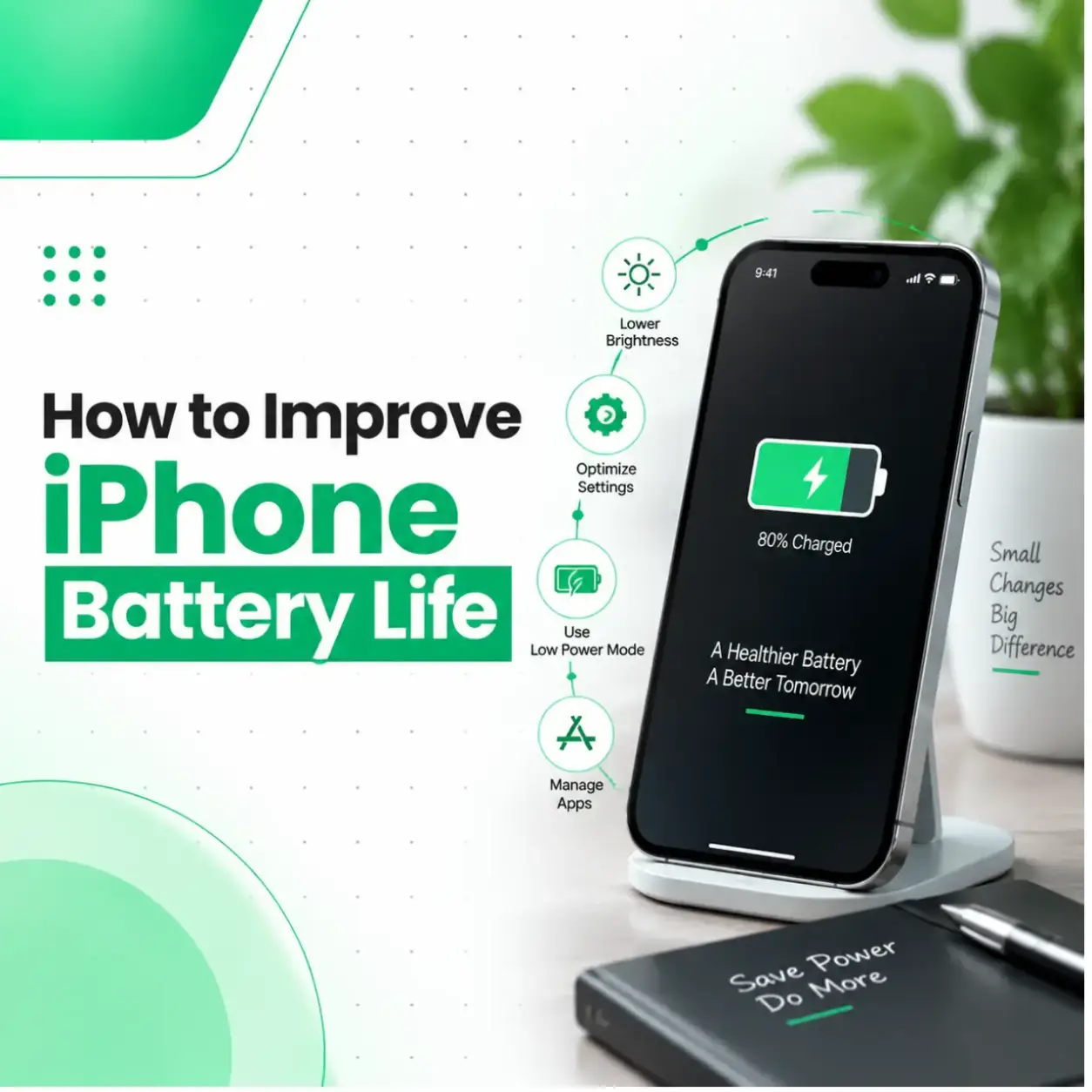
How to Improve iPhone Battery Life: Effective Tips to Make Your Battery Last Longer
If your iPhone battery does not last as long as it used to, you are not alone. Many iPhone users notice shorter battery performance over time due to increased app usage, software changes, charging habits, and natural battery ageing.
Learning how to improve iPhone battery life can help you get more usage time from your device and reduce unnecessary battery stress. Simple adjustments like managing background apps, optimizing settings, controlling screen usage, and maintaining proper charging habits can make a noticeable difference.
However, if your iPhone continues losing battery quickly even after optimization, the issue may be related to battery health or hardware damage. iCareFix provides professional iPhone repair services to help diagnose battery-related problems and recommend suitable solutions.
Why Is My iPhone Battery Life Getting Worse?
iPhone battery performance can decrease because of normal battery ageing, high power usage, software settings, or hardware problems.
The most common reasons include:
- Reduced battery health
- Too many background applications
- High screen brightness
- Frequent location tracking
- Poor network conditions
- Outdated software
- Heavy gaming or video usage
- Battery ageing
Understanding the cause helps you choose the right solution instead of replacing the battery unnecessarily.
How to Improve iPhone Battery Life?
You can improve iPhone battery life by adjusting settings, reducing unnecessary power usage, keeping software updated, and following better charging habits.
Here are practical ways to extend your iPhone battery performance.
1. Check Your iPhone Battery Health
The first step is understanding your current battery condition.
Apple provides a built-in battery health feature:
Settings → Battery → Battery Health & Charging
You can check:
- Maximum Capacity
- Peak Performance Capability
- Charging optimization status
A lower maximum capacity means your battery stores less power compared to when it was new.
If your battery health has significantly decreased and your phone cannot hold charge properly, professional battery replacement may be required.
2. Enable Optimized Battery Charging
Optimized Battery Charging helps reduce battery ageing by learning your charging routine and reducing unnecessary time spent at full charge.
To enable it:
- Open Settings
- Select Battery
- Tap Battery Health & Charging
- Turn on Optimized Battery Charging
This feature helps maintain long-term battery performance.
3. Use Low Power Mode When Needed
Low Power Mode reduces background activity and helps your iPhone consume less energy.
It can temporarily reduce:
- Background app refresh
- Automatic downloads
- Some visual effects
- Email fetching frequency
To enable it:
Settings → Battery → Low Power Mode
This is useful when your battery percentage is low or you need extra usage time.
4. Reduce Screen Brightness
The display is one of the biggest battery consumers on any smartphone.
To save battery:
- Reduce brightness manually
- Enable Auto-Brightness
- Reduce screen timeout duration
You can adjust brightness from:
Settings → Display & Brightness
Lowering unnecessary screen usage can significantly improve daily battery performance.
5. Manage Background App Refresh
Many apps continue updating content even when you are not actively using them.
Examples:
- Social media apps
- News apps
- Cloud storage apps
- Email apps
To manage this:
Settings → General → Background App Refresh
Disable background activity for apps that do not need constant updates.
6. Control Location Services
Location tracking can consume additional battery power, especially when multiple apps use GPS continuously.
Review location permissions:
Settings → Privacy & Security → Location Services
Choose appropriate options:
- Never
- Ask Next Time
- While Using the App
Only allow location access when necessary.
7. Keep Your iPhone Updated
Software updates often include:
- Bug fixes
- Security improvements
- Performance improvements
- Battery optimization changes
Keeping your iOS version updated can help maintain stable battery performance.
Go to:
Settings → General → Software Update
8. Limit Push Notifications
Every notification can wake your iPhone screen and activate background processes.
Too many unnecessary notifications may increase battery consumption.
Manage notifications:
Settings → Notifications
Disable alerts from apps that are not important.
9. Avoid Extreme Temperatures
Temperature affects lithium-ion battery performance.
Avoid exposing your iPhone to:
- Excessive heat
- Direct sunlight for long periods
- Extremely cold environments
High temperatures can reduce battery efficiency and may affect long-term battery health.
10. Use Quality Charging Accessories
Using reliable charging accessories helps protect your iPhone battery.
Poor-quality chargers may cause:
- Unstable charging
- Excessive heat
- Battery performance issues
Use trusted charging cables and adapters designed for your device.
Common Mistakes That Reduce iPhone Battery Health
Many users unknowingly reduce battery lifespan through poor habits.
Avoid:
Keeping Battery at 0% Frequently
Allowing your battery to completely drain repeatedly can increase battery stress.
Excessive Heat During Charging
Avoid charging your phone in hot environments or under materials that trap heat.
Using Heavy Apps Continuously
Activities such as:
- Gaming
- Video editing
- High-quality video streaming
can increase battery usage significantly.
Ignoring Battery Warnings
If your iPhone shows battery service warnings, it is better to have the device inspected.
How to Check Which Apps Use the Most Battery?
Your iPhone provides battery usage information.
Go to:
Settings → Battery
You can view:
- Battery usage by app
- Screen activity
- Background activity
If one app consumes unusually high power, consider:
- Updating the app
- Reinstalling it
- Checking its settings
Does Closing Apps Improve iPhone Battery Life?
Many users believe constantly closing apps saves battery, but this is not always necessary.
iOS manages background applications automatically. Frequently reopening apps can sometimes use more energy.
Instead, focus on:
- Removing unnecessary apps
- Limiting background activity
- Managing permissions
When Should You Replace Your iPhone Battery?
Battery optimization cannot fix a physically damaged or heavily aged battery.
Consider professional battery inspection if:
- Battery drains extremely quickly
- iPhone shuts down unexpectedly
- Battery health is significantly reduced
- Device becomes unusually hot
- Charging performance becomes inconsistent
A technician can determine whether the issue is caused by the battery or another internal component.
iPhone Battery Replacement in Bangladesh: What Affects Cost?
The cost of iPhone battery replacement depends on several factors:
- iPhone model
- Battery quality
- Replacement part availability
- Repair complexity
- Service warranty
- Labour cost
Professional diagnosis helps ensure you replace the correct component instead of spending money on unnecessary repairs.
Can I Improve iPhone Battery Life Without Replacing the Battery?
Yes. Many battery problems are caused by settings, apps, or usage habits.
You can improve battery performance by:
- Managing apps
- Reducing brightness
- Using Low Power Mode
- Updating iOS
- Optimizing charging habits
However, if the battery itself has degraded, software adjustments may provide limited improvement.
When Should You Visit a Professional iPhone Repair Service?
Professional inspection is recommended when:
- Battery drains unusually fast
- Basic troubleshooting does not help
- Phone heats up frequently
- Battery replacement warning appears
- Charging behaviour changes
A repair specialist can check battery condition and identify whether the issue is related to the battery, charging system, or another component.
Frequently Asked Questions
1. How can I improve my iPhone battery life?
You can improve iPhone battery life by reducing screen brightness, managing background apps, enabling optimized charging, updating iOS, limiting unnecessary notifications, and controlling location services.
2. Why is my iPhone battery draining so quickly?
Fast battery drain can happen because of battery ageing, heavy app usage, background activity, software problems, poor network signals, or a damaged battery component.
3. Does Low Power Mode improve iPhone battery life?
Yes. Low Power Mode reduces certain background activities and power-consuming features, helping your iPhone last longer when battery percentage is low.
4. How often should I replace my iPhone battery?
Battery replacement depends on usage, battery health, and performance. If your iPhone cannot maintain charge or battery performance becomes unreliable, professional inspection is recommended.
5. Does charging overnight damage an iPhone battery?
Modern iPhones include charging management features that help reduce battery stress. However, keeping the device in high-temperature conditions while charging should be avoided.
6. Can apps drain iPhone battery even when not open?
Yes. Some apps use background processes, location services, or notifications that consume battery even when they are not actively open.
7. Should I repair my iPhone battery or buy a new phone?
If your iPhone works well but has poor battery performance, replacing the battery may extend the device’s useful life. A professional diagnosis can help determine the best option.
Conclusion
Improving iPhone battery life does not always require a battery replacement. Simple changes like managing apps, optimizing settings, reducing unnecessary power usage, and following better charging habits can help your iPhone perform better.
However, if your iPhone battery continues draining quickly despite these steps, the issue may require professional diagnosis. iCareFix can inspect your device, identify the cause of battery problems, and recommend the appropriate repair solution.